




Here's how it works

01. Edit your 2011 irs 1040 instructions online
Type text, add images, blackout confidential details, add comments, highlights and more.

02. Sign it in a few clicks
Draw your signature, type it, upload its image, or use your mobile device as a signature pad.

03. Share your form with others
Send 2011 form instructions via email, link, or fax. You can also download it, export it or print it out.
The fastest way to redact 2011 instructions form online

Dochub is a perfect editor for modifying your paperwork online. Adhere to this simple guideline redact 2011 instructions form in PDF format online at no cost:
- Sign up and log in. Register for a free account, set a strong password, and go through email verification to start managing your forms.
- Add a document. Click on New Document and select the form importing option: upload 2011 instructions form from your device, the cloud, or a secure URL.
- Make changes to the template. Utilize the upper and left-side panel tools to modify 2011 instructions form. Insert and customize text, images, and fillable fields, whiteout unnecessary details, highlight the significant ones, and provide comments on your updates.
- Get your documentation done. Send the sample to other people via email, generate a link for quicker file sharing, export the template to the cloud, or save it on your device in the current version or with Audit Trail included.
Try all the advantages of our editor today!
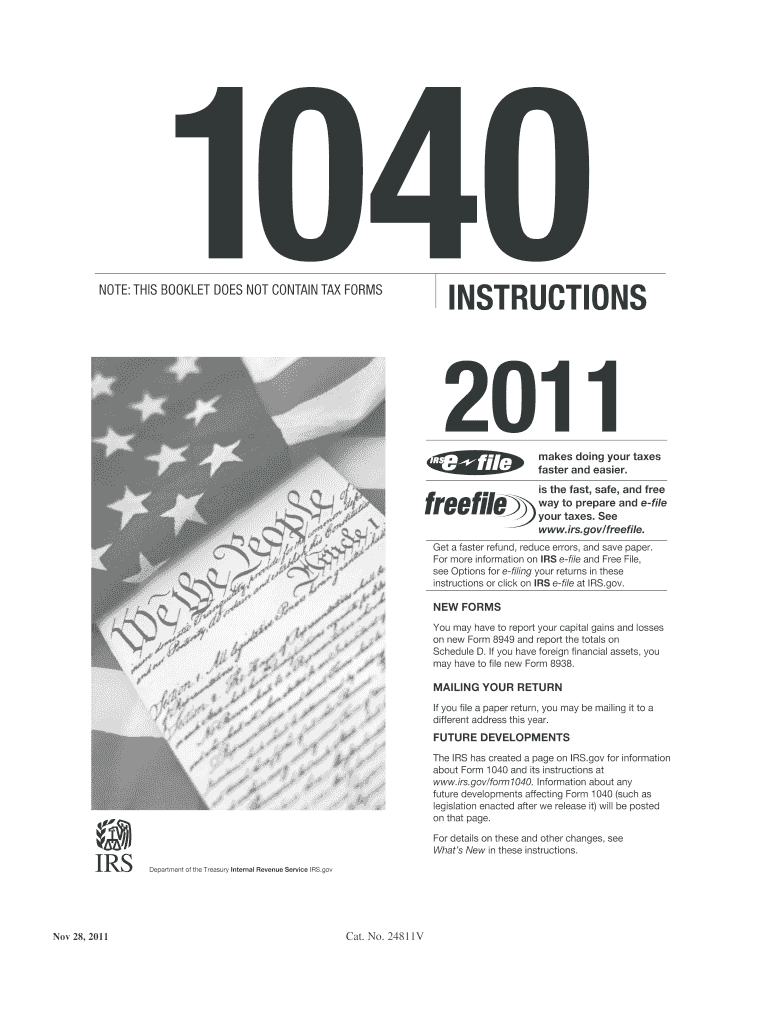
Fill out 2011 instructions form online
It's free
It's free
See more 2011 instructions form versions
We've got more versions of the 2011 instructions form form. Select the right 2011 instructions form version from the list and start editing it straight away!
| Versions | Form popularity | Fillable & printable |
|---|---|---|
| 2025 | 4.9 Satisfied (40 Votes) | |
| 2024 | 4.6 Satisfied (50 Votes) | |
| 2023 | 4.1 Satisfied (57 Votes) | |
| 2022 | 4.8 Satisfied (25 Votes) | |
| 2021 | 4.8 Satisfied (71 Votes) | |
| 2020 | 4.3 Satisfied (157 Votes) | |
| 2019 | 4.4 Satisfied (250 Votes) | |
| 2018 | 4.4 Satisfied (196 Votes) | |
| 2017 | 4.4 Satisfied (202 Votes) | |
| 2016 | 4.4 Satisfied (113 Votes) | |
| 2015 | 4.3 Satisfied (126 Votes) | |
| 2014 | 4.4 Satisfied (560 Votes) | |
| 2011 | 4 Satisfied (25 Votes) | |
| 2006 | 4.3 Satisfied (51 Votes) |
Got questions?
We have answers to the most popular questions from our customers. If you can't find an answer to your question, please contact us.
Contact us
How to fill out form w 4 instructions?
How to fill out a W-4 Step 1: Enter your personal information. Fill in your name, address, Social Security number and tax filing status. Step 2: Account for all jobs or spousal income. Step 3: Claim dependents, including children. Step 4: Refine your withholdings. Step 5: Sign and date your W-4.
What is the IRS 7 year rule?
Keep records for 7 years if you file a claim for a loss from worthless securities or bad debt deduction. Keep records for 6 years if you do not report income that you should report, and it is more than 25% of the gross income shown on your return. Keep records indefinitely if you do not file a return.
What is the oldest tax return I can file?
You can file back taxes for any past year, but the IRS usually considers you in good standing if you have filed the last six years of tax returns.
Where can I get tax instruction booklets?
Get the current filing years forms, instructions, and publications for free from the IRS. You can also find printed versions of many forms, instructions, and publications in your community for free at: Libraries. IRS Taxpayer Assistance Centers.
Can I still file my 2011 tax return?
* The IRS does not allow electronic filing of prior year tax returns, and the deadline for 2011 electronic filing has passed on October 15, 2012.
Security and compliance
At DocHub, your data security is our priority. We follow HIPAA, SOC2, GDPR, and other standards, so you can work on your documents with confidence.
Learn more


People also ask
How far back can IRS go for unfiled taxes?
HOW FAR BACK CAN THE IRS GO FOR UNFILED TAXES? The IRS can go back six years to audit and assess additional taxes, penalties, and interest for unfiled taxes. However, there is no statute of limitations if you failed to file a tax return or if the IRS suspects you committed fraud.
How far back are you allowed to file taxes?
There is no hard limit on how many years you can file back taxes. However, to be in good standing with the IRS, you should have filed tax returns for the last six years. If youre due a refund or tax credits, you must file the return within three years of the original due date to claim it.
How can I file my 2011 tax return?
How to File a 2011 Return Today? You can complete and sign the 2011 IRS Tax Return Forms here on eFile.com. Then, download, print, and mail the 2011 IRS Forms to the address listed on them. For state returns, select your state(s) and download, complete, print, and sign your 2011 State Tax Return income forms.