




01. Edit your net tangible benefit fannie mae online
Type text, add images, blackout confidential details, add comments, highlights and more.

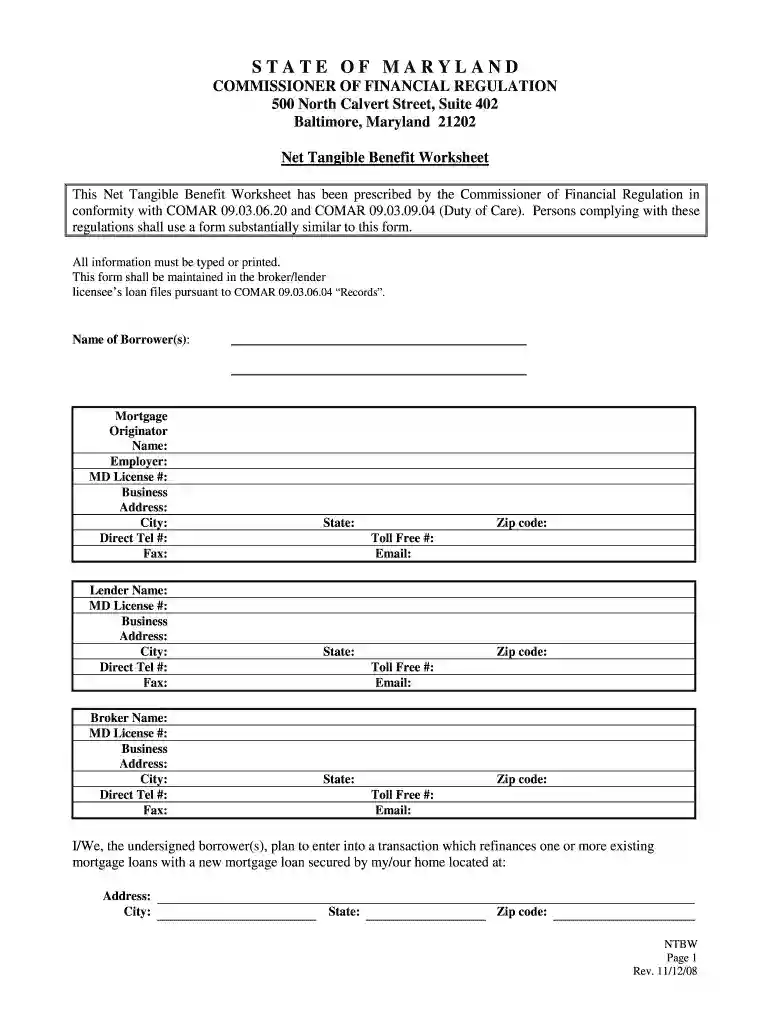
Type text, add images, blackout confidential details, add comments, highlights and more.

Draw your signature, type it, upload its image, or use your mobile device as a signature pad.

Send fannie mae net tangible benefit via email, link, or fax. You can also download it, export it or print it out.

Start using our platform today for free to streamline your document editing and signing process!
We've got more versions of the net tangible benefit fannie mae form. Select the right net tangible benefit fannie mae version from the list and start editing it straight away!
| Versions | Form popularity | Fillable & printable |
|---|---|---|
| 2008 | 4.9 Satisfied (212 Votes) |
At DocHub, your data security is our priority. We follow HIPAA, SOC2, GDPR, and other standards, so you can work on your documents with confidence.
Method to Determine Net Tangible Benefit. (1) When determining whether a refinance of a mortgage loan will provide a net tangible benefit to the borrower, aRead more
Dec 27, 2021 ➢ The new loan will provide a reasonable, tangible net benefit to me/us after taking into account the terms of both the new and existing loan(s)Read more
May 6, 2014 Climate changes projected to have adverse impacts on private sector infrastructure and logistics systems will have a direct effect on militaryRead more


