
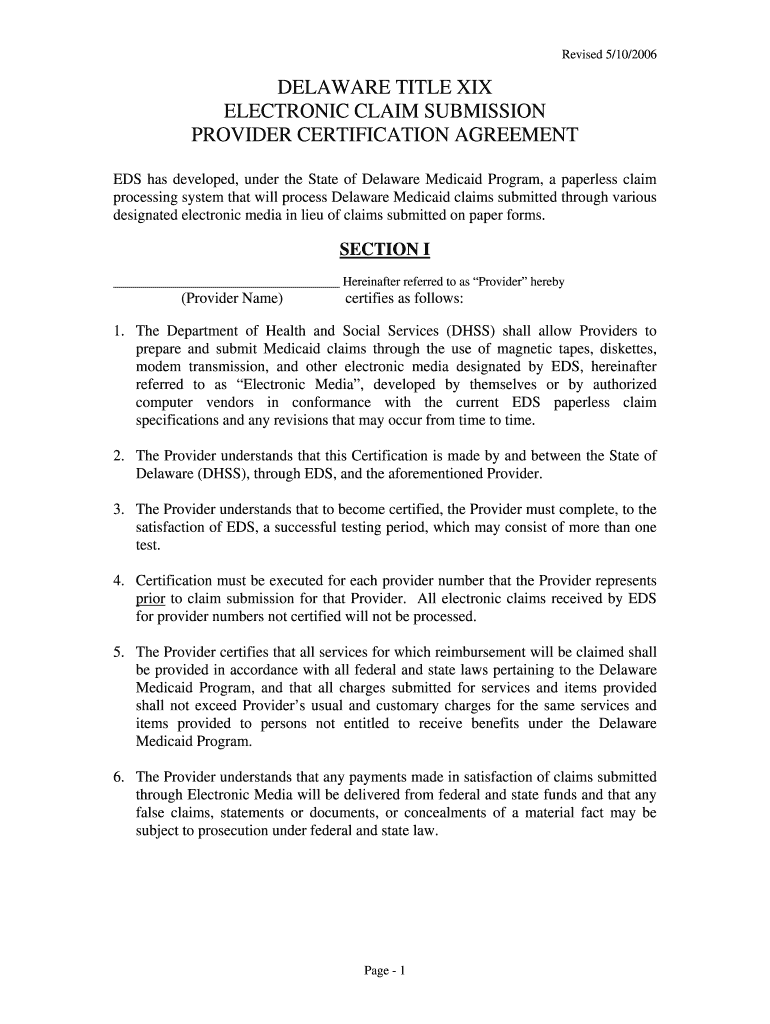




Here's how it works
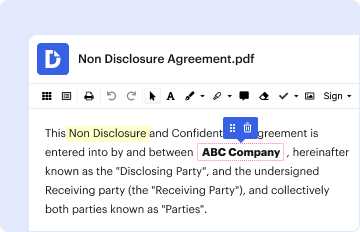
How to use or fill out Delaware Title 19 Electronic Claim Submission Form

- Click ‘Get Form’ to open it in the editor.
- In Section I, enter your Provider Name and review the certification statements carefully. Ensure you understand the requirements for electronic claim submission.
- Proceed to Section II. Here, print or type your Provider Address, including City, State, and Zip Code. List all Medicaid provider numbers and names for which you will be submitting claims.
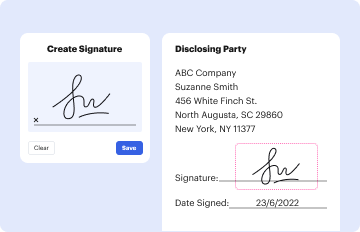
- In Section III, sign the agreement certifying that all information is accurate. Authorize individuals who will submit claims on your behalf by providing their signatures and printed names.
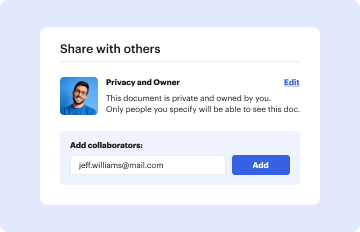
- Once completed, save your document. You can easily export it or share it directly from our platform for submission.
Start using our platform today to streamline your Delaware Title 19 claim submissions effortlessly!
It's free
See more delaware title 19 electronic claim submission form versions
| Versions | Form popularity | Fillable & printable |
|---|---|---|
| 2006 | 4.8 Satisfied (62 Votes) |
Got questions?
How can I sign my delaware title 19 electronic claim submission form without printing?
Electronic signatures are a great alternative to traditional signing, as they save time, effort, and money people spend on printing, scanning, and paper delivery. You can eSign your delaware title 19 electronic claim submission form utilizing a reliable and robust online document management services like DocHub. It complies with main eSignature regulations (ESIGN and UETA), so all forms approved there are legally binding and have the same validity as physically signed ones.
How do you get delaware title 19 electronic claim submission form for my state?
If you are looking for a state-specific delaware title 19 electronic claim submission form sample, you will find it in our DocHub Forms & Templates catalog. Use the search field, key in your form’s name, and search through the results for your state. You may also filter out irrelevant results while exploring our catalog by categories.
Security and compliance
At DocHub, your data security is our priority. We follow HIPAA, SOC2, GDPR, and other standards, so you can work on your documents with confidence.
Learn more


