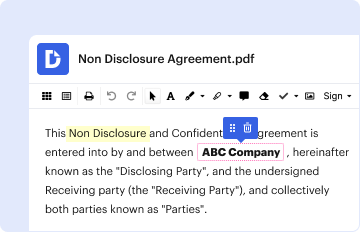
Type text, add images, blackout confidential details, add comments, highlights and more.

02. Sign it in a few clicks
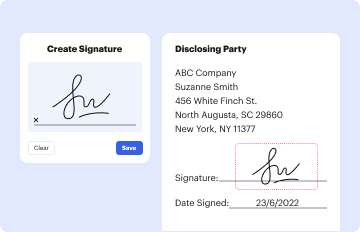
Draw your signature, type it, upload its image, or use your mobile device as a signature pad.
03. Share your form with others
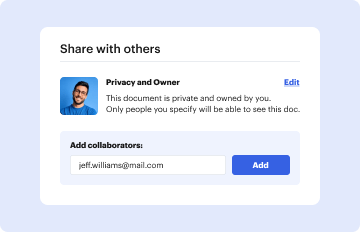
Send it via email, link, or fax. You can also download it, export it or print it out.

How to use or fill out PRELIMINARY STATEMENT OF THE ISSUES with our platform
Ease of Setup
DocHub User Ratings on G2
Ease of Use
DocHub User Ratings on G2
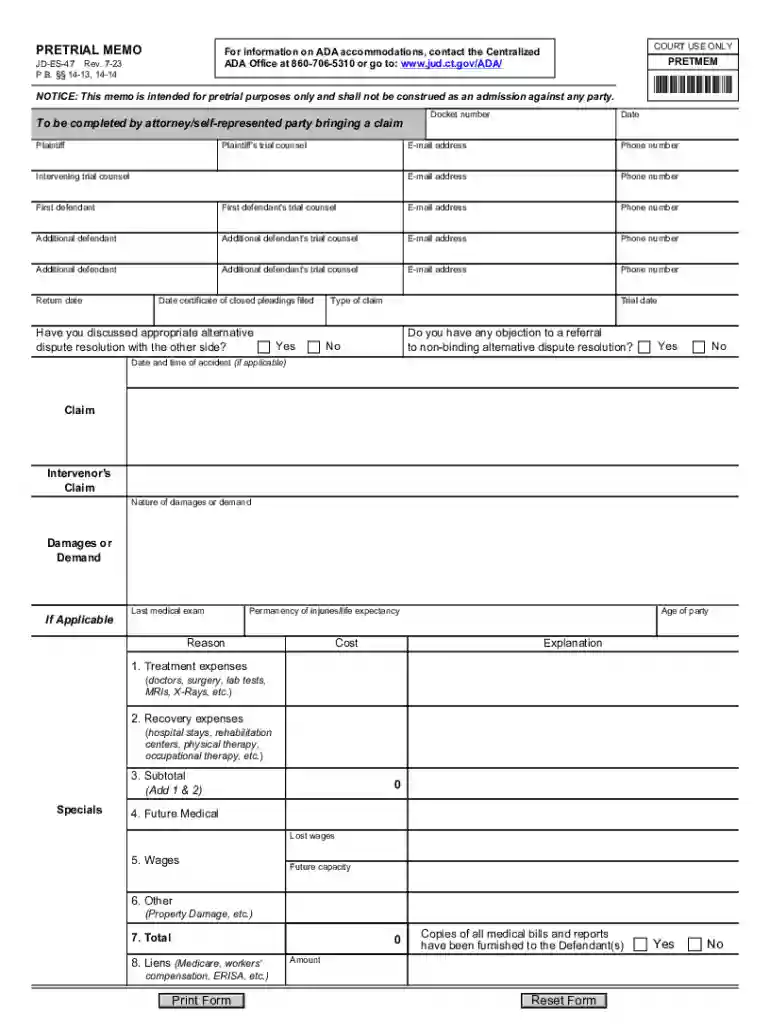
Click ‘Get Form’ to open the PRELIMINARY STATEMENT OF THE ISSUES in the editor.
Begin by entering your details as the plaintiff, including your name, trial counsel's name, and contact information. This ensures that all parties are correctly identified.
Fill in the docket number and date at the top of the form. These fields are crucial for tracking your case within the court system.
Provide information about the defendants, including their names and trial counsel's contact details. Make sure to include any additional defendants if applicable.
Indicate whether you have discussed alternative dispute resolution options with the other side by selecting 'Yes' or 'No'.
Complete sections regarding claims, damages, and medical expenses. Be thorough in detailing treatment expenses and recovery costs to support your case effectively.
Review all entered information for accuracy before saving or exporting your completed document.
Start using our platform today to streamline your document editing process for free!
Fill out PRELIMINARY STATEMENT OF THE ISSUES online It's free
See more PRELIMINARY STATEMENT OF THE ISSUES versions
We've got more versions of the PRELIMINARY STATEMENT OF THE ISSUES form. Select the right PRELIMINARY STATEMENT OF THE ISSUES version from the list and start editing it straight away!
Issue statement examplePreliminary issue statement exampleLegal issue statement examplesWhat is an issue statement in an essayWhat is an issue statement in an argumentative essayIssue statement templateStatement of the issues appellate brief exampleUnder-does-when issue statement
Security and compliance
At DocHub, your data security is our priority. We follow HIPAA, SOC2, GDPR, and other standards, so you can work on your documents with confidence.
Cookie consent notice
This site uses cookies to enhance site navigation and personalize your experience.
By using this site you agree to our use of cookies as described in our Privacy Notice.
You can modify your selections by visiting our Cookie and Advertising Notice.