
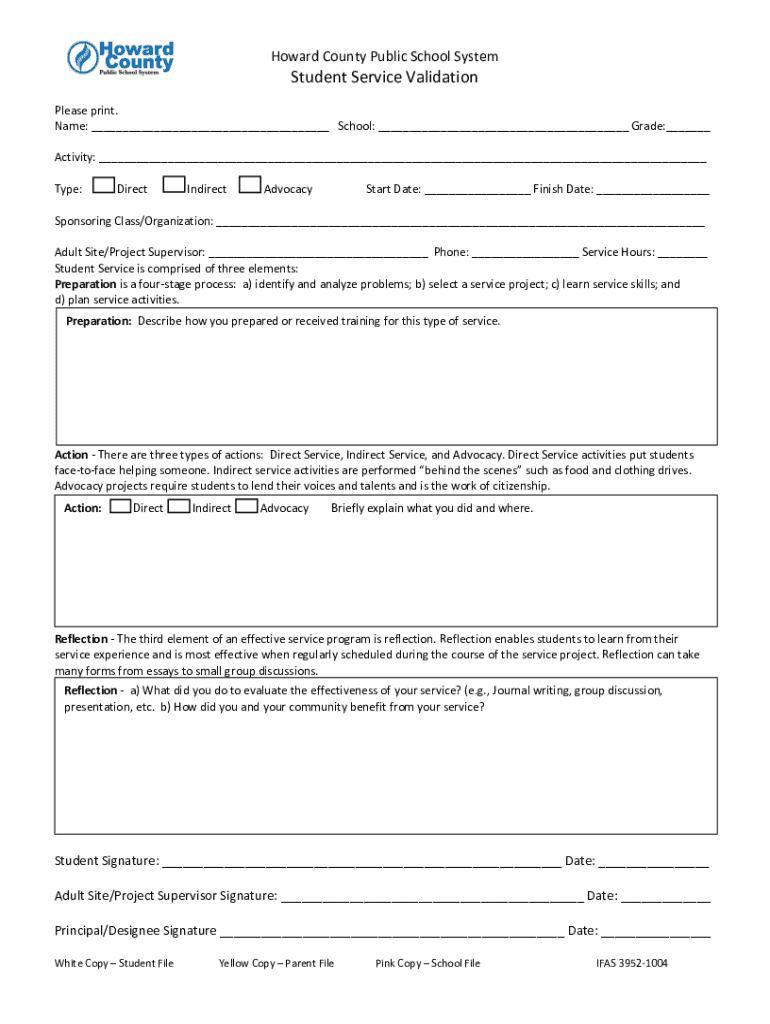







Definition & Meaning
A "form online" generally refers to a digital document that is designed to be completed, submitted, or processed over the internet. These forms can vary widely in their purpose and complexity, ranging from simple contact or registration forms to more involved documents like tax filings or business applications. The main advantage of an online form is its accessibility, allowing users to fill out necessary information from any internet-connected device without needing to handle physical paperwork. This often leads to expedited processes and easier management of documentation.
Online forms often include elements such as text fields, checkboxes, radio buttons, and dropdown menus, which are used to collect user data. They are designed to streamline the process for users as well as administrators or organizations collecting the data. Additionally, online forms often incorporate validation and error-checking features to ensure that the information provided is complete and accurate before submission.
How to Use the Form Online
Using an online form involves several straightforward steps. Users typically start by accessing the website or platform hosting the form. In many cases, this might involve navigating to a specific section of a site, such as a tax portal or a company's contact page. Once there, the user can begin entering their information.
- Access the Form: Locate the form on the relevant website or platform. This could be through a direct link or a menu on a homepage.
- Review Instructions: Before beginning, read any provided instructions or guidelines carefully to understand what information is required.
- Input Data: Enter the necessary information into each field. Ensure accuracy and completeness to prevent delays or rejections.
- Validate Entries: Use any validation tools to check for errors or omissions, often indicated by real-time feedback such as warnings or error messages.
- Submit the Form: Once all fields are completed correctly, press the submit button. A confirmation message or email may be provided to acknowledge receipt.
Steps to Complete the Form Online
Successfully completing an online form requires attention to detail and adherence to the specific requirements of that form. Here's a typical sequence a user might follow:
- Gather Information: Before beginning, gather all necessary documents and data, such as identification numbers, addresses, or financial information.
- Login or Register: Depending on the platform, you may need to log in or create an account to access the form.
- Fill Out Sections: Focus on one section at a time, entering the necessary information carefully. Avoid skipping parts as mandatory fields can often prevent submission.
- Check for Save Options: If the form is lengthy, check if it offers options to save progress, allowing you to return later if needed.
- Review and Edit: Carefully review all entered information for accuracy. Edit any mistakes before submitting.
- Submission Confirmation: After submitting, look for a confirmation message that your form was successfully received. This may also be sent via email for your records.
Who Typically Uses the Form Online
Online forms are used by a diverse array of individuals and organizations. Here are some typical users:
- Individual Taxpayers: Many individuals use online forms to file taxes, apply for financial aid, or submit governmental documentation.
- Businesses: Companies often use online forms for customer feedback, registrations, human resources applications, and more.
- Students and Educators: Forms are essential in educational settings for applications, surveys, and administrative purposes.
- Healthcare Providers: Patient intake forms, health records, and insurance claims are often processed online for efficiency.
- Government Agencies: Utilize online forms for permits, licenses, and regulatory compliance documentation.


Important Terms Related to Form Online
Understanding the terminology associated with online forms can enhance the user experience and prevent misunderstandings. Key terms include:
- E-Signature: An electronic method of signing a document that is legally binding.
- Captcha: A tool used in forms to verify that a human is completing the form rather than a bot.
- Field Validation: Automatic error-checking processes that ensure entered data meets specified criteria, like email format or numeric limits.
- SSL Encryption: A security protocol used to protect data transmitted through the form.
- Multi-Page Forms: Forms that span several screens or pages, often seen in comprehensive applications or surveys.
Legal Use of the Form Online
Online forms are subject to legal standards and regulations that ensure their integrity and the protection of users' data. In the U.S., laws such as the ESIGN Act regulate electronic signatures, making them legally equivalent to handwritten signatures. Compliance with privacy laws like the Data Protection Act or HIPAA for medical forms is critical to protect sensitive information and avoid legal penalties.
Online forms also require compliance with accessibility standards, ensuring they are usable by individuals with disabilities, in accordance with laws such as the Americans with Disabilities Act (ADA).
Key Elements of the Form Online
Key elements often included in online forms contribute to their functionality and user experience:
- Text Fields: For inputting alphanumeric data, such as names or addresses.
- Dropdown Menus: Provide a list of options to reduce input errors.
- Radio Buttons: Allow selection of one option among several.
- Checkboxes: Enable selection of multiple, non-exclusive options.
- Submit Button: Finalizes and sends form data for processing.
State-Specific Rules for the Form Online
Forms used in the United States can also be subject to state-specific regulations, particularly for tax or legal documents. Each state may have unique requirements or guidelines that must be followed. For instance, filing taxes or business documentation online in California may involve different procedures or additional forms compared to New York.
Businesses and individuals must ensure they understand and comply with these local regulations when using online forms, which might include additional fields specific to district requirements or supplemental documentation that needs to be attached.


