
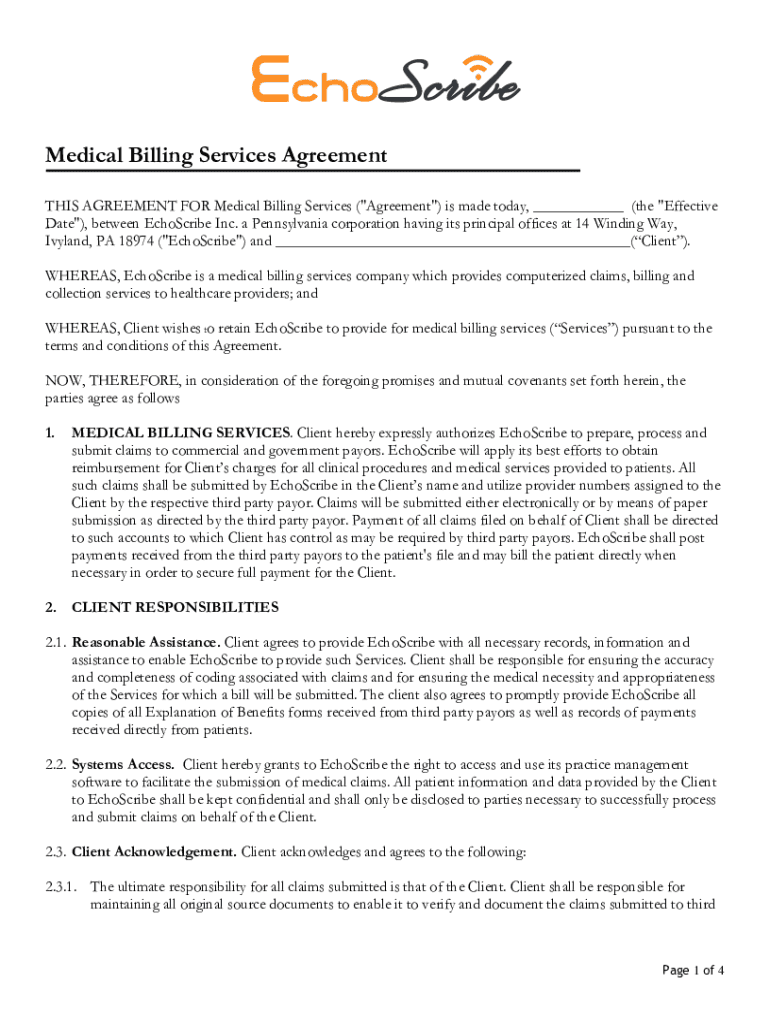







Definition & Meaning
The term "form online" refers to digital versions of traditional paper forms that can be accessed, filled out, and submitted through the internet. These forms facilitate a wide range of tasks, from personal tax filings to business permit applications, streamlining processes that previously required physical paperwork. The shift to online forms reduces manual errors, speeds up processing, and allows for easy access to forms anytime, anywhere. This is particularly beneficial in contexts where timely submissions are critical, such as governmental and legal filings.
How to Use the Form Online
Using an online form involves several steps to ensure accurate completion. Begin by accessing the document through a designated platform, such as DocHub. Once opened, users will typically find a series of fields requiring input. These may include text boxes for personal information, dropdown menus for selecting options, and checkboxes for confirming certain items. Navigation and completion are made user-friendly through clear instructions and an intuitive interface, which often incorporates tooltips and prompts to aid in data entry.
Steps to Complete the Form Online
-
Access the Form: Log into the relevant platform and locate the form via a search feature or through direct access links.
-
Review Instructions: Carefully read any guidelines or instructions provided at the beginning of the form. This helps in understanding what information is required and how it should be formatted.
-
Fill in the Information: Enter data into the designated fields. Use dropdown menus and checkboxes where applicable, and ensure that all required fields are completed.
-
Attach Necessary Documents: If additional documentation is needed, such as identification or proof of address, these can typically be uploaded within the form.
-
Review and Edit: Before submission, review all entries for accuracy. Many online forms allow for easy editing of fields.
-
Submit the Form: Once satisfied with the entries, submit the form. Confirmation via email or on-screen messages often follows this step, indicating successful submission.
Important Terms Related to Form Online
- Fillable Fields: Areas within the form that accept user input, such as text boxes or checkboxes.
- Dropdown Menu: A feature that allows users to select an option from a list.
- Encryption: The process of securing data to protect it from unauthorized access, commonly used in online form submissions.
- OAuth 2.0: A protocol ensuring secure authorization, allowing the user to connect accounts without sharing passwords.
- Audit Trail: A record of actions taken, such as submissions and edits, providing a log for verification and security purposes.
Legal Use of the Form Online
Online forms often hold the same legal standing as their paper counterparts when completed and submitted correctly. This is particularly true for forms requiring authentication, such as electronic signatures. Laws like the ESIGN Act ensure that digital signatures are recognized as legally binding, provided the signing process meets specific criteria for consent and verification. It's imperative that users adhere to privacy laws, understanding how data will be used and stored, especially when handling sensitive information.
Key Elements of the Form Online
- User Interface: Designed for ease of use, allowing users to navigate and fill forms without confusion.
- Real-Time Validation: Ensures that the data entered meets required formats and fields are completed before submission.
- Data Security: Includes measures such as encryption and secure authorization to protect user data.
- Completion Checklists: Guides users to ensure all necessary steps and entries are fulfilled before submission.
State-Specific Rules for the Form Online
Due to varying state laws in the United States, online forms may require different information or documents depending on the user's location. Forms might necessitate specific identification methods, local taxation numbers, or other region-specific data points to comply with state regulations. Understanding these requirements is essential for ensuring compliance and avoiding processing delays.
Form Submission Methods (Online / Mail / In-Person)
Although many forms are available online, the submission method can vary:
-
Online Submission: Instantaneous and convenient, online submission is the most common method, allowing for quick data transfer and processing.
-
Mail: Some forms still allow or require paper submissions for legal reasons or if the original documents cannot be digitized.
-
In-Person: Less common, but still possible for certain documents requiring additional verification or immediate handling, such as notary services.
Software Compatibility
Online forms often integrate with various software to enhance functionality, such as:
- Google Workspace: Seamlessly incorporates editing and storage, enabling collaborative filling and signing.
- Financial Software: Platforms like TurboTax and QuickBooks sometimes offer direct interfaces with tax forms for easy data transfer and filing.
- Cloud-Based Services: Ensure forms and data are stored securely and can be accessed easily across multiple devices.
Each software integration aims to streamline the experience, ensuring users can manage their documents swiftly and efficiently.




