




01. Edit your form online
Type text, add images, blackout confidential details, add comments, highlights and more.

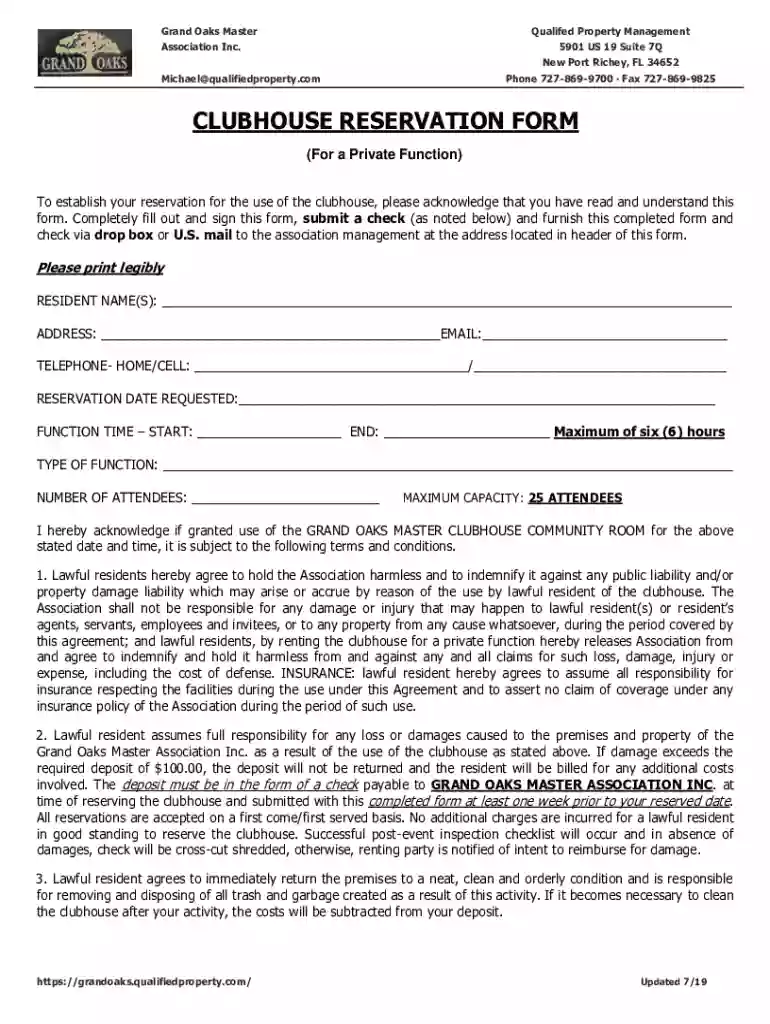
Type text, add images, blackout confidential details, add comments, highlights and more.

Draw your signature, type it, upload its image, or use your mobile device as a signature pad.

Send it via email, link, or fax. You can also download it, export it or print it out.
"Form online" refers to electronic forms used for collecting and managing data. Unlike traditional paper forms, these forms take advantage of digital technology to streamline data entry, storage, and analysis. They come in various formats, ranging from simple data collection forms to complex interactive forms that facilitate transactions.
When you "form online," you engage in digital data collection through forms hosted on platforms like DocHub, which support file formats such as PDF, DOC, and XLS. These online forms are often part of a broader document management system, allowing for easier editing, sharing, and collaboration.
To use an online form efficiently, start by accessing the platform where the form is hosted. Ensure that you have the necessary permissions or access if the form is shared with specific users. Once you open the form, follow these steps:
Always ensure to save a copy of the completed form, either by downloading or receiving an automated email confirmation.
Completing an online form involves a series of logical steps to ensure the information is entered accurately:
Forming online offers numerous advantages over traditional paper forms, including:
Understanding key terminology is crucial when dealing with online forms:
Familiarity with these terms can enhance your ability to effectively use and create online forms.
Forms created and used online typically contain several essential components:
Each element is designed to facilitate the user's experience, ensuring information is collected efficiently and securely.
When dealing with online forms, especially those related to legal or governmental transactions, awareness of state-specific rules is critical. States may have unique requirements for data privacy, electronic signatures, or compliance with local regulations. For example, while the federal ESIGN Act provides a foundation for electronic signatures, certain states might impose additional conditions.
It's essential to verify that the form aligns with relevant state laws to ensure legality and enforceability. Consulting legal resources or local authorities might be necessary to navigate these regulations appropriately.
Online forms should be compatible with widely used software to enhance user accessibility and usability. Platforms like DocHub often integrate with applications such as TurboTax and QuickBooks, benefiting users by streamlining data import and export functions.
Compatibility ensures that users can seamlessly incorporate form data into broader applications, facilitating tasks such as tax preparation or financial reporting. Understanding the software compatibility of your chosen platform can help optimize your workflow and enhance the efficacy of data handling activities.
We've got more versions of the Clubhouse Reservation Form form. Select the right Clubhouse Reservation Form version from the list and start editing it straight away!
At DocHub, your data security is our priority. We follow HIPAA, SOC2, GDPR, and other standards, so you can work on your documents with confidence.
Jul 21, 2025 Facility Reservation Form. Alderwood Clubhouse 28610 Baxter Rd. permit reservation time only. Fees apply, see Fee Schedule - Section 9A.
Refer to the Promenade website, TownSq for a reservation form and contact the. Managing Agent until there is a Clubhouse Reservations/Events Coordinator. InRead more


