




01. Edit your form online
Type text, add images, blackout confidential details, add comments, highlights and more.

Type text, add images, blackout confidential details, add comments, highlights and more.

Draw your signature, type it, upload its image, or use your mobile device as a signature pad.

Send it via email, link, or fax. You can also download it, export it or print it out.
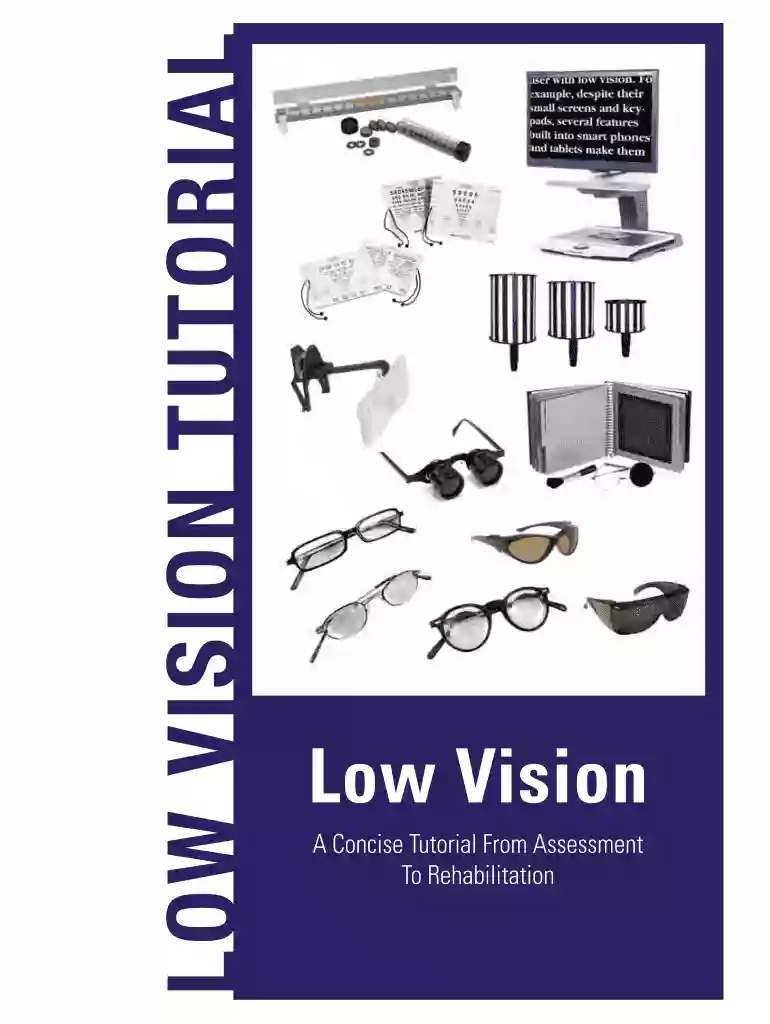
The "Low Vision Tutorial" serves as a critical resource designed to educate individuals and professionals about the various aspects of low vision care. It provides comprehensive insights into the causes of low vision, assessment techniques, and available rehabilitation strategies. The tutorial is instrumental in highlighting the importance of early detection and intervention, aiding in the enhancement of functional abilities for those affected by low vision. It emphasizes a multi-disciplinary approach, involving collaboration among optometrists, occupational therapists, and other specialists, to provide holistic care and improve the quality of life for individuals with visual impairments.
Understanding the Tutorial Objectives: Begin by familiarizing yourself with the purpose and goals of the tutorial, which primarily involve educating about low vision assessment and rehabilitation.
Assessing Needs and Goals: The tutorial encourages participants to evaluate the specific needs of individuals with low vision, identifying personal goals for rehabilitation that enhance day-to-day living activities.
Learning Assessment Techniques: Detailed sections guide users on how to perform assessments tailored to both adults and children, ensuring appropriate evaluation of visual impairment levels.
Exploring Devices and Technologies: Participants learn about various low vision devices, such as magnifiers and screen readers, and their application in real-world scenarios.
Rehabilitation Strategies: The tutorial covers effective rehabilitation strategies, including visual training and environmental adaptations, to optimize the remaining visual abilities of individuals.
Documentation and Follow-Up: It includes guidelines on keeping comprehensive records and conducting regular follow-ups to monitor progress and adjust plans as needed.
The Low Vision Tutorial is utilized by a variety of individuals and professionals, including:


The Low Vision Tutorial aligns with U.S. standards for low vision care and rehabilitation, ensuring that all strategies and devices discussed meet regulatory guidelines. Given the sensitivity of this domain, it's crucial for care providers to adhere to legal standards while utilizing the tutorial in practice. Such compliance contributes to the provision of safe, effective, and ethical care, avoiding potential legal issues related to patient care and service delivery.
The practical application of the Low Vision Tutorial benefits significantly from software compatibility. Learning materials can be integrated within digital platforms that support a range of file formats, such as PDFs and electronic documents. Platforms like DocHub facilitate the creation, editing, and sharing of tutorial content among professionals and patients, ensuring that the comprehensive processes outlined in the tutorial are accessible and executable in both digital and paper formats.
The tutorial may exist in different formats, whether as printed manuals, online courses, or interactive digital guides. Each version aims to cater to diverse learning preferences and technological accessibility needs, ensuring wide dissemination of vital information on low vision care. Existing alternatives might offer additional focus areas, such as specific age groups or types of visual impairment, expanding the resources available to users.
We've got more versions of the LOW VISION TUTORIAL form. Select the right LOW VISION TUTORIAL version from the list and start editing it straight away!
| Versions | Form popularity | Fillable & printable |
|---|---|---|
| 2014 | 4.1 Satisfied (26 Votes) |
At DocHub, your data security is our priority. We follow HIPAA, SOC2, GDPR, and other standards, so you can work on your documents with confidence.
Jun 18, 2026 Learn all the info and best practices you need to make a solid first map!
Mar 14, 2017 The sighted guide technique is felt to be the most efficient way for a person who is blind or visual impairment to travel with a sighted person.Read more
by P Shah 2018 Cited by 86 Low vision specialists aim to maximize the remaining vision of a patient by providing optical aids, orientation and mobility training, psychosocial support,Read more


