
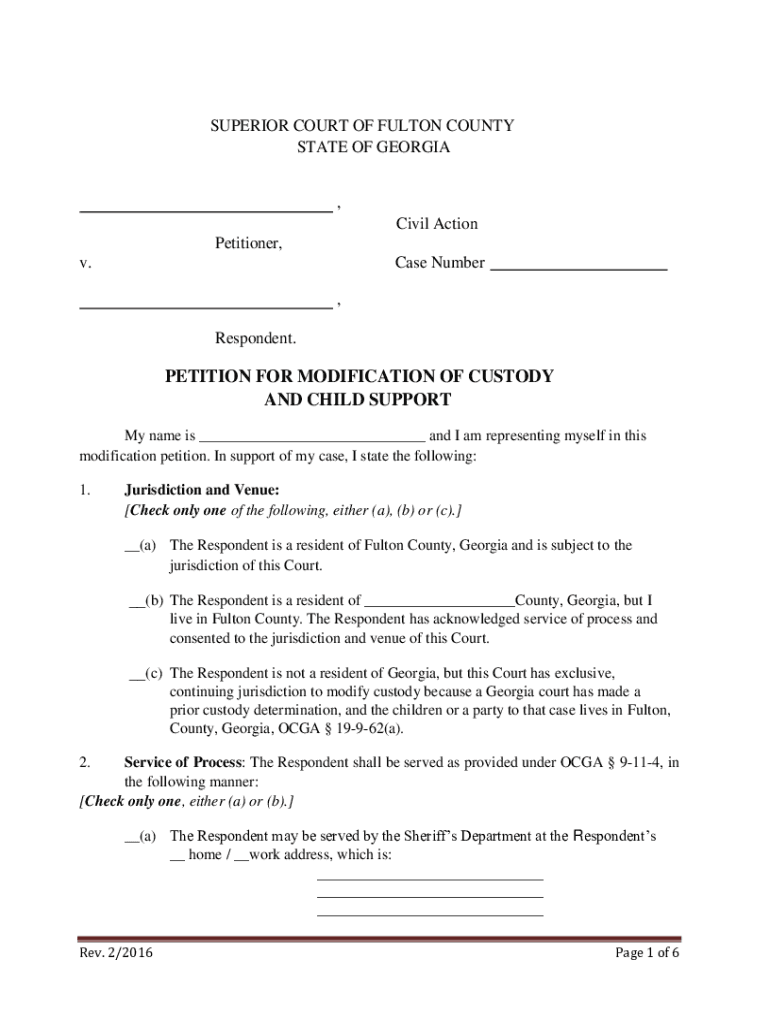







Definition and Meaning of Form Online
Creating and submitting forms online refers to the process of digitizing traditional paper forms, allowing users to complete, edit, and submit them electronically through a web-based platform. This method streamlines the workflow, enhances efficiency, and provides a more convenient way to handle forms compared to traditional pen-and-paper methods. Online forms are commonly used in various applications including legal documents, applications, surveys, and more.
Online forms typically support the inclusion of interactive fields such as text boxes, checkboxes, and dropdown menus. This digital approach not only aids in efficient data gathering but also minimizes errors associated with manual data entry. The interpretation of "form online" involves understanding it as a pivotal tool in modern digital document management, optimized to integrate seamlessly with existing digital workflows.
How to Use Form Online
To effectively use a form online, it is essential to follow a systematic approach:
-
Access the Platform: Use a reliable online document management service, like DocHub, to access or create the form you need.
-
Select or Create Form: Either start by selecting a pre-existing form template or create a new form from scratch based on your requirements.
-
Populate the Form: Fill in the necessary information using the provided interactive fields. Formats may include text input, selections from dropdown menus, or ticking checkboxes.
-
Review and Edit: Check the information you have entered for accuracy. Make any necessary edits using the platform's editing features to ensure all fields are correctly completed.
-
Save and Secure: Save your changes and, if needed, secure the document with a password for additional protection.
-
Submit or Share: Once finalized, submit the form for processing, or share it with the intended recipients directly through the platform.
Steps to Complete the Form Online
Completing a form online involves several detailed steps to ensure accuracy and efficiency:
- Initiate the Process: Log into the document management system and navigate to the form section.
- Form Field Navigation: Use the tab key or mouse to move between fields efficiently, ensuring no fields are omitted.
- Data Entry: Enter data thoughtfully and double-check fields for typos or inaccuracies.
- Save Progress: Regularly save your progress to avoid data loss in case of a system error or timeout.
- Mandatory Sections: Identify and complete all mandatory fields indicated typically by asterisks or bold text.
- Submit: Once complete, use the system's submission or sharing functionality to forward the form to the designated authority or recipient.
Detailed attention to each step aids in avoiding common pitfalls like missing required fields or submitting incorrect data.
Who Typically Uses Form Online
Online forms are widely utilized by a broad demographic of individuals and organizations:
- Individuals: People filling out applications for schools, jobs, or services commonly use online forms for efficiency.
- Businesses: Companies use forms for customer feedback, order processing, and internal documentation.
- Government Agencies: Many governmental processes, including taxes and licenses, require forms that are often shifted to digital formats.
- Educational Institutions: Schools and universities use online forms for admissions, enrollment, and surveys.
- Healthcare Providers: Patient intake, consent, and insurance forms are often managed online for ease and speed.
This widespread application underscores the versatility and importance of online forms across various sectors.
Legal Use of the Form Online
In the United States, the use of online forms often intersects with legal requirements and standards:
- Compliance: Forms must comply with laws such as the ESIGN Act, which governs the legality of electronic signatures.
- Secure Data Handling: Online forms must ensure the protection of personal data, following regulations like the Health Insurance Portability and Accountability Act (HIPAA) where applicable.
- Signature Authentication: Online forms requiring signatures utilize verification methods to authenticate the signer's identity.
- Privacy Policies: Organizations using online forms should have clear privacy policies detailing how user data will be used and protected.
- Document Retention: Legal frameworks may also dictate how long such digital documents need to be stored and the conditions under which they can be disclosed.
Understanding and following these legal standards is crucial for ensuring that the use of online forms is compliant and secure.
Examples of Using the Form Online
Online forms serve various practical purposes across different fields:
- Tax Filings: Individuals and businesses regularly use online forms like the IRS's W-2 for tax submission.
- Travel: Visa applications and travel authorizations, such as the ESTA for international travel to the U.S., are managed through online forms.
- Healthcare: Online patient registration forms streamline the intake process in medical facilities.
- Recruitment: Job applications and candidate information are collected through online application forms.
- Event Registration: Attendance confirmations for conferences or webinars are handled via online registration forms.
These examples highlight the functional scope of online forms in improving efficiency and effectiveness in various scenarios.
Key Elements of the Form Online
Online forms typically consist of several key components to ensure comprehensive data collection:
- Input Fields: Spaces for textual entry, such as names, addresses, and other key information.
- Selection Options: Checkboxes and radio buttons for selectable answers.
- Dropdown Menus: Provide lists of options from which users can select.
- Signature Areas: Designated areas for electronic signatures, enhancing authenticity.
- Instructional Text: Guides and tips for users to correctly fill out the form.
- Help Icons: Assist users by offering additional information or troubleshooting tips when needed.
These elements work cohesively to create forms that are user-friendly and effective in collecting the necessary data in a structured manner.
Software Compatibility for Form Online
Compatibility with software is crucial for efficient online form usage:
- Google Workspace: Many online forms integrate seamlessly with Google Drive and Gmail for sharing and storage.
- Microsoft Office: Online forms support importing and exporting of data from Excel, Word, and other Office applications.
- Adobe Acrobat: Often used for viewing or editing PDF forms online.
- Integration with CRM Tools: Forms can be linked to customer relationship management systems for better data management.
- Compatibility with Signing Platforms: Integration with digital signing tools like DocuSign ensures that forms requiring signatures can be processed smoothly.
Ensuring compatibility with these software solutions enhances the operational ease and flexibility when dealing with online forms.




