
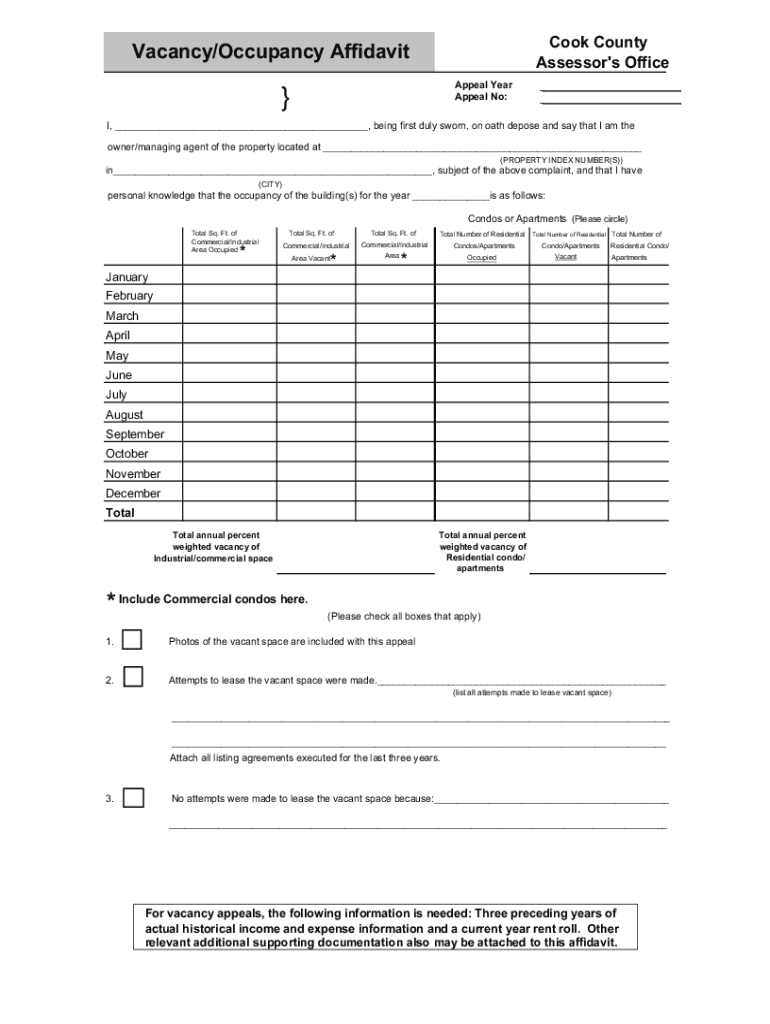







Definition and Meaning
Online forms are digital versions of paper forms that allow users to fill out, submit, and store information electronically. These forms are designed to streamline processes by eliminating the need for physical paperwork and enabling easy data collection. The significance of using online forms is evident across various industries, as they facilitate efficient data management for tasks like applications, registrations, surveys, and more. Online forms can contain various fields like text boxes, checkboxes, dropdown menus, and radio buttons, making them a versatile tool for collecting diverse types of information.
How to Use the Form Online
Using a form online involves several straightforward steps. Initially, you access the form via a secured internet connection, often through a website like DocHub. Once you open the form, it appears in a similar structure to a paper document but with interactive fields that can be filled directly on the screen. You simply click into the fields to input your information. Many online platforms, such as DocHub, also offer auto-fill options and integrated dictionaries to assist users in completing forms quickly and accurately.
Browser Compatibility
For an optimal experience, ensure your browser supports online forms. DocHub’s platform, for example, functions smoothly on most modern web browsers, including Chrome, Firefox, and Safari. This compatibility ensures you can fill your form on various devices, whether desktop or mobile. Some online platforms additionally provide plugins or extensions that enhance functionality, enabling you to save progress or export completed forms with ease.
Steps to Complete the Form Online
-
Access the Form: Locate the form on the website where it is hosted. Ensure you are accessing the correct version of the form relevant to your needs.
-
Review Instructions: Before entering information, read any accompanying instructions carefully to understand specific requirements or fields that are mandatory.
-
Fill Out the Form: Enter your information in the designated fields. Use tooltips or help sections often available for clarification if needed.
-
Check for Errors: Carefully review all the entered information for accuracy. Many platforms include error-checking features to alert you of missing or incorrect entries.
-
Submit the Form: Once completed, follow the instructions for submitting the form. This might involve clicking a 'submit' button or choosing the appropriate option in a dropdown menu.
-
Confirmation: After submission, ensure you receive a confirmation message or email. Some systems will provide a reference number or confirmation code for your records.
Why You Should Form Online
Filling forms online offers numerous advantages over traditional paper forms. Firstly, it significantly reduces the time and effort needed in completing and submitting forms, as everything can be done digitally. Additionally, it allows for seamless integration with other digital tools and platforms, enabling easy sharing and collaboration. Security is another critical benefit; electronic forms typically incorporate encryption and other security measures to protect sensitive information, making them a safer option than physical copies.
Environmental Impact
Using online forms also supports environmental sustainability by reducing paper usage. With seamless digital distribution and storage, organizations considerably diminish their carbon footprint, contributing positively to broader eco-friendly initiatives.
Legal Use of the Form Online
Online forms are recognized legally in various jurisdictions, assuming they comply with relevant laws and regulations. For example, the ESIGN Act in the United States affirms that electronic signatures and records are valid and enforceable like their paper counterparts. When using online forms, ensure they include fields for capturing electronic signatures if required. Platforms like DocHub offer features that comply with such legal standards, ensuring that digital submissions carry the same legal standing as traditional methods.
Key Elements of the Form Online
Understanding the primary components of an online form is vital for accurate and efficient completion. These include:
- Title and Purpose: Clearly stated at the form's top, indicating the form's intended use.
- User Information Fields: Sections requiring specific user data, such as names, contact information, and identifiers.
- Checkboxes and Dropdowns: Interactive elements for selecting options, ensuring consistent responses.
- Text Fields: Areas for open-ended input, allowing detailed descriptions or comments.
- Signature Field: For forms requiring signature verification, an electronic signing option should be included.
State-Specific Rules for the Form Online
Certain forms may have state-specific variations or requirements. For example, tax forms or legal affidavits often have unique fields or mandatory sections depending on state laws. It's crucial to ensure the form complies with the regulations applicable to the state involved. Platforms like DocHub can be tailored to include state-specific versions, streamlining compliance by automatically adjusting forms according to user location.
Examples of Using the Form Online
Online forms are employed in numerous scenarios. For instance, businesses use them for customer feedback surveys, applications for financial products, and employee onboarding paperwork. Educational institutions may deploy them for student registration and course evaluations. Government entities leverage online forms for tax filings and license applications, showcasing their utility across multiple sectors.




