




01. Edit your death form online
Type text, add images, blackout confidential details, add comments, highlights and more.

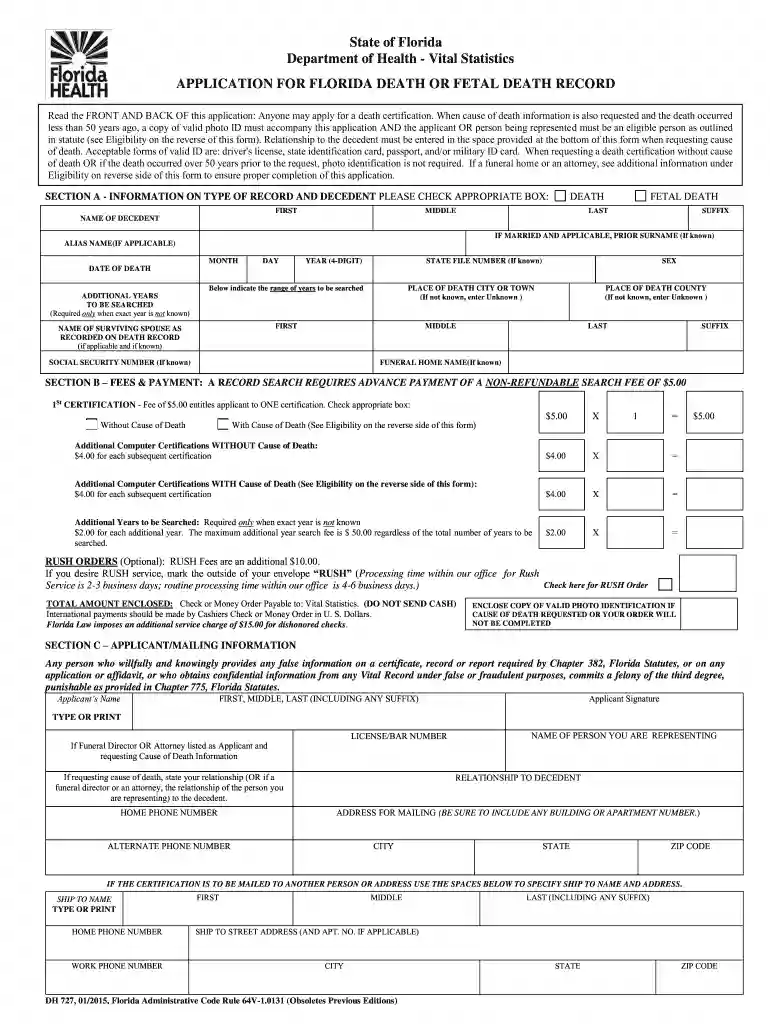
Type text, add images, blackout confidential details, add comments, highlights and more.

Draw your signature, type it, upload its image, or use your mobile device as a signature pad.

Send florida death certificate via email, link, or fax. You can also download it, export it or print it out.

Start using our platform today to streamline your document editing and form completion for free!
We've got more versions of the death form form. Select the right death form version from the list and start editing it straight away!
Sure, and it’s really straightforward! DocHub is a web-based PDF editor with advanced document management functions that allow you rapidly modify your paperwork, fill out empty fields and insert new ones for other people to fill out, and create electronic signatures in several ways. Add your florida death certificate form, give information as required, and choose how you want to eSign your template - by typing your name, drawing your signature, uploading its image, or using a QR code.
With DocHub, there are several convenient ways to edit your florida death certificate sample online. You can drag and drop the form and modify it directly at the DocHub site or use our browser extension to fill out your form immediately. Additionally, you can modify your PDF on your smartphone, as DocHub works with all the accessible mobile platforms.
At DocHub, your data security is our priority. We follow HIPAA, SOC2, GDPR, and other standards, so you can work on your documents with confidence.
As the primary vector of Citrus tristeza virus (CTV), aphids transmit this citrus cancer, which has already caused the death of over 100 million treesRead more
APPLICATION FOR FLORIDA DEATH OR FETAL DEATH CERTIFICATE. Applicant Information (Eligibility Requirements on Reverse Side).Read more
DEDICATION FORM. I,. , the undersigned, desire that my body, at the time of death, be given to the Anatomical Board of the State of Florida for use in education.Read more


