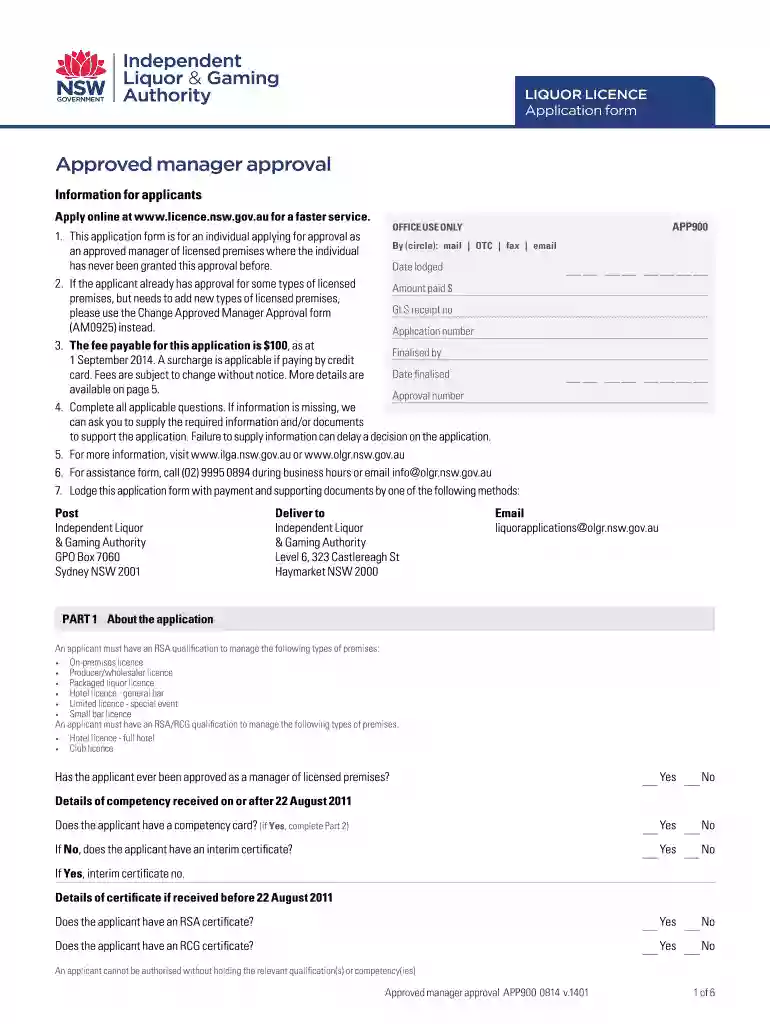
Form APP900: Approved manager approval - Independent Liquor ... 2026

Get Form
approved managers card application Preview on Page 1

Here's how it works

01. Edit your approved managers card application online
Type text, add images, blackout confidential details, add comments, highlights and more.

02. Sign it in a few clicks
Draw your signature, type it, upload its image, or use your mobile device as a signature pad.

03. Share your form with others
Send approved manager application via email, link, or fax. You can also download it, export it or print it out.

How to use or fill out Form APP900: Approved manager approval - Independent Liquor with our platform

Form edit decoration
9.5
Ease of Setup
DocHub User Ratings on G2
9.0
Ease of Use
DocHub User Ratings on G2
  1. Click ‘Get Form’ to open it in the editor.
  2. Begin with Part 1, where you will provide information about your application. Indicate whether you have previously been approved as a manager and if you possess the necessary competency cards.
  3. In Part 2, enter your current competency card details if applicable. Ensure all fields are filled accurately to avoid delays.
  4. Proceed to Parts 3 and 4 to input your RSA and RCG qualification details, including training provider names and certificate numbers.
  5. Complete Part 5 by providing personal information such as your name, date of birth, contact details, and residential address.
  6. In Part 6, answer questions regarding your experience in managing licensed premises. This section is crucial for assessing your eligibility.
  7. Attach any required documents listed in Part 7, such as a National Police Certificate and copies of relevant qualifications.
  8. Fill out Parts 8 and 9 for authorized agent details and payment information. Ensure that all payment methods are clearly indicated.
  9. Finally, review Part 10 for the declaration. Sign and date the form before submission to confirm that all information is accurate.

Start using our platform today to streamline your form completion process for free!

See more Form APP900: Approved manager approval - Independent Liquor ... versions

We've got more versions of the Form APP900: Approved manager approval - Independent Liquor ... form. Select the right Form APP900: Approved manager approval - Independent Liquor ... version from the list and start editing it straight away!
Versions Form popularity Fillable & printable
2018 4.8 Satisfied (213 Votes)
2014 4.3 Satisfied (32 Votes)
be ready to get more

Complete this form in 5 minutes or less

Get form

Got questions?

We have answers to the most popular questions from our customers. If you can't find an answer to your question, please contact us.
Contact us

Upload your approved managers card to DocHub (once you’ve created an account for this). If you need to fill out fields in it, use appropriate tools from the upper pane. For instance, add Signature Fields, assign each to a particular party, and click on Sign → Request signatures from others. Change your message for your recipients and click Send Request. You can also send your form by fax or as a Signing link instead of using email (you’ll find these options by navigating to the Menu → Send)

As a comprehensive document modifying service, DocHub is accessible on mobile phones. Open DocHub in your choice of mobile internet browser and use our intelligent mobile-friendly toolset to complete your approved managers course.

Security and compliance

At DocHub, your data security is our priority. We follow HIPAA, SOC2, GDPR, and other standards, so you can work on your documents with confidence.

Learn more
ccpa2
pci-dss
gdpr-compliance
hipaa
soc-compliance
be ready to get more

Complete this form in 5 minutes or less

Get form