



Here's how it works



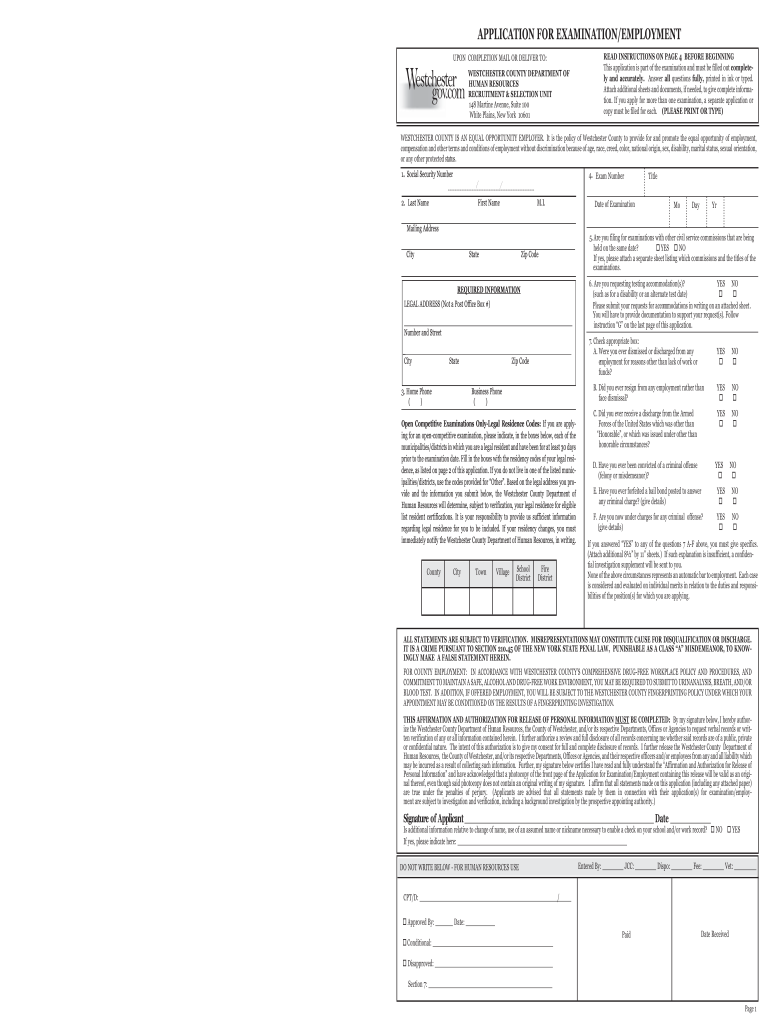
How to use or fill out xd10 form with our platform

- Click ‘Get Form’ to open the xd10 form in the editor.
- Begin by entering your personal information, including your name, address, and contact details. Ensure all fields are filled accurately to avoid delays.
- Proceed to Section A and read the examination announcement carefully. This section outlines important details regarding qualifications and requirements.
- In Section B, provide your qualifications. Be thorough in detailing your experience as this is crucial for your application.
- If applicable, complete Section H regarding veterans' credits. Attach any necessary documentation to support your claims.
- Review all sections for completeness before submitting. Use our platform’s tools to ensure clarity and accuracy in your responses.
Start filling out the xd10 form today for free using our platform!
It's free
Got questions?
Can I complete and sign my westchester county xd10 online?
Sure, and it’s really straightforward! DocHub is an online PDF editor with advanced document management capabilities that allow you quickly modify your forms, complete empty fields and add new ones for others to fill out, and create eSignatures in several ways. Upload your westchester county xd10, give information as requested, and select how you want to eSign your template - by typing your name, drawing your signature, uploading its picture, or using a QR code.
Can I print my application answers and complete it by myself?
If you go for analog methods of completing your application answers, you can easily download your file for printing. Search DocHub’s Forms & Templates catalog to get the exact file template you need and open it for editing or download it on your gadget in the format of your liking. It is easy to complete your form electronically and place your handwritten signature on it after printing or eSign your file with DocHub.
What is the use of application form?
What is an application for employment form?
Security and compliance
At DocHub, your data security is our priority. We follow HIPAA, SOC2, GDPR, and other standards, so you can work on your documents with confidence.
Learn more


Related forms