
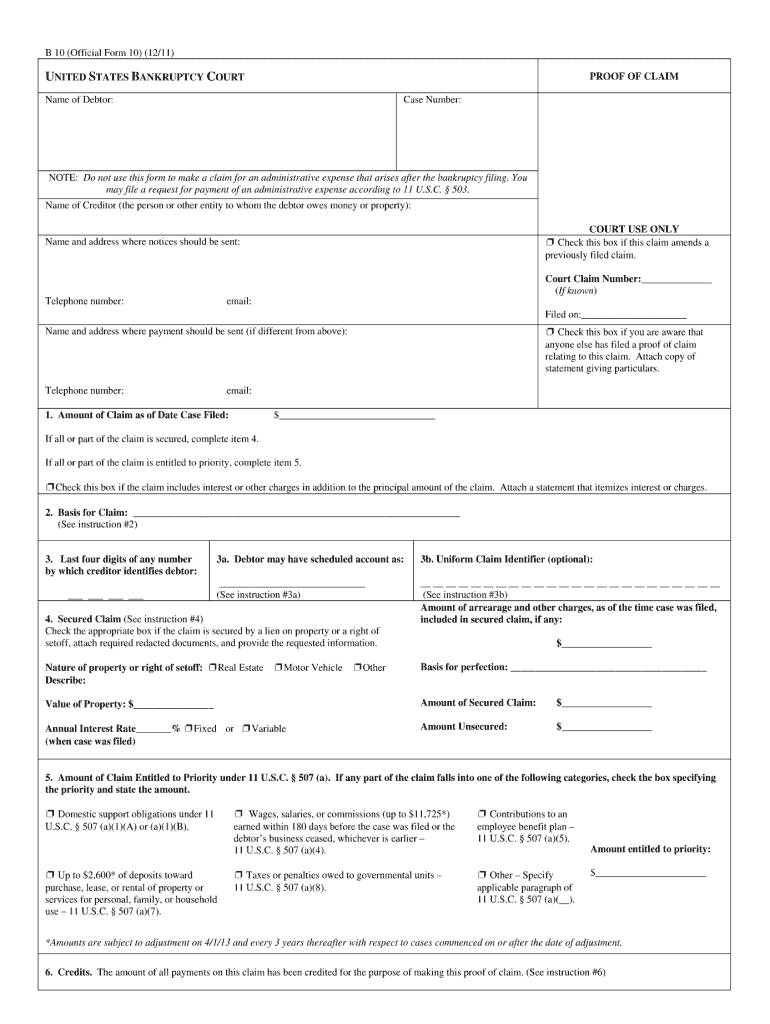




Here's how it works

01. Edit your proof of claim form 410 fillable online
Type text, add images, blackout confidential details, add comments, highlights and more.

02. Sign it in a few clicks
Draw your signature, type it, upload its image, or use your mobile device as a signature pad.

03. Share your form with others
Send bankruptcy proof of claim form 410 via email, link, or fax. You can also download it, export it or print it out.
How to use or fill out Proof of Claim (Official Form 410) No No No - Richter with Our Platform

- Click ‘Get Form’ to open the Proof of Claim (Official Form 410) No No No - Richter in our editor.
- Begin by entering your name and address in the designated fields at the top of the form. Ensure that all information is accurate, as this will be used for correspondence regarding your claim.
- In Section 1, indicate whether you are filing as an individual or a business. This distinction is crucial for processing your claim correctly.
- Proceed to Section 2, where you will need to provide details about the debt owed. Be specific about the amount and nature of the claim, ensuring clarity for review.
- Complete Section 3 by checking any applicable boxes that pertain to your claim type. This helps categorize your claim appropriately within the bankruptcy process.
- Finally, review all entered information for accuracy before signing at the bottom of the form. Use our platform’s signature feature to sign electronically for convenience.
Start using our platform today to fill out your Proof of Claim form easily and for free!
Fill out Proof of Claim (Official Form 410) No No No - Richter online
It's free
It's free
See more Proof of Claim (Official Form 410) No No No - Richter versions
We've got more versions of the Proof of Claim (Official Form 410) No No No - Richter form. Select the right Proof of Claim (Official Form 410) No No No - Richter version from the list and start editing it straight away!
Security and compliance
At DocHub, your data security is our priority. We follow HIPAA, SOC2, GDPR, and other standards, so you can work on your documents with confidence.
Learn more


Related forms
Arkansas Private Applicator Application Form
The document is an application form for obtaining or renewing a Private Applicator license in Arkansas, specifically for ...
Disability Incapacity Medical Assessment
The document is a Disability/Incapacity Medical Assessment form used by the West Virginia Department of Health and Human ...

Form online
The document is a 'Request for Order' form adopted for mandatory use by the Judicial Council of California, intended for ...

Texas SR-11 Release Form
The document is a release form for the Texas Department of Public Safety, certifying that an individual has released ano ...
GAD-7 Anxiety Screening Form
The document outlines the Generalized Anxiety Disorder 7-item scale (GAD-7), a self-assessment tool for measuring anxiet ...

Authorization for Release of Information Under the Privacy Act
The document is an authorization form for the release of personal information under the Privacy Act, issued by the U.S. ...

Commonwealth Rental Application Form 3
The document is a rental application form from Commonwealth Real Estate Services, requiring detailed personal, employmen ...
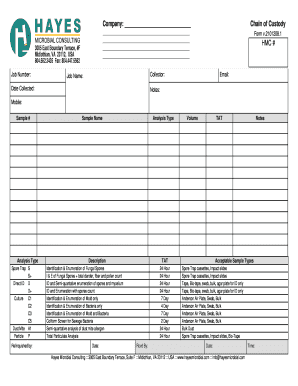
Chain of Custody Form
The document is a Chain of Custody form used by Hayes Microbial Consulting for collecting and analyzing various types of ...