




01. Edit your form online
Type text, add images, blackout confidential details, add comments, highlights and more.

Type text, add images, blackout confidential details, add comments, highlights and more.

Draw your signature, type it, upload its image, or use your mobile device as a signature pad.

Send it via email, link, or fax. You can also download it, export it or print it out.
The term "form online" encompasses a broad range of functions that can be completed digitally, providing users the ability to create, fill, and manage documents without the need for physical copies. This capability allows for the efficient collection and exchange of information through digital platforms, like DocHub, where users can craft intricate forms with various interactive fields such as text boxes, checkboxes, and signature lines.
In a professional setting, the "form online" feature serves as a pivotal tool for organizations and individuals to streamline paperwork-heavy processes. It allows for the consolidation of necessary data into a unified digital format that can be easily stored, accessed, and shared. As such, the definition of "form online" transcends merely filling out a document electronically; rather, it embodies the transformation of traditional document workflows into more agile, secure, and convenient digital processes.
Engaging with forms online through platforms like DocHub involves several intuitive steps designed to enhance ease of use and efficiency. Initially, users must select or upload the document they wish to convert into an online form. DocHub facilitates this by supporting various file types, such as PDF and DOC, and allows direct imports from cloud services, making initial setup straightforward.
Once the document is loaded into the platform, users can utilize the Form Fields manager to insert fillable elements. These include text fields for input, dropdown menus for selections, checkboxes for binary options, and signature fields for authentication of content. The intuitive design of the interface ensures users can clearly define what information needs to be captured and format it accordingly. Additionally, live previews provide real-time feedback on how the form will appear to recipients, allowing for adjustments to ensure clarity and functionality.
Completing a form online comprises a sequence of methodical steps geared towards ensuring accurate and complete information capture:
Access the Document: Begin by logging into your DocHub account and navigating to the document you need to complete.
Review Requirements: Before entering information, review the form to understand all required inputs and instructions.
Fill in Information: Systematically enter data into the designated fields. The platform will typically guide users with prompts for required fields and prescribed formats.
Review Entries: After filling out the form, review all entries meticulously to confirm their accuracy.
Submit the Form: With all data verified, submit the form using the platform's provided channels. You might also have options to download and share the completed form for records.
Forms completed online hold the same legal weight as their paper counterparts when appropriately executed. Platforms like DocHub ensure that electronically filled and signed forms are compliant with legal standards, such as the ESIGN Act in the United States, which affirms the validity of electronic records and signatures.
Users can enhance the legal standing of their documents by utilizing features like password protection for sensitive data and an audit trail for signed forms. These features provide robust evidence of the form's integrity and authenticity at the time of signing, bolstering legal reinforcement in cases of disputes.
Each form online will generally include several key elements, serving different functional roles:
These components collectively ensure that the form is comprehensive, user-friendly, and legally compliant.
Online forms are utilized across various domains for numerous applications. For instance:
Each example demonstrates the adaptability and extensive applicability of forms online, further validating their integration into diverse industry workflows.
When completing forms online, certain supporting documents may be necessary to validate the information provided. Typical documents requested might include:
Understanding the specific requirements for each form type is crucial to fulfill submission conditions seamlessly. Provide digital copies of these documents as needed when prompted during the form completion process.
Forms designed online often offer multiple submission channels:
Each method has distinct advantages; selecting the right one depends on specific requirements and the urgency of submission.
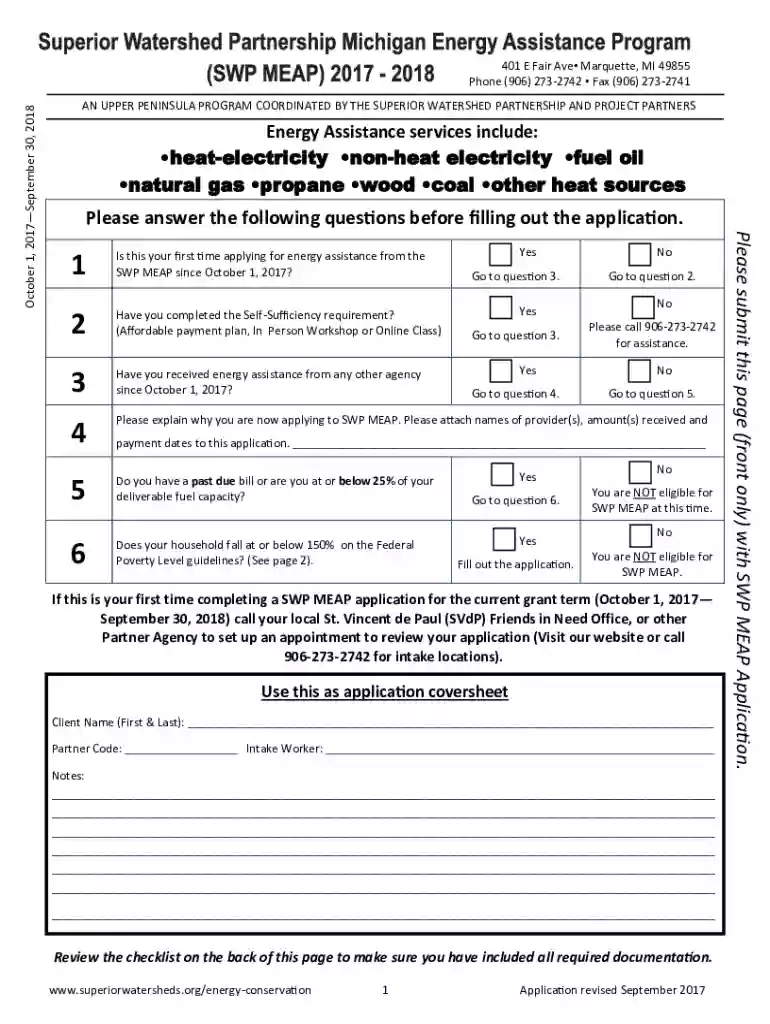
We've got more versions of the Michigan Energy Assistance Program Application form. Select the right Michigan Energy Assistance Program Application version from the list and start editing it straight away!
At DocHub, your data security is our priority. We follow HIPAA, SOC2, GDPR, and other standards, so you can work on your documents with confidence.


