




Here's how it works

01. Edit your program colorado medicaid online
Type text, add images, blackout confidential details, add comments, highlights and more.

02. Sign it in a few clicks
Draw your signature, type it, upload its image, or use your mobile device as a signature pad.

03. Share your form with others
Send kaiser prior authorization form via email, link, or fax. You can also download it, export it or print it out.
How to use or fill out kaiser authorization request with our platform

- Click ‘Get Form’ to open the Kaiser Authorization Request in the editor.
- Begin by entering the date at the top of the form. Next, fill in the patient's KP number, phone number, and date of birth.
- Complete the patient’s name and address fields, ensuring all information is accurate for processing.
- Provide details about the Primary Care Physician (PCP), including their name and phone number.
- In the 'Referred By' section, enter the referring physician's name, specialty, and contact information.
- Fill out the preliminary diagnosis and corresponding ICD codes as required.
- Specify the requested service by entering details about the physician, specialty, place of service, and relevant CPT/HCPC codes.
- Indicate any out-of-service area requests if applicable and provide a brief explanation.
- Finally, review all entries for accuracy before submitting your request via fax as instructed on the form.
Start using our platform today to streamline your Kaiser authorization request process for free!
Fill out kaiser authorization request online
It's free
It's free
See more kaiser authorization request versions
We've got more versions of the kaiser authorization request form. Select the right kaiser authorization request version from the list and start editing it straight away!
| Versions | Form popularity | Fillable & printable |
|---|---|---|
| 2013 | 4.8 Satisfied (26 Votes) |
Security and compliance
At DocHub, your data security is our priority. We follow HIPAA, SOC2, GDPR, and other standards, so you can work on your documents with confidence.
Learn more


Related forms
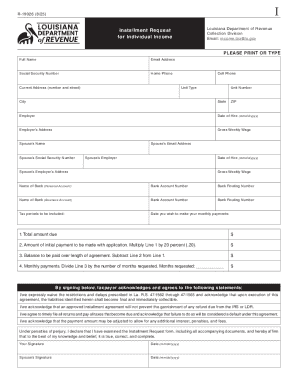
Louisiana Installment Request Form R-19026
The document outlines the process for Louisiana taxpayers to request an installment agreement for individual income tax ...

Form IT-236 Credit for Taxicabs and Livery Service Vehicles Accessible to Persons with Disabilities
Form IT-236 Credit for Taxicabs and Livery Service Vehicles Accessible to Persons with Disabilities
The document outlines the tax credit available for the purchase and upgrade of taxicabs and livery service vehicles that ...
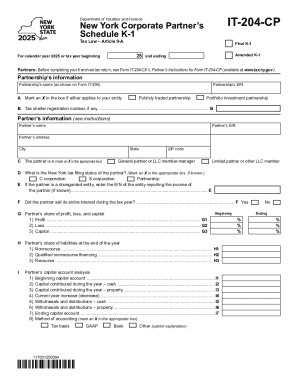
Form IT-204-CP New York Corporate Partners Schedule K-1 Tax Year 2025
The document is the New York Corporate Partner’s Schedule K-1 for tax year 2025, detailing the financial information and ...
DocHub On-line PDF form Filler, Editor, Type on PDF ; Fill, Print
The PDFfiller Guidebook provides comprehensive instructions on how to use PDFfiller for accessing, storing, editing, sig ...
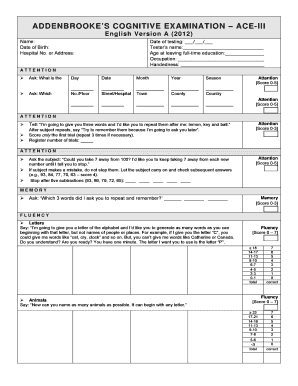
Ace iii american version pdf
The document is the Addenbrooke's Cognitive Examination (ACE-III) English Version A from 2012, designed to assess variou ...

N95 Respirator Fit Test Results
The document is a fit test result form for N95 respirators used by employees at BIDMC. It includes sections for employee ...
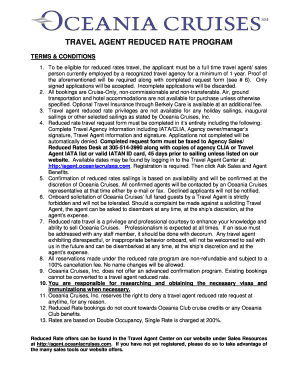
Oceania travel agent login
The document outlines the terms and conditions for a reduced rate travel program offered by Oceania Cruises for full-tim ...

Blanket letter of representation
The document is a Blanket Issuer Letter of Representations addressed to The Depository Trust Company (DTC) by an issuer, ...