
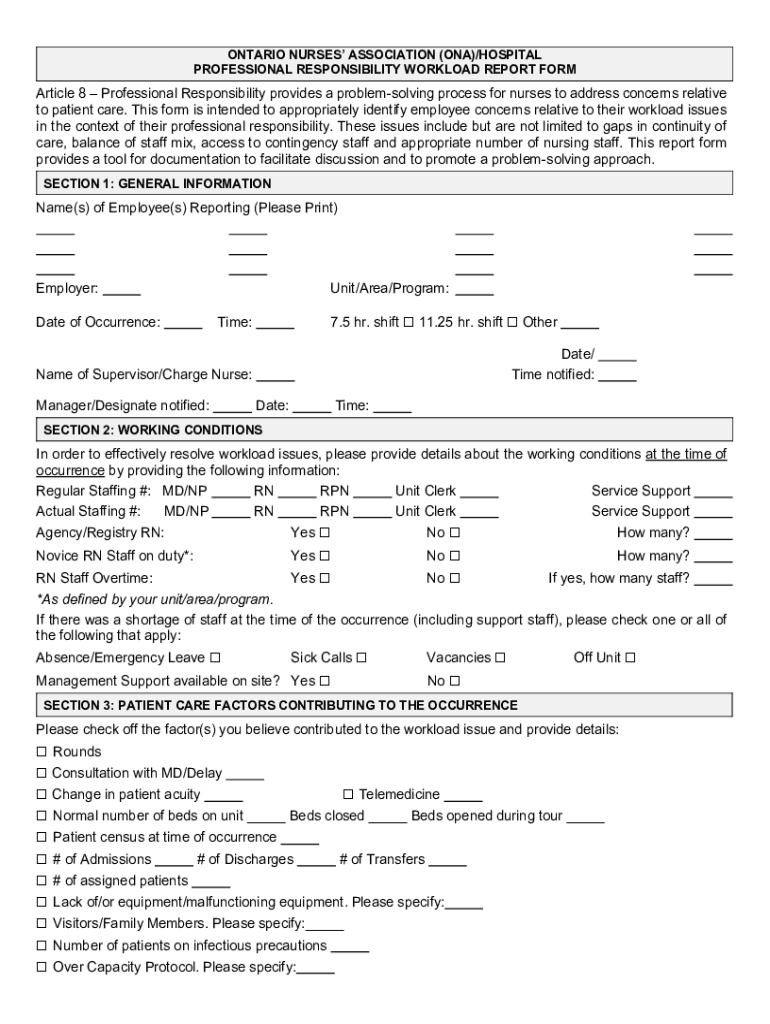







Definition and Meaning of Form Online
The concept of "form online" refers to digital forms that are filled out, submitted, and processed over the internet. These forms serve various purposes, from tax filings and legal documents to applications for services or employment. Their primary advantage is accessibility, allowing users to complete and submit them from any location with an internet connection.
Online forms can replace traditional paper-based processes, streamlining tasks such as data collection, reporting, and documentation. They often include fields for inputting text, selecting options from dropdown menus, or ticking checkboxes. Advanced forms may include conditional logic, which changes the questions based on previous answers, ensuring that the user provides only relevant information.
How to Use the Form Online
Using an online form typically involves several straightforward steps:
- Access the form: Visit the website offering the form or receive a link to it via email.
- Review requirements: Before starting, read through any provided instructions to understand necessary data or documents.
- Fill out the form: Enter information into the required fields. Use dropdown menus and checkboxes where applicable for quick selections.
- Upload supporting documents: If needed, use the upload feature to attach any necessary documents or images.
- Review your entries: Double-check all information for accuracy, as errors can delay processing.
- Submit the form: Click the submission button to send your form electronically.
The system may offer a confirmation message or email to verify successful submission, allowing you to save or print a copy for your records.
Steps to Complete the Form Online
Completing an online form efficiently involves a few critical stages:
- Preparation: Ensure that you have all required information and documents on hand, such as identification, financial details, or reference numbers.
- Understanding the interface: Familiarize yourself with the form layout. Know where to begin, typically indicated by highlighted fields or sections.
- Inputting data: Carefully enter details into each necessary field. Use the "Tab" key to move quickly between fields, which helps maintain a rapid pace.
- Utilizing form features: Some forms offer special features like auto-saving, which prevents data loss in case of a session timeout. Make use of these to safeguard your progress.
- Verification: Before submitting, review every entry meticulously to ensure there are no oversights. Some systems highlight missing or incorrect fields, which can help correct them promptly.
Mind these steps to minimize errors and ensure a smooth completion process.
Key Elements of the Form Online
Online forms typically consist of several vital components:
- Input Fields: These are the areas for entering text or numbers. Common examples include name, address, and phone number fields.
- Dropdown Menus: Provide a list of options to choose from, simplifying user input and reducing chances of incorrect entries.
- Checkboxes and Radio Buttons: Allow users to select one or multiple options. Checkboxes are used for multiple selections, while radio buttons are for single selections.
- File Upload Sections: Enable users to attach necessary documents, ensuring that all required materials accompany the form submission.
- Submit and Reset Buttons: "Submit" finalizes and sends the form. "Reset" clears all input, allowing users to start afresh if needed.
These elements work together to ensure that the form collects the required data accurately and efficiently.
Who Typically Uses the Form Online
Online forms serve a wide array of users:
- Individuals: For purposes like applying for jobs, filing taxes, or making service requests.
- Businesses: Utilize forms for internal documentation, client onboarding, and feedback collection.
- Educational Institutions: Use forms to enroll students, collect feedback, or administer surveys.
- Government Entities: Implement online forms for public service applications, reporting, and compliance checks.
Different user groups leverage online forms to achieve objectives efficiently while maintaining convenience.


Legal Use of the Form Online
The digital transformation of forms mandates adherence to legal standards:
- Data Protection: Laws like the CCPA require proper handling of personal data, ensuring user privacy and security.
- Compliance: Forms must comply with relevant industry standards, whether for taxes, healthcare, or financial services.
- Electronic Signatures: Governed by acts such as ESIGN, electronic signatures on online forms have legal standing similar to handwritten signatures. DocHub incorporates these features to facilitate legally binding online form processes.
Organizations must ensure that their online forms comply with legal requirements to avoid potential legal issues.
Software Compatibility for Form Online
Online forms typically integrate seamlessly with various software solutions:
- Document Management Systems: Like DocHub, which allows edits and manages documents directly within the platform.
- Accounting and Tax Software: Such as TurboTax or QuickBooks, for financial forms or reporting requirements.
- Cloud Storage Services: Including Google Drive, Dropbox, and OneDrive, for easy import and export of form data and supporting documents.
Software compatibility enhances the functionality of online forms, broadening the potential applications and user base.
Examples of Using the Form Online
The real-world applications for online forms are extensive:
- Tax Filing: Use of specific forms like the IRS’s Form W-9, critical for providing taxpayer identification information.
- Job Applications: Online forms simplify applying for positions by collecting all necessary details from applicants efficiently.
- Service Requests: Utilities and government services often use forms to facilitate service changes or applications.
- Surveys and Feedback: Organizations utilize forms to gather feedback or conduct market research efficiently.
These examples illustrate how online forms can cater to a broad spectrum of needs across different fields and industries.




