







Definition and Meaning of DLM CU PAF
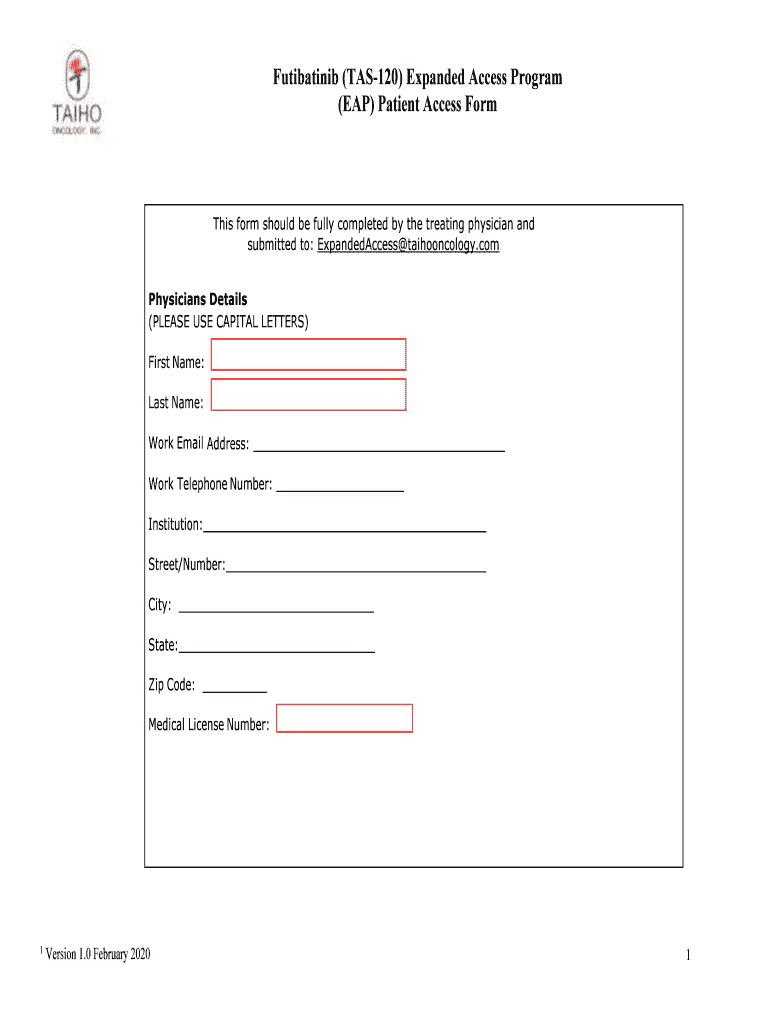
The DLM CU PAF is a Patient Access Form designed specifically for the Expanded Access Program of Futibatinib (TAS-120). This form is a crucial tool for physicians who wish to request access to this unlicensed drug on behalf of their patients. It serves as a formal mechanism to gather all necessary patient and medical information, ensuring compliance with legal and regulatory standards.
Steps to Complete the DLM CU PAF
- Gather Required Information: Physicians must first collect all pertinent patient and medical details required for the form, including medical history and current medications.
- Fill Out the Form: Start by filling in the sections designated for physician and patient information. Ensure all entries are accurate and complete.
- Provide Medical History: This section must include detailed information regarding the patient's current condition and previous treatments.
- Consent and Data Processing: Obtain necessary patient consent regarding the processing of their personal data as described in the form.
- Review Terms and Conditions: Familiarize yourself with the responsibilities outlined for physicians, including compliance with laws, monitoring adverse events, and maintaining confidentiality.
- Sign and Submit the Form: Once completed and reviewed, the form must be signed by the physician and submitted through the appropriate channels.
Important Terms Related to DLM CU PAF
- Expanded Access Program (EAP): A pathway for patients to gain access to investigational drugs outside of clinical trials when no comparable alternatives are available.
- Futibatinib (TAS-120): An investigational drug used in the treatment of certain cancers, available through the EAP.
- Patient Access Form: A document used by physicians to request access to unlicensed drugs for patients.
Legal Use of the DLM CU PAF
This form outlines the expectations and legal responsibilities of the physician, including obtaining necessary approvals and monitoring patient outcomes. Physicians must ensure that the drug is used in compliance with relevant state and federal regulations, including patient confidentiality laws and reporting requirements for any adverse effects.
Key Elements of the DLM CU PAF
- Physician Information: Contact details, credentials, and identification number.
- Patient Information: Detailed medical history and identification.
- Drug Request: Specific reasons for requesting Futibatinib.
- Consent Section: Consent forms for personal data processing.
- Terms and Conditions: Responsibilities and legal implications for use.
Who Typically Uses the DLM CU PAF
Physicians who participate in the Expanded Access Program are the primary users of the DLM CU PAF. This includes oncologists and other specialists seeking access to Futibatinib for patients with no other treatment options. The form ensures they meet necessary regulatory requirements while facilitating patient access to the drug.


Examples of Using the DLM CU PAF
In real-world scenarios, physicians might use the DLM CU PAF when treating a cancer patient who has exhausted all conventional therapies. By completing this form, the physician can provide the patient with access to Futibatinib, a promising investigational treatment, allowing the patient to potentially benefit from cutting-edge therapy outside a clinical trial setting.
Eligibility Criteria for DLM CU PAF
Patients eligible for treatment with Futibatinib through the DLM CU PAF must meet specific criteria, such as having a medical condition for which the drug is indicated and having no other viable treatment options. The physician is responsible for ensuring these criteria are met before submission of the form.

Form Submission Methods
The DLM CU PAF can be submitted through various methods including online platforms, mail, or in person, depending on the instructions provided by the administering program. This flexibility ensures that physicians can choose the most convenient and secure method for their practice and the patient's needs.




