




Here's how it works



How to use or fill out 2022 Shareholder's Instructions for Schedule K-1 (Form 1120-S) with DocHub

- Click ‘Get Form’ to open the 2022 Shareholder's Instructions for Schedule K-1 (Form 1120-S) in our platform.
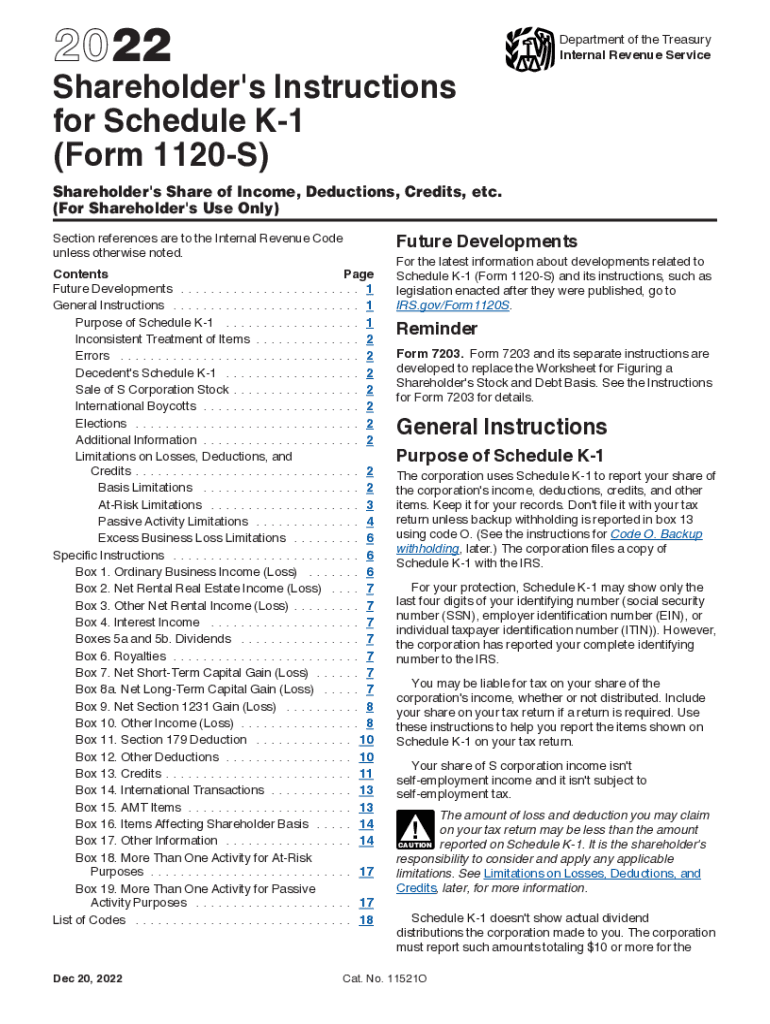
- Begin by reviewing the General Instructions section, which outlines the purpose of Schedule K-1 and its importance for reporting your share of income, deductions, and credits.
- Fill out Box 1 for Ordinary Business Income (Loss). This amount reflects your share of the corporation's ordinary income or loss from trade or business activities.
- Continue to complete Boxes 2 through 13 as applicable. Each box corresponds to specific types of income, deductions, and credits that you may need to report on your tax return.
- Utilize our editor’s features to add notes or comments directly onto the form if you have questions about specific entries or calculations.
- Once completed, save your document and export it directly to your preferred format for filing. You can also sign it electronically if required.
Start using our platform today to simplify filling out your Schedule K-1!
It's free
See more 2022 Shareholder's Instructions for Schedule K-1 (Form 1120-S) versions
| Versions | Form popularity | Fillable & printable |
|---|---|---|
| 2025 | 4.1 Satisfied (37 Votes) | |
| 2024 | 4.7 Satisfied (46 Votes) | |
| 2022 | 4.7 Satisfied (26 Votes) | |
| 2021 | 4.8 Satisfied (166 Votes) | |
| 2020 | 4.4 Satisfied (130 Votes) | |
| 2019 | 4.2 Satisfied (78 Votes) | |
| 2018 | 4.3 Satisfied (207 Votes) | |
| 2017 | 4.4 Satisfied (81 Votes) | |
| 2015 | 4.3 Satisfied (45 Votes) | |
| 2014 | 4.4 Satisfied (50 Votes) | |
| 2011 | 4.1 Satisfied (36 Votes) |
Got questions?
Can I use DocHub to create legal electronic signatures on my 1120s k 1 instructions?
Yes, you can utilize DocHub for signing any business and private documentation, including your 1120s k 1 instructions. All electronic signatures you generate with our service are legally binding and court-admissible, as DocHub complies with criteria required by ESIGN and UETA. Save your completed document with a detailed Audit Trail if necessary.
How to manage my instructions for schedule k 1 form from Gmail?
In case your go-to email service is Gmail, it is simple to integrate your DocHub editor in your work. Modify your instructions for schedule k 1 form with DocHub instruments and connect it to your drafts in Gmail. See how effortless it is to exchange documents and collaborate having a swift PDF editing solution at hand.
Where are cash distributions to shareholders reported on Form 1120?
Where do you enter shareholder contributions on 1120S?
Where are capital contributions reported?
Security and compliance
At DocHub, your data security is our priority. We follow HIPAA, SOC2, GDPR, and other standards, so you can work on your documents with confidence.
Learn more




