




01. Edit your form online
Type text, add images, blackout confidential details, add comments, highlights and more.

Type text, add images, blackout confidential details, add comments, highlights and more.

Draw your signature, type it, upload its image, or use your mobile device as a signature pad.

Send it via email, link, or fax. You can also download it, export it or print it out.
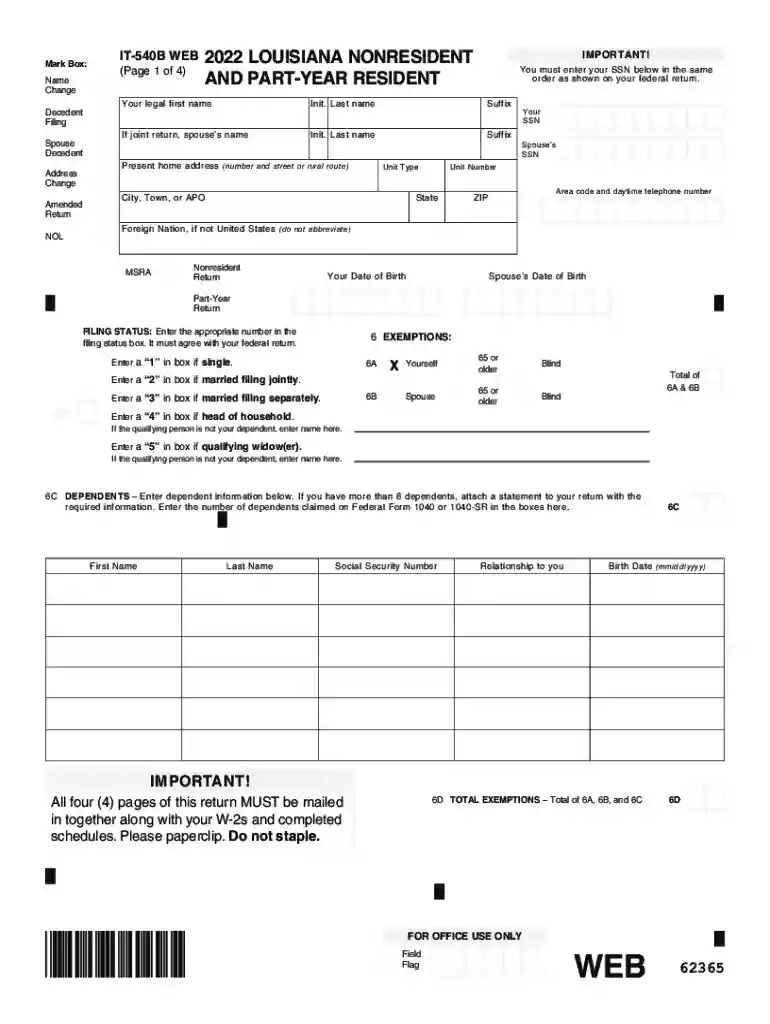
The IT-541i (1/16) - Louisiana Department of Revenue form is used primarily for income tax reporting related to estates and trusts in Louisiana. This form helps nonresident and part-year resident taxpayers accurately report their income, deductions, and credits as required by the state law. Completing the form ensures that taxpayers fulfill their tax obligations correctly and timely, adhering to the state's specific requirements for tax assessments.
When using the IT-541i, taxpayers must systematically follow the instructions provided to report all relevant financial information accurately. This includes filling out sections that cover personal information, income calculation, and applicable tax credits. Users should ensure they read each instruction carefully to avoid mistakes that could result in penalties or incorrect tax calculations.
Completing the IT-541i requires attention to detail and the correct sequence of steps. Below is an outlined process to guide users through the completion of the form:
Collect Personal Information:
Income Calculation:
Deductions and Credits:
Review and Verify:
Submission:
The IT-541i form is crucial for nonresidents and part-year residents who need to maintain compliance with Louisiana’s taxation laws. By using this form, taxpayers can:
When dealing with the IT-541i, several specific terms are essential for users to understand:
Understanding when the IT-541i must be filed is critical for maintaining good standing with the Louisiana Department of Revenue:
To correctly complete and submit the IT-541i, several documents may be required:
Failure to file or inaccuracies in the IT-541i can lead to serious consequences such as:
There are various ways to submit the IT-541i, each with different advantages:
We've got more versions of the IT-541i (1/16) - Louisiana Department of Revenue form. Select the right IT-541i (1/16) - Louisiana Department of Revenue version from the list and start editing it straight away!
| Versions | Form popularity | Fillable & printable |
|---|---|---|
| 2025 | 4.6 Satisfied (35 Votes) | |
| 2024 | 4.2 Satisfied (34 Votes) | |
| 2023 | 4.8 Satisfied (30 Votes) | |
| 2022 | 4.1 Satisfied (51 Votes) | |
| 2021 | 4.8 Satisfied (231 Votes) | |
| 2020 | 4.4 Satisfied (198 Votes) | |
| 2019 | 4.4 Satisfied (103 Votes) | |
| 2018 | 4.4 Satisfied (66 Votes) | |
| 2017 | 4.2 Satisfied (68 Votes) | |
| 2016 | 4.4 Satisfied (36 Votes) | |
| 2014 | 4.1 Satisfied (59 Votes) | |
| 2000 | 4 Satisfied (49 Votes) |
At DocHub, your data security is our priority. We follow HIPAA, SOC2, GDPR, and other standards, so you can work on your documents with confidence.


