




01. Edit your irs supporting documents online
Type text, add images, blackout confidential details, add comments, highlights and more.

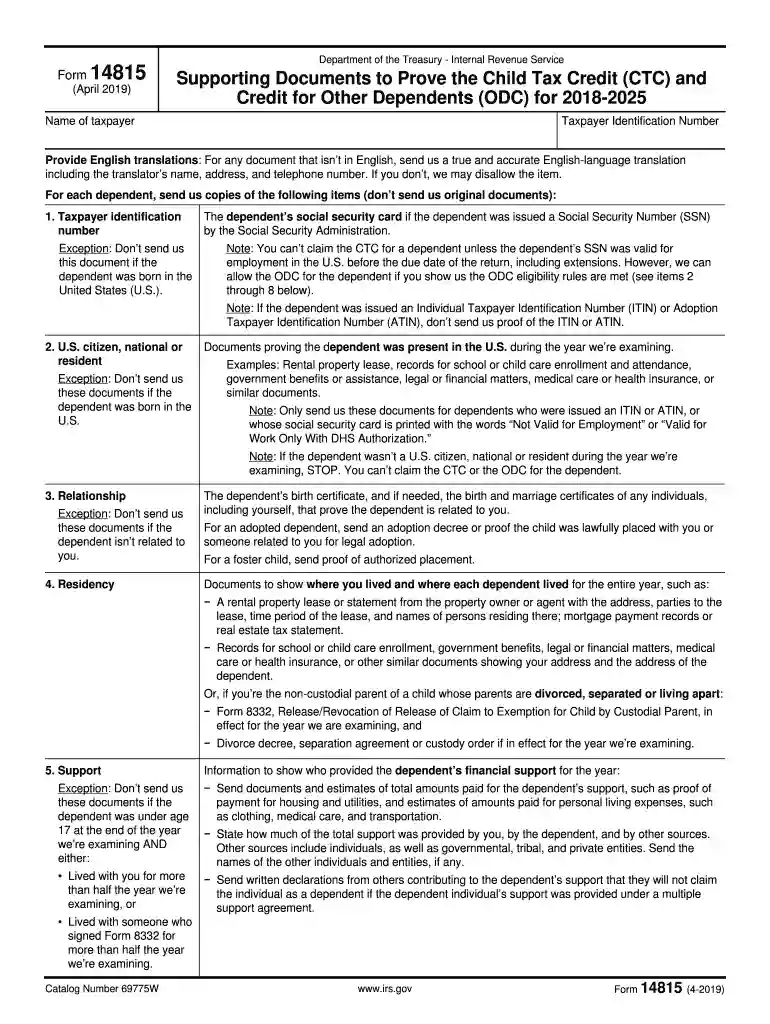
Type text, add images, blackout confidential details, add comments, highlights and more.

Draw your signature, type it, upload its image, or use your mobile device as a signature pad.

Send documents child tax credit via email, link, or fax. You can also download it, export it or print it out.

Start using our editor today to easily complete your Child Tax Credit documents online for free!
We've got more versions of the irs supporting documents form. Select the right irs supporting documents version from the list and start editing it straight away!
| Versions | Form popularity | Fillable & printable |
|---|---|---|
| 2019 | 4.9 Satisfied (58 Votes) |
At DocHub, your data security is our priority. We follow HIPAA, SOC2, GDPR, and other standards, so you can work on your documents with confidence.
The Additional Child Tax Credit (CTC) allows you to increase your tax refund by claiming up to $1,700 per qualifying child.
The records for the first year of the credit period, however, must be retained for at least 6 years beyond the due date filing the Federal income tax return
Examples: Rental property lease, records for school or child care enrollment and attendance, government benefits or assistance, legal or financial matters,Read more


