




01. Edit your form ds 86 online
Type text, add images, blackout confidential details, add comments, highlights and more.

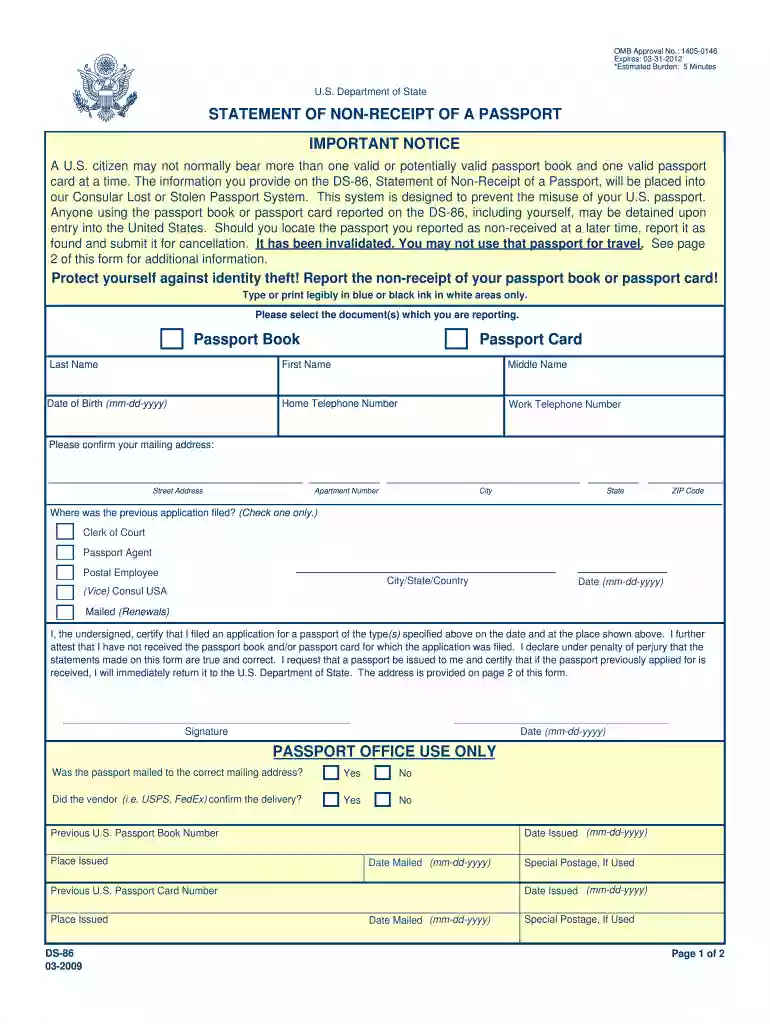
Type text, add images, blackout confidential details, add comments, highlights and more.

Draw your signature, type it, upload its image, or use your mobile device as a signature pad.

Send ds 86 form pdf via email, link, or fax. You can also download it, export it or print it out.

Start using our platform today to complete your DS-86 form quickly and efficiently!
We've got more versions of the form ds 86 form. Select the right form ds 86 version from the list and start editing it straight away!
At DocHub, your data security is our priority. We follow HIPAA, SOC2, GDPR, and other standards, so you can work on your documents with confidence.
7 days ago We understand that immigration law can be uncertain and challenging for international students and scholars, and we are here to support you.Read more
Mar 31, 2014 Passport applicants who do not receive their passports are required to complete a Statement of Non-Receipt of a Passport, Form DS86. Passport.Read more
This is to DocHub that the Nortel Networks BayStack 460 and 470 switches are shielded against the susceptibility to radio interference in accordance with theRead more


