




01. Edit your it203x online
Type text, add images, blackout confidential details, add comments, highlights and more.

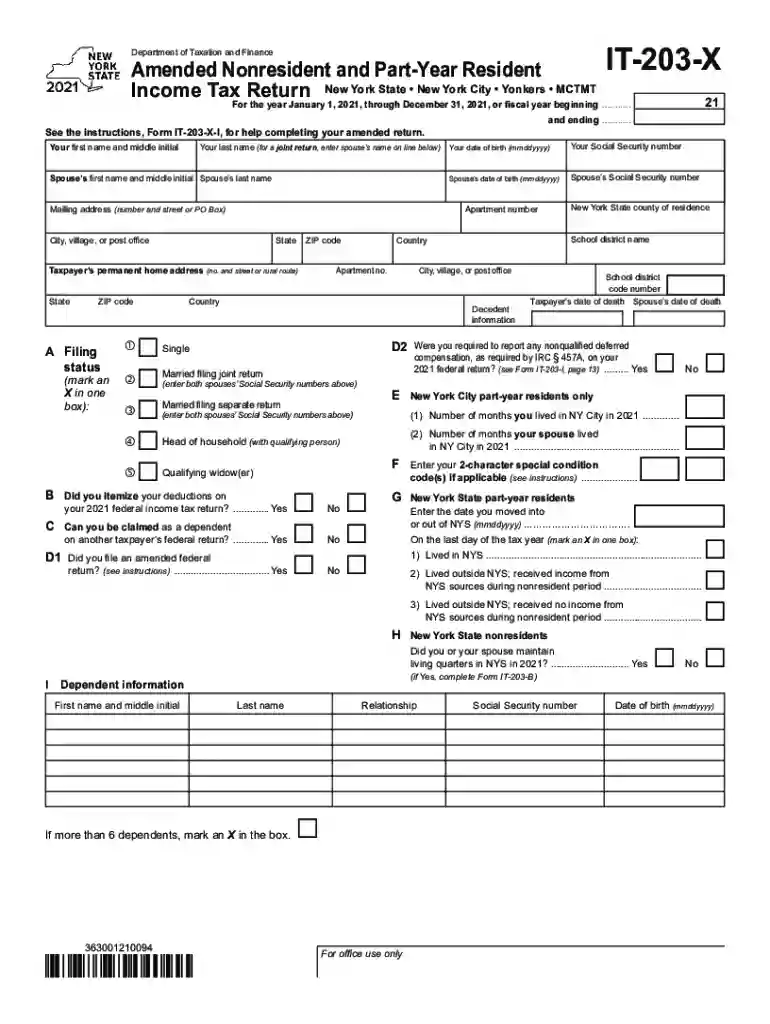
Type text, add images, blackout confidential details, add comments, highlights and more.

Draw your signature, type it, upload its image, or use your mobile device as a signature pad.

Send it via email, link, or fax. You can also download it, export it or print it out.

Start filling out your it 203 x form today for free using our platform!
We've got more versions of the it203x form. Select the right it203x version from the list and start editing it straight away!
Log in to your DocHub account and add your it 203 x to our editor using one of its upload options - from your device, cloud storage, secure URL, or your DocHub folders if you have already processed your form before. Open our editor, click the Sign button in the upper toolbar, and decide on your signing method. You can use an image of your handwritten signature, draw it, enter your name, or use a QR code instead.
You can find the latest and most relevant version of the it 203 x in our DocHub forms collection. Browse it by categories or utilize the search field to find the exact template that fits your case. You may open this form for editing after you find it.
At DocHub, your data security is our priority. We follow HIPAA, SOC2, GDPR, and other standards, so you can work on your documents with confidence.
Form IT-203, Nonresident and Part-year Resident Income Tax. Return. Form IT-203-B to report where you live in NYS, and. Form IT-2 for wages (if W-2Read more
If you file an amended return to report an NOL carryback, you must generally file Form IT-203-X within three years from the date the loss year return was due (Read more
Dec 19, 2025 2.1.2031-beta (Windows), 2.1.2032-beta (macOS), or 2.1.2033-beta (Linux) is an update to the launcher released on December 18, 2018.


