




01. Edit your form online
Type text, add images, blackout confidential details, add comments, highlights and more.

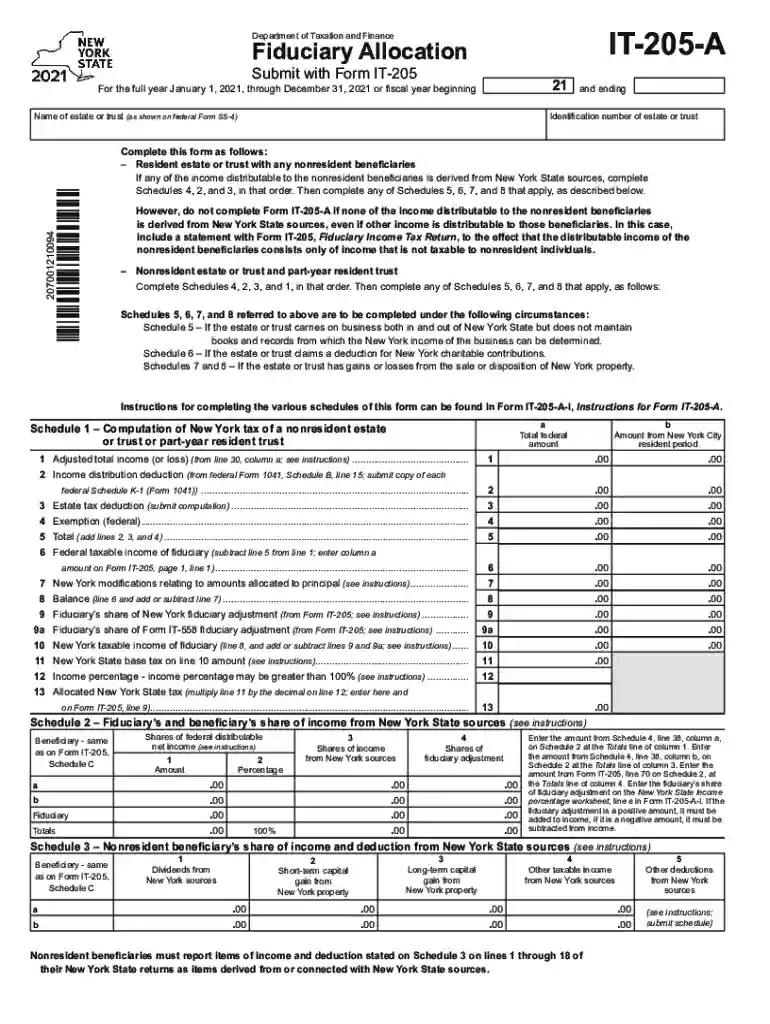
Type text, add images, blackout confidential details, add comments, highlights and more.

Draw your signature, type it, upload its image, or use your mobile device as a signature pad.

Send it via email, link, or fax. You can also download it, export it or print it out.

Start using our platform today to streamline your form completion process for free!
We've got more versions of the it 205 a form. Select the right it 205 a version from the list and start editing it straight away!
A lot of software solutions are available on the market for document modifying and signing. DocHub is one of the most widely used online solutions that comply with all data protection and compliance requirements and guarantees your electronically signed paperwork is legally enforceable. All you need to try it out is to register an account, add your it 205 a, fill out the necessary information, and click Sign. Generate your eSignature by typing, drawing it, uploading its image to your form, or scanning a unique QR code.
If you edit your it 205 a with DocHub, you only need a stable internet connection and virtually any web browser installed on your device. No need to set up any third-party applications or study tutorials. Just open a tab with DocHub, drag and drop your file, and edit it immediately.
At DocHub, your data security is our priority. We follow HIPAA, SOC2, GDPR, and other standards, so you can work on your documents with confidence.
This course explores the legal, ethical, and societal issues in the information technology (IT) world. Topics include computer and Internet crime, privacy
Column a: If all the income of the estate or trust is taxable to the fiduciary for the 2025 tax year, enter the amount from. Form IT-205, Fiduciary Income TaxRead more
Sep 16, 2013 This revenue ruling determines the status of individuals of the same-sex who are lawfully married under the laws of a state that recognizes suchRead more


