Ky aocint 3 2026

Get Form
ky aocint 3 Preview on Page 1

Here's how it works

01. Edit your form online
Type text, add images, blackout confidential details, add comments, highlights and more.

02. Sign it in a few clicks
Draw your signature, type it, upload its image, or use your mobile device as a signature pad.

03. Share your form with others
Send it via email, link, or fax. You can also download it, export it or print it out.

How to use or fill out ky aocint 3 with our platform

Form edit decoration
9.5
Ease of Setup
DocHub User Ratings on G2
9.0
Ease of Use
DocHub User Ratings on G2
  1. Click ‘Get Form’ to open the ky aocint 3 in the editor.
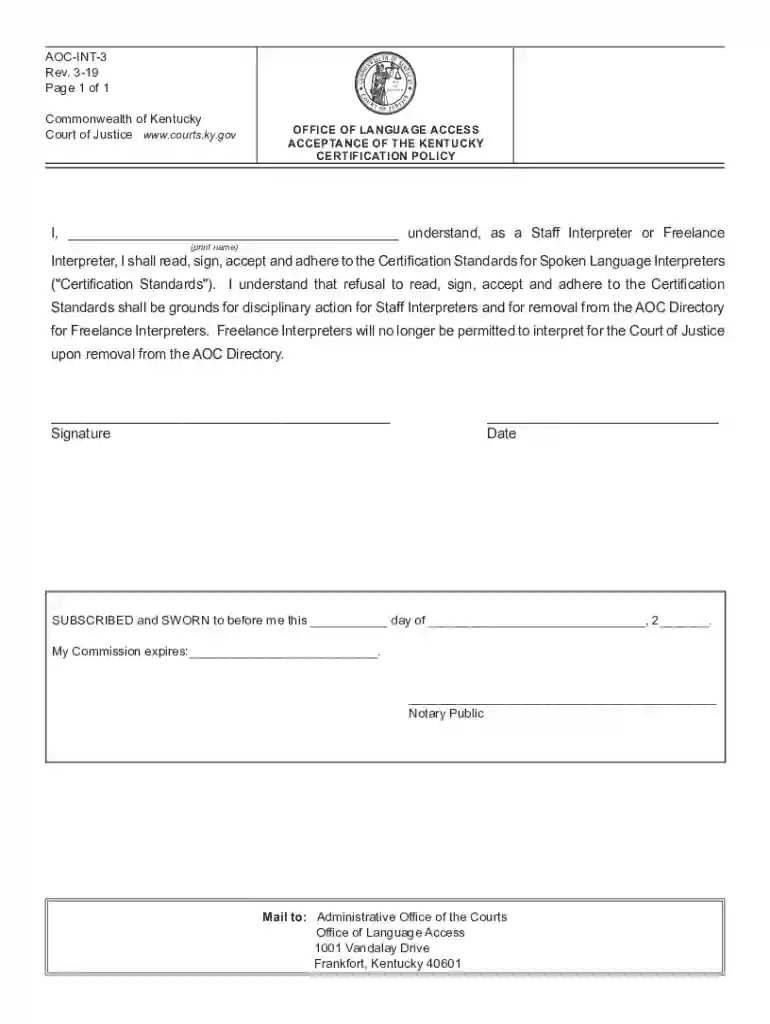
  2. In the first field, print your name clearly as it appears on your identification. This is crucial for verification purposes.
  3. Next, review the Certification Standards for Spoken Language Interpreters. Ensure you understand the responsibilities and requirements outlined in this document.
  4. Sign the form in the designated signature field. Make sure your signature matches your printed name for consistency.
  5. Enter the date of signing in the provided space. This should reflect the actual date you are completing the form.
  6. If required, have a Notary Public witness your signature and complete their section, including their commission expiration date.
  7. Finally, save your completed form and follow any instructions for submission, such as mailing it to the Administrative Office of the Courts.

Start using our platform today to fill out your ky aocint 3 form easily and for free!

See more ky aocint 3 versions

We've got more versions of the ky aocint 3 form. Select the right ky aocint 3 version from the list and start editing it straight away!
Versions Form popularity Fillable & printable
2019 4.8 Satisfied (174 Votes)
2013 4.3 Satisfied (141 Votes)
be ready to get more

Complete this form in 5 minutes or less

Get form

Got questions?

We have answers to the most popular questions from our customers. If you can't find an answer to your question, please contact us.
Contact us
A documented loss cash payment of up to $5,000. You will need to provide receipts proving that your loss is fairly traceable to the data bdocHub. A tier 1 cash payment from the settlement fund. Tier 1 payments are for members whose Social Security numbers were included in the incident.
A Tier 3 Cash Payment is a pro rata share of the July incident cash (the funds left after payment of Settlement Administration Costs, Attorneys Fees, Costs, and Service Awards).
Tier 3 Cash Payment means the Settlement Class Member Benefit consisting of a pro rata share of the ATT 2 Net Settlement Fund that Tier 3 Settlement Class Members may elect under Section V herein.
Tier 3 is referred to as a hybrid plan because it has characteristics of both a defined benefit plan and a defined contribution plan. This plan resembles a defined contribution plan because it determines the value of benefits for each participant based on individual accounts.
Tier 3 is a defined benefit plan that provides pension benefits based upon final average pay and years of service. This plan provides service, disability and survivor pension benefits as well as retiree health insurance subsidies to eligible sworn members and certain qualified survivors.

Security and compliance

At DocHub, your data security is our priority. We follow HIPAA, SOC2, GDPR, and other standards, so you can work on your documents with confidence.

Learn more
ccpa2
pci-dss
gdpr-compliance
hipaa
soc-compliance