





Here's how it works

01. Edit your fillable maryland form 502 online
Type text, add images, blackout confidential details, add comments, highlights and more.

02. Sign it in a few clicks
Draw your signature, type it, upload its image, or use your mobile device as a signature pad.

03. Share your form with others
Send it via email, link, or fax. You can also download it, export it or print it out.
How to use or fill out form e inspection with our platform

- Click ‘Get Form’ to open the form e inspection in the editor.
- Begin by entering the MDE Tracking # and Certificate # at the top of the form. Ensure these numbers are accurate as they are essential for processing.
- Fill in the Inspector's Accreditation # and name, along with the MDE Property # and site address, including street number, name, town, and zip code.
- In Section 1 (Interior Surfaces), provide details such as total units this certificate applies to, total XRF readings, and any inconclusive readings.
- For Section 2 (Exterior Surfaces), select either Option A or B based on your findings. Record total XRF readings and inconclusive results.
- In Section 3 (Factory Applied Coatings), indicate if paint chip samples were collected and circle 'YES' or 'NO' as applicable.
- Finally, sign and date the form to certify that it is complete before submitting it along with any required attachments.
Start using our platform today for free to streamline your form e inspection process!
Fill out form e inspection online
It's free
It's free
Security and compliance
At DocHub, your data security is our priority. We follow HIPAA, SOC2, GDPR, and other standards, so you can work on your documents with confidence.
Learn more


Related forms
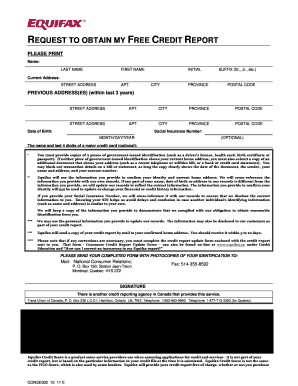
REQUEST TO OBTAIN MY FREE CREDIT REPORT - Rabideau Debt Law - debtlaw
The document is a request form for obtaining a free credit report from Equifax. It requires personal information such as ...
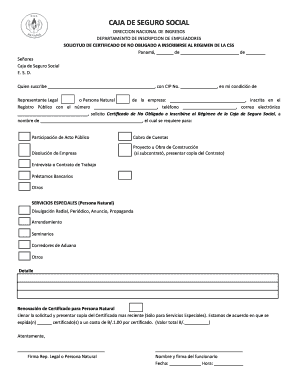
No obligado css
The document is a request form addressed to the Caja de Seguro Social in Panama, seeking a Certificate of Non-Obligation ...
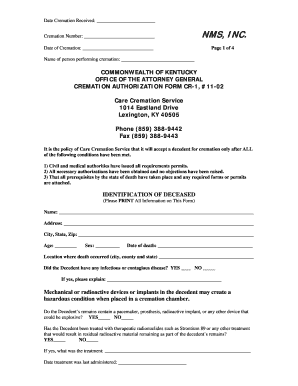
Cremation authorization form pdf
The document is a Cremation Authorization Form from Care Cremation Service in Kentucky, outlining the necessary conditio ...

Gate pass format
The document provides a detailed guide on how to apply for an MIC Gate Pass, outlining the steps for both individual and ...
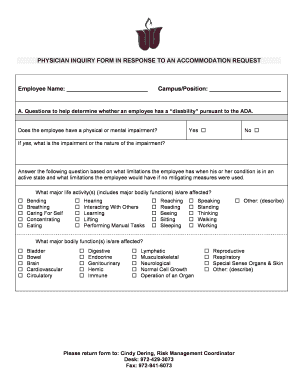
ADA Form for Physicians
The document is a Physician Inquiry Form designed to assess an employee's disability status and determine the need for a ...

Health and Human Services: Appeals and Complaints
The document is a medical report form for the North Carolina Department of Social Services (DSS) used to assess eligibil ...

SH-70-05 Income Tax Form
The document SH-70-05 outlines the procedures and requirements for paying the income tax on rental income and temporary ...