




Here's how it works

01. Edit your dochub com fillable form online
Type text, add images, blackout confidential details, add comments, highlights and more.

02. Sign it in a few clicks
Draw your signature, type it, upload its image, or use your mobile device as a signature pad.

03. Share your form with others
Send pdf mo via email, link, or fax. You can also download it, export it or print it out.
How to use or fill out mo dor mo tpa printable with our platform

- Click ‘Get Form’ to open the mo dor mo tpa printable in the editor.
- Begin by entering your Missouri Tax I.D. and Federal Employer Number in the designated fields. Ensure accuracy as these numbers are crucial for identification.
- In the Agreement section, fill in your name and business name where indicated. This establishes your identity as the Taxpayer entering into this agreement.
- Complete the signature section at the bottom of the form. Include your name, title, email address, and contact information to ensure proper communication.
- Review all entered information for completeness and accuracy before submitting. Make sure you understand the terms outlined in the agreement regarding electronic filing.
Start using our platform today to fill out your mo dor mo tpa printable easily and for free!
Fill out mo dor mo tpa printable online
It's free
It's free
See more mo dor mo tpa printable versions
We've got more versions of the mo dor mo tpa printable form. Select the right mo dor mo tpa printable version from the list and start editing it straight away!
Security and compliance
At DocHub, your data security is our priority. We follow HIPAA, SOC2, GDPR, and other standards, so you can work on your documents with confidence.
Learn more


Related forms

CHILD (B L PM) DAILY PRODUCTION RECORD MEAL DOCUMENTATION
The document is a daily production record for meal documentation in a childcare facility, detailing meal planning, servi ...
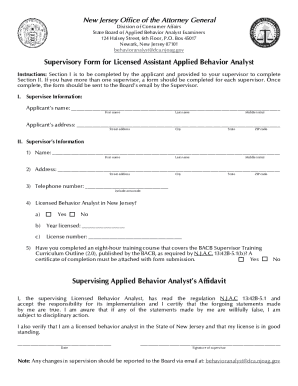
Supervisory Form for Licensed Assistant Applied Behavior Analyst
The document is a Supervisory Form for Licensed Assistant Applied Behavior Analysts in New Jersey, outlining the process ...
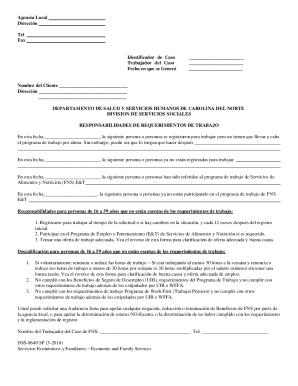
Tours, activities, things to do and transportation
The document outlines the responsibilities and requirements for individuals aged 16 to 59 who are not exempt from work r ...

Case of
The document is a monitoring tool for the Refugee Cash Assistance (RCA) and Refugee Medical Assistance (RMA) programs in ...
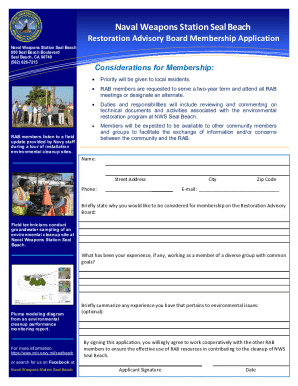
Naval Weapons Station Seal Beach Info Sheet
The document invites community members to join the Restoration Advisory Board (RAB) at Naval Weapons Station Seal Beach, ...

APPLICATION FOR STUDENT TEACHING - The Sage Colleges - sage
The document outlines the application process and requirements for student teaching placements at The Sage College of Al ...

New Program Instruction on Funding for Kinship Navigator
The document outlines the application process for the Fiscal Year 2024 Title IV-B, Subpart 2 Kinship Navigator Funding R ...