




Here's how it works

01. Edit your itin letter online
Type text, add images, blackout confidential details, add comments, highlights and more.

02. Sign it in a few clicks
Draw your signature, type it, upload its image, or use your mobile device as a signature pad.

03. Share your form with others
Send sample letter to irs to change itin to ssn via email, link, or fax. You can also download it, export it or print it out.
How to use or fill out rescindment tax with our platform

- Click ‘Get Form’ to open the rescindment tax application in the editor.
- Begin by entering your business name and Federal Employer Identification Number (FEIN) in the designated fields.
- Fill in your mailing address, including city, state, and ZIP code. Ensure all information is accurate for correspondence.
- Provide the contact person's name, telephone number, and email address for any follow-up communication.
- If applicable, enter the Parent Corporation’s FEIN if included in a consolidated Florida corporate income tax return.
- Indicate the original amount of planned contribution and confirmation number from your original credit allocation application.
- Specify the name of the SFO for which the credit was originally approved and enter the amount you wish to rescind.
- Detail amounts to rescind based on each tax type listed. Ensure that these do not exceed your total rescindment request.
- Review all entered information carefully before signing. Confirm that you understand the requirements stated in section 1002.395(5)(f).
- Sign and date the form electronically before submitting it through our platform. A confirmation screen will appear upon successful submission.
Start using our platform today to streamline your rescindment tax application process for free!
Fill out rescindment tax online
It's free
See more rescindment tax versions
We've got more versions of the rescindment tax form. Select the right rescindment tax version from the list and start editing it straight away!
Security and compliance
At DocHub, your data security is our priority. We follow HIPAA, SOC2, GDPR, and other standards, so you can work on your documents with confidence.
Learn more


Related forms

OUR LADY OF THE PINES PRIMARY SCHOOL - olopdonvale catholic edu
The document is an enrolment application form for Our Lady of the Pines Primary School, detailing the information requir ...

Caution money
The document is a formal request for the refund of caution money paid at the time of admission for a student who has com ...
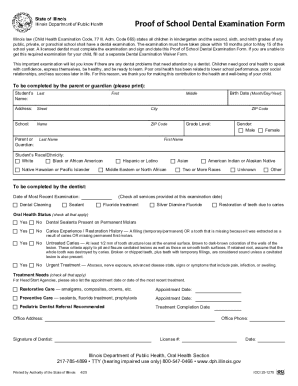
Proof of School Dental Examination Form
The document is a Proof of School Dental Examination Form required by Illinois law for children in specific grades to un ...

Status Notice Form - Escrow Agents' Fidelity Corporation - eafc
The document is a status notice form for the Escrow Agents' Fidelity Corporation (EAFC) that must be completed by employ ...

The Georgia Collaborative Aso Request for Conversion Form
The document outlines the process for converting a Personal Care Home (PCH) or Community Living Arrangement (CLA) to a H ...
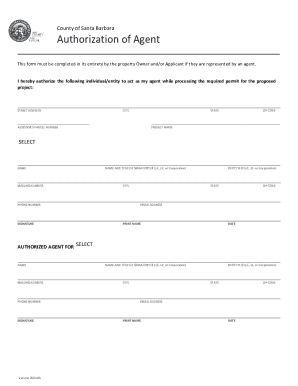
This form must be completed in its entirety by the property Owner and or Applicant if they are repre
This form must be completed in its entirety by the property Owner and or Applicant if they are repre
The document is an 'Authorization of Agent' form from the County of Santa Barbara, which allows a property owner or appl ...
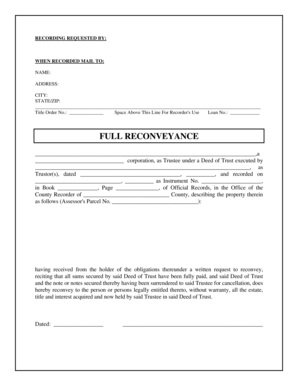
: Space Above This Line For Recorder 's Use Loan No
The document is a Full Reconveyance form, which is used to officially release a Deed of Trust once the associated loan h ...

Bi Form - Fill Online, Printable, Fillable, Blank
The document is a Consolidated General Application Form for Student Visa and Special Study Permit, detailing the necessa ...