




Here's how it works

01. Edit your form online
Type text, add images, blackout confidential details, add comments, highlights and more.

02. Sign it in a few clicks
Draw your signature, type it, upload its image, or use your mobile device as a signature pad.

03. Share your form with others
Send it via email, link, or fax. You can also download it, export it or print it out.
How to use or fill out ct oral form with our platform

- Click ‘Get Form’ to open the ct oral form in the editor.
- Begin by filling in the Appellate Court Docket Number at the top of the form. This is essential for identifying your case.
- Next, provide the date of argument. Ensure this is accurate as it relates to your scheduled appearance.
- In the 'Name of Case' section, clearly print the title of your case. This should match what is recorded in court documents.
- Fill in your name and address, including zip code, ensuring all information is legible for processing.
- Indicate your role by checking the appropriate boxes under 'Representing'. Be sure to include any accompanying counsel's names and titles if applicable.
- Finally, review all entries for accuracy before submitting. Once complete, give the form to the clerk in the Appellate Court courtroom on the date of argument.
Start using our platform today to easily fill out and manage your ct oral form online for free!
Fill out ct oral form online
It's free
It's free
Security and compliance
At DocHub, your data security is our priority. We follow HIPAA, SOC2, GDPR, and other standards, so you can work on your documents with confidence.
Learn more


Related forms
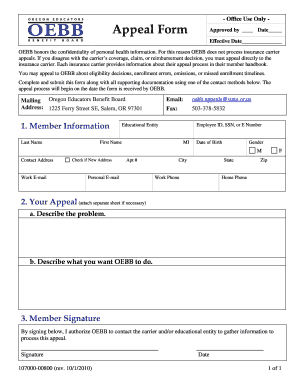
Oebb appeal form
The document is an Appeal Form for the Oregon Educators Benefit Board (OEBB), which outlines the process for members to ...

SEL 400 - Oregon Secretary of State
The document is a State Voters' Pamphlet Statement of Endorsement form, which outlines the process for individuals to en ...

Pennsylvania non military form
The document provides guidelines for purchasing non-intervening military service credit within the Pennsylvania Public S ...

Business Services - New Mexico Secretary of State
The document provides instructions for submitting filings to the New Mexico Secretary of State's Corporations Bureau, de ...
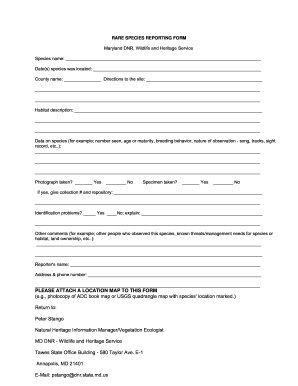
MD Rare Species Reporting Form
The document is a RARE SPECIES REPORTING FORM from the Maryland Department of Natural Resources, designed for individual ...

1150 ADMINISTRATIVE
The document outlines the procedures for completing the 1150 Administrative Waiver Request Form (MA 325) for inpatient h ...

Louisiana Order to Show Cause
The document is a court order commanding the defendant to appear in court to show cause for why they should not be evict ...

Telephonic seller state of california form
The document is a Telephonic Seller Registration form from the California Department of Justice, outlining the requireme ...