




Here's how it works

01. Edit your michigan form mi 1040 online
Type text, add images, blackout confidential details, add comments, highlights and more.

02. Sign it in a few clicks
Draw your signature, type it, upload its image, or use your mobile device as a signature pad.

03. Share your form with others
Send michigan 1040 instructions via email, link, or fax. You can also download it, export it or print it out.
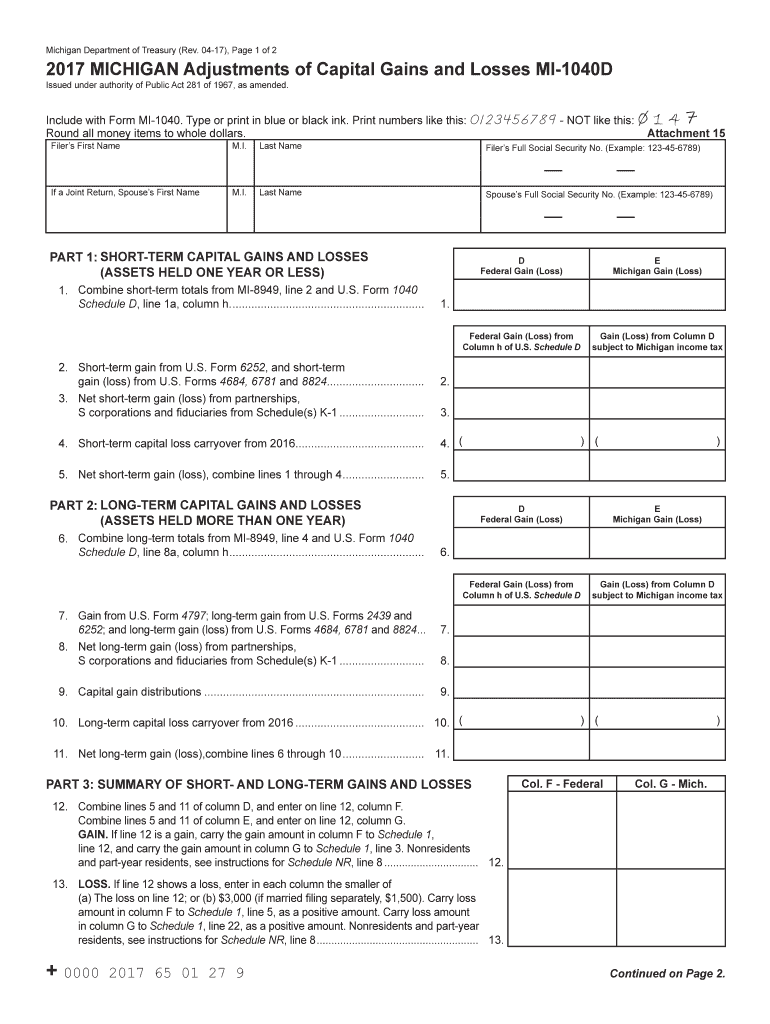
How to use or fill out 2014 Michigan MI-1040 Individual Income Tax with our platform

- Click ‘Get Form’ to open the 2014 Michigan MI-1040 Individual Income Tax form in the editor.
- Begin by entering your personal information at the top of the form, including your name and address. Ensure that all details are accurate for a smooth filing process.
- Proceed to report your income in the designated sections. Carefully input figures from your W-2s and other income sources, ensuring you follow the line instructions closely.
- Next, navigate to the deductions section. Here, you can enter any applicable deductions such as standard or itemized deductions. Use our platform’s features to easily calculate totals.
- Finally, review all entries for accuracy before submitting. Utilize our platform's editing tools to make any necessary adjustments quickly and efficiently.
Start using our platform today for free and simplify your tax filing process!
Fill out 2014 Michigan MI-1040 Individual Income Tax ... - State of Michigan online
It's free
It's free
See more 2014 Michigan MI-1040 Individual Income Tax ... - State of Michigan versions
We've got more versions of the 2014 Michigan MI-1040 Individual Income Tax ... - State of Michigan form. Select the right 2014 Michigan MI-1040 Individual Income Tax ... - State of Michigan version from the list and start editing it straight away!
| Versions | Form popularity | Fillable & printable |
|---|---|---|
| 2025 | 4.4 Satisfied (25 Votes) | |
| 2024 | 4.9 Satisfied (36 Votes) | |
| 2023 | 4.4 Satisfied (40 Votes) | |
| 2022 | 4.4 Satisfied (42 Votes) | |
| 2021 | 4.9 Satisfied (42 Votes) | |
| 2020 | 4.2 Satisfied (37 Votes) | |
| 2019 | 4.1 Satisfied (51 Votes) | |
| 2018 | 4.3 Satisfied (123 Votes) | |
| 2017 | 4.4 Satisfied (159 Votes) | |
| 2007 | 4.4 Satisfied (74 Votes) |
Security and compliance
At DocHub, your data security is our priority. We follow HIPAA, SOC2, GDPR, and other standards, so you can work on your documents with confidence.
Learn more


Related forms

Equal Opportunities Monitoring Form
The document is an Equal Opportunities Monitoring Form used by Minority Rights Group International to ensure fair recrui ...

Veh 46 - application form
The document is an application form from Transport Malta for various vehicle-related requests, including changing owner ...

Lettre de consentement recommande pour un enfant voyageant ltranger
The document is a recommended consent letter for parents or guardians authorizing a child to travel abroad. It includes ...

ESY Regression Recoupment Form
The document is a Regression-Recoupment Tracking Form used to assess student skill loss and recovery after breaks in ins ...

Miniature Horses as Service AnimalsWhat Can They Do?
The document is an application form for obtaining a service dog identification tag, outlining the requirements for servi ...

NET PROCEEDS WORKSHEET: Sales Price: $ Seller's - jprlaw
The document is a NET PROCEEDS WORKSHEET designed to help sellers calculate their net proceeds from a property sale by l ...

Proof of Personal Service, Elder or Dependent Adult
The document GV-109 is a Notice of Court Hearing related to a Gun Violence Restraining Order in California. It outlines ...

Graduate - Chapman University
The document is a Graduate Revision Request form from Chapman University, specifically for the Financial Aid Office. It ...