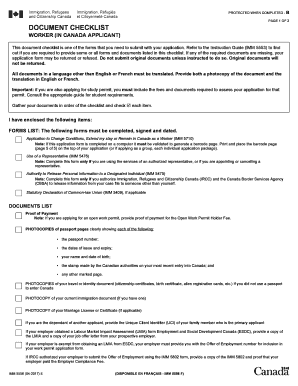
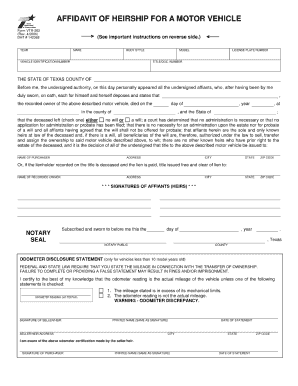
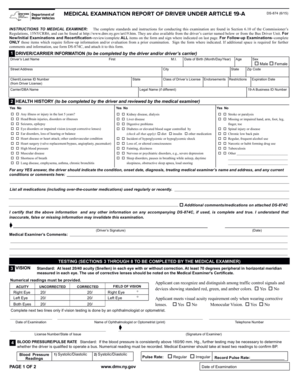
Type text, add images, blackout confidential details, add comments, highlights and more.
02. Sign it in a few clicks
Draw your signature, type it, upload its image, or use your mobile device as a signature pad.
03. Share your form with others
Send it via email, link, or fax. You can also download it, export it or print it out.
How to use or fill out dr 1n 2015 form with our platform
Ease of Setup
DocHub User Ratings on G2
Ease of Use
DocHub User Ratings on G2
Click ‘Get Form’ to open the DR-1N application in the editor.
Begin by reviewing the Tax and Taxable Activity Descriptions section. Identify your business activities and the corresponding taxes you need to register for.
Complete Section A, providing your business name, physical address, contact information, and Federal Employer Identification Number (FEIN) if applicable.
Fill out Sections B through K as per your business activities. Ensure you answer all questions in bold print accurately to avoid rejection of your application.
Once completed, review all sections for accuracy. Use our platform's features to easily edit any mistakes before finalizing.
Submit your application by either mailing it to the Florida Department of Revenue or using online registration options available on their website.
Start filling out your DR-1N form today using our platform for a seamless experience!
Dr 1n 2015 form printable2015 transportation form onlineDr 1n 2015 form pdf downloadDr 1n 2015 form pdfDr 1n 2015 form onlineForm 2015 Medicaid transportation 2024 PDF downloadForm 2015 Medicaid transportation 2025Printable Form 2015 Medicaid transportation 2023
Security and compliance
At DocHub, your data security is our priority. We follow HIPAA, SOC2, GDPR, and other standards, so you can work on your documents with confidence.
Research interests are in the broad area of food and bioprocess engineering focusing on value-added processing, storage and transportation of food andRead more
Jan 5, 2016 Get a faster refund, reduce errors, and save paper. prepare and e-file your taxes. Enter the total pension or annuity payments received in 2015
Cookie consent notice
This site uses cookies to enhance site navigation and personalize your experience.
By using this site you agree to our use of cookies as described in our Privacy Notice.
You can modify your selections by visiting our Cookie and Advertising Notice.