




01. Edit your wv 120 online
Type text, add images, blackout confidential details, add comments, highlights and more.

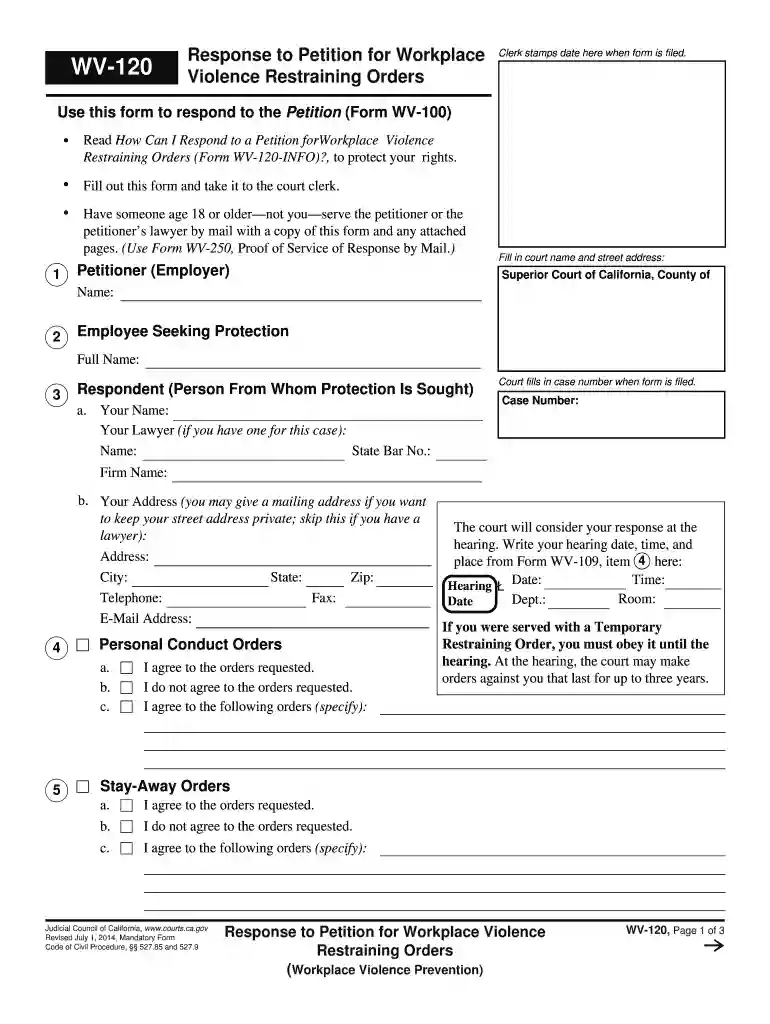
Type text, add images, blackout confidential details, add comments, highlights and more.

Draw your signature, type it, upload its image, or use your mobile device as a signature pad.

Send it via email, link, or fax. You can also download it, export it or print it out.

Start using our platform today to easily complete your WV-120 form online for free!
We've got more versions of the wv 120 form. Select the right wv 120 version from the list and start editing it straight away!
Sure, you’ll find numerous applications for this on the web. Nonetheless, if you need to eSign your WV-120 Response to Petition for Workplace Violence Restraining - courts ca without installing extra software, DocHub is the best choice you can make. This robust editor works on mobile devices just like on desktops. Open our editor in any internet browser, register or sign in to your account, and start processing your paperwork.
You may quickly complete, edit, and even eSign your WV-120 Response to Petition for Workplace Violence Restraining - courts ca using DocHub. Create a new account and begin your free trial. After that, you may add the document with the form and simply make all the needed edits. No need to print on paper or use a third-party application to sign it, as you can put your electronic signature on your document faster through DocHub.
At DocHub, your data security is our priority. We follow HIPAA, SOC2, GDPR, and other standards, so you can work on your documents with confidence.
Jan 1, 2026 If you disagree with the orders the person is asking for, fill out form WV-120, Response to Petition for Workplace. Violence Restraining Orders,Read more
by ML Kahn 2008 Cited by 26 In essence, this Article proposes three ways to amend these bills to provide a societal response to the problem of domestic violence at work: (1) reframing theRead more


