




Here's how it works

01. Edit your form online
Type text, add images, blackout confidential details, add comments, highlights and more.

02. Sign it in a few clicks
Draw your signature, type it, upload its image, or use your mobile device as a signature pad.

03. Share your form with others
Send it via email, link, or fax. You can also download it, export it or print it out.
How to use or fill out Withholding Tax Forms with DocHub

- Click ‘Get Form’ to open the Withholding Tax Form in our editor.
- Begin by entering your account number, federal identification number, business name, and address in the designated fields at the top of the form.
- In the section labeled 'Gross Compensation Subject to Withholding', input the total gross compensation for the filing period. If there are no qualifying wages, enter zero.
- Next, enter the total Troy tax withheld during this period in the appropriate field.
- If applicable, provide any adjustments from prior periods along with a full explanation attached to the form.
- Indicate any penalties or interest due if applicable and calculate the total amount due at the bottom of the form.
- Finally, sign and date where indicated and ensure you have included your contact information before submitting.
Start using our platform today to streamline your Withholding Tax Forms completion for free!
Fill out Withholding Tax Forms online
It's free
See more Withholding Tax Forms versions
We've got more versions of the Withholding Tax Forms form. Select the right Withholding Tax Forms version from the list and start editing it straight away!
Security and compliance
At DocHub, your data security is our priority. We follow HIPAA, SOC2, GDPR, and other standards, so you can work on your documents with confidence.
Learn more


Related forms
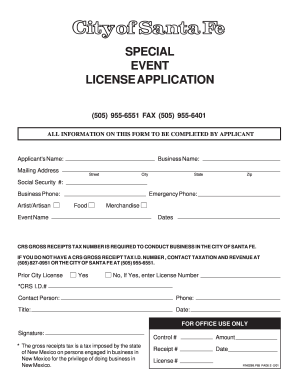
Santa fe special event application
The document is a Special Event License Application for the City of Santa Fe, requiring applicants to provide personal a ...

2023 Instructions for Form 940 Instructions for Form 940, Employer's Annual Federal Unemployment (FU
2023 Instructions for Form 940 Instructions for Form 940, Employer's Annual Federal Unemployment (FU
The document provides detailed instructions for completing Form 940, the Employer's Annual Federal Unemployment (FUTA) T ...
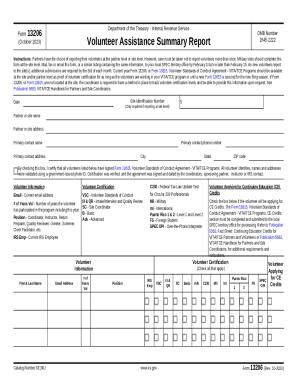
Form 13206 (Rev 10-2023) Volunteer Assistance Summary Report
The document is the Volunteer Assistance Summary Report (Form 13206) from the IRS, detailing instructions for partners t ...
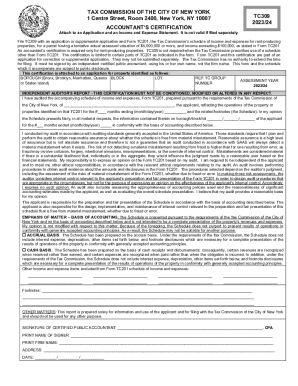
Accountant's certification Attach to TC201
The document is a certification form (TC309) required by the Tax Commission of the City of New York for rent-producing p ...

Aets-credit-card-authorization
The document is a credit card authorization form for American Evaluation and Translation Service, Inc., allowing custome ...

Under that Act and will be stored in personal information bank number INA P-PU-110
The document is a notification indicating that the content is not currently displayed and suggests upgrading to the late ...
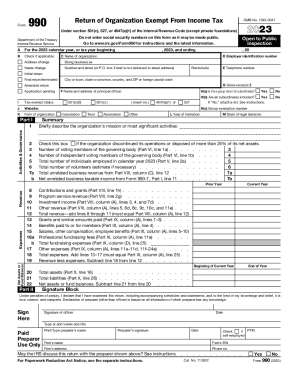
2023 Form 990 Return of Organization Exempt From Income Tax
The document is the Form 990 for the year 2023, which is a return filed by organizations exempt from income tax under se ...