




Here's how it works

01. Edit your express scripts appeal form pdf online
Type text, add images, blackout confidential details, add comments, highlights and more.

02. Sign it in a few clicks
Draw your signature, type it, upload its image, or use your mobile device as a signature pad.

03. Share your form with others
Send express scripts appeal form via email, link, or fax. You can also download it, export it or print it out.
How to use or fill out express scripts appeal form with our platform

- Click ‘Get Form’ to open the express scripts appeal form in the editor.
- Begin by filling out the Member/Subscriber Information section. Enter your Member ID, name, address, and group number as indicated on your prescription drug ID card.
- In the Patient Information section, provide the patient's name, date of birth, sex, and relationship to the plan member. Ensure all details are accurate for a smooth processing.
- Next, complete the Pharmacy Information section. Include the pharmacy's name, address, and telephone number. Indicate if it is an on-site nursing home pharmacy.
- Tape your claim receipts or itemized bills on the back of the form as instructed. Make sure they contain all required information such as NDC numbers and amounts paid.
- Finally, review your entries for completeness and accuracy before signing in the acknowledgment section. Submit your completed form along with receipts to Express Scripts.
Start using our platform today to easily fill out your express scripts appeal form for free!
Fill out express scripts appeal form online
It's free
It's free
See more express scripts appeal form versions
We've got more versions of the express scripts appeal form form. Select the right express scripts appeal form version from the list and start editing it straight away!
| Versions | Form popularity | Fillable & printable |
|---|---|---|
| 2012 | 4.9 Satisfied (357 Votes) |
Security and compliance
At DocHub, your data security is our priority. We follow HIPAA, SOC2, GDPR, and other standards, so you can work on your documents with confidence.
Learn more


Related forms
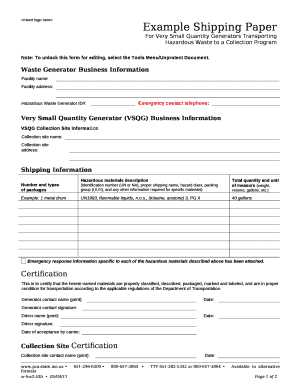
Example Shipping Paper
The document is an example shipping paper designed for Very Small Quantity Generators (VSQG) transporting hazardous wast ...

Invoice Payment Processing System (IPPS) PIA
The document is a Privacy Impact Assessment (PIA) for the Invoice Payment Processing System (IPPS) managed by the Financ ...

Invoice Payment Processing System PIA
The document is a Privacy Impact Assessment (PIA) for the Invoice Payment Processing System (IPPS) used by the Departmen ...

NAVAL RESERVE OFFICERS TRAINING
The document is a Naval Reserve Officers Training Corps (NROTC) Student Disenrollment Report, which outlines the process ...
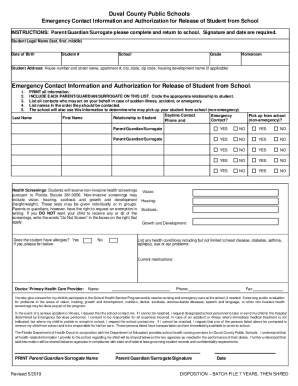
Emergency Contact Information and Authorization for Release
The document is an Emergency Contact Information and Authorization form for Duval County Public Schools, requiring paren ...
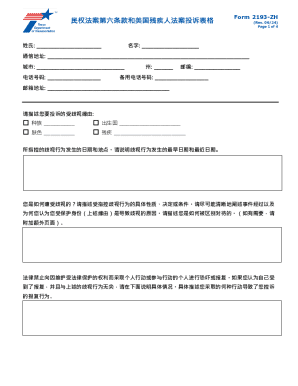
Form 2193-zh
Form 2193-ZH is a complaint form designed for individuals to report instances of discrimination based on race, color, na ...

WV-800-INFO How Do I Turn In, Sell, or Store My Firearmsand Firearm Parts? Judicial Council forms
WV-800-INFO How Do I Turn In, Sell, or Store My Firearmsand Firearm Parts? Judicial Council forms
The document provides guidelines on how to turn in, sell, or store prohibited firearms and firearm parts, including hand ...

Non-Profit Abuse Complaint Form
The document is a Non-Profit Abuse Complaint Form issued by the Attorney General of Iowa, providing instructions for ind ...