




01. Edit your form online
Type text, add images, blackout confidential details, add comments, highlights and more.

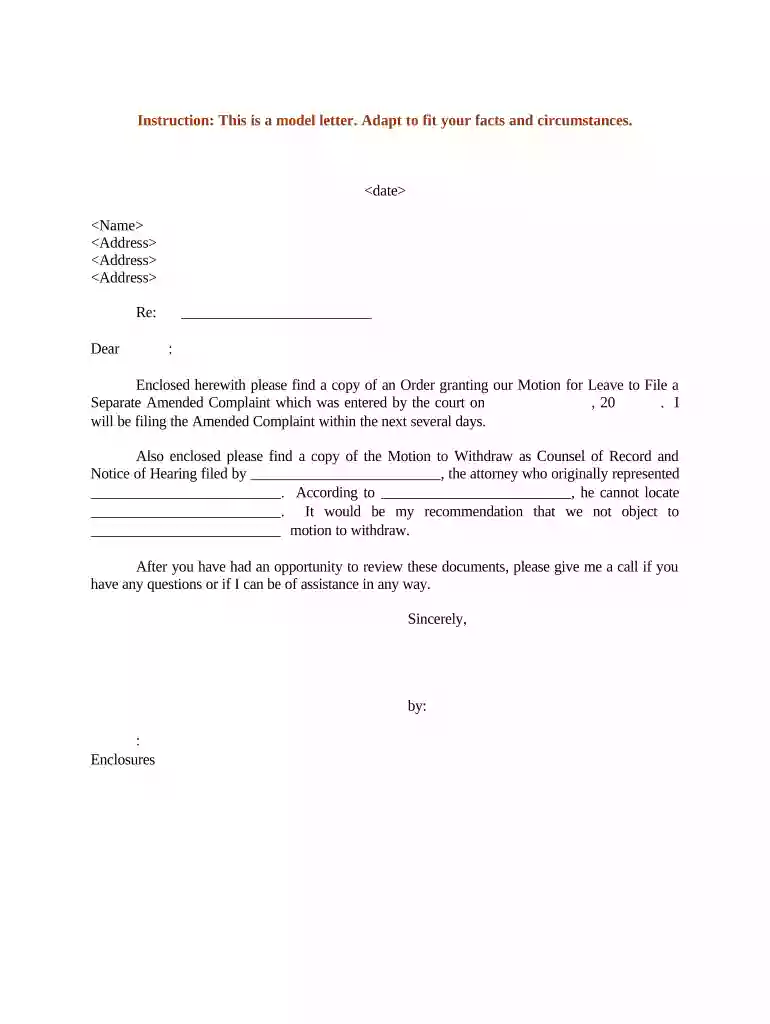
Type text, add images, blackout confidential details, add comments, highlights and more.

Draw your signature, type it, upload its image, or use your mobile device as a signature pad.

Send it via email, link, or fax. You can also download it, export it or print it out.

Start using our platform today for free to streamline your document editing and ensure a smooth filing process!
At DocHub, your data security is our priority. We follow HIPAA, SOC2, GDPR, and other standards, so you can work on your documents with confidence.
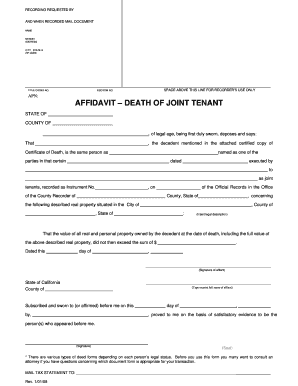
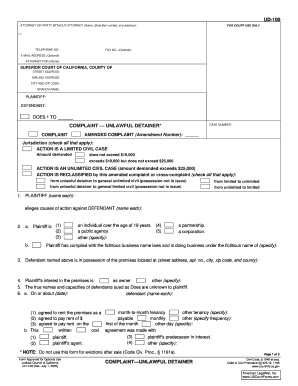

You must file an original amended complaint, and if you are proceeding as a poor person in this case, an exact copy of your amended complaint for each defendantRead more
A party may amend its pleading once as a matter of course no later than: (A) 21 days after serving it, or (B) if the pleading is one to which a responsiveRead more
The trial judge granted the motion, but the appellate court reversed because the amended claim did not exceed the scope of the agreement to arbitrate as it wasRead more


