




Here's how it works

01. Edit your tenancy agreement form nz online
Type text, add images, blackout confidential details, add comments, highlights and more.

02. Sign it in a few clicks
Draw your signature, type it, upload its image, or use your mobile device as a signature pad.

03. Share your form with others
Send tenancy agreement template nz via email, link, or fax. You can also download it, export it or print it out.
How to use or fill out tenancy tribunal application form nz with our platform

- Click ‘Get Form’ to open the tenancy tribunal application form in the editor.
- Begin by entering the address of the property you are applying for. This is crucial for identifying your intended rental location.
- Fill in your full name as per your photo ID, along with your phone number, date of birth, and email address. Ensure that all details match your identification documents.
- Provide a verified ID number and upload a color copy of your ID (Driver's License, Passport, or 18+ Card) for verification purposes.
- Complete the sections regarding your current address, landlord's information, and reason for moving. This helps landlords understand your situation better.
- List your employment details including company name, job description, and duration at the job. If applicable, include any income from WINZ.
- Add references by providing at least two contacts who are not family members or future housemates. Include their names, addresses, phone numbers, and emails.
- Finally, review the Privacy Act statement and acceptance section before signing to confirm that all information provided is accurate.
Start using our platform today to fill out your tenancy tribunal application form easily and for free!
Fill out tenancy tribunal application form nz online
It's free
It's free
See more tenancy tribunal application form nz versions
We've got more versions of the tenancy tribunal application form nz form. Select the right tenancy tribunal application form nz version from the list and start editing it straight away!
| Versions | Form popularity | Fillable & printable |
|---|---|---|
| 2016 | 4 Satisfied (52 Votes) |
Security and compliance
At DocHub, your data security is our priority. We follow HIPAA, SOC2, GDPR, and other standards, so you can work on your documents with confidence.
Learn more


Related forms
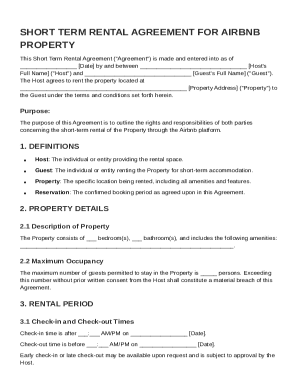
Short Term Rental Airbnb Agreement Template
This document is a Short Term Rental Agreement for an Airbnb property, outlining the terms and conditions between the Ho ...
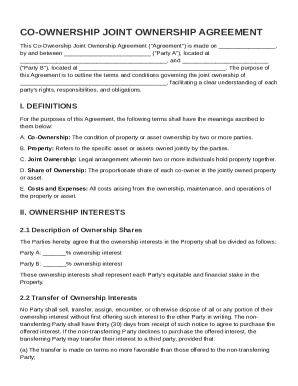
Co Ownership Joint Ownership Agreement Template
The Co-Ownership Joint Ownership Agreement outlines the terms and conditions for joint ownership of a specified property ...
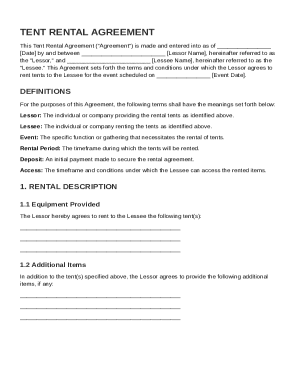
Tent Rental Contract Template
The Tent Rental Agreement outlines the terms and conditions for renting tents from a Lessor to a Lessee for a specified ...
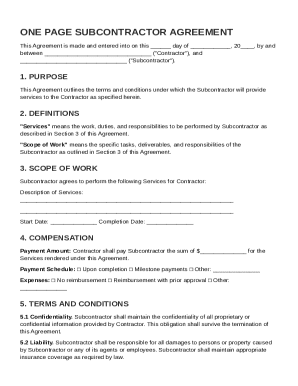
One Page Subcontractor Agreement Template
The document is a one-page Subcontractor Agreement that establishes the terms and conditions under which a subcontractor ...
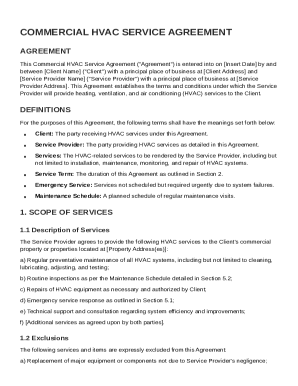
Commercial HVAC Service Agreement Template
The Commercial HVAC Service Agreement outlines the terms and conditions under which a service provider will deliver heat ...
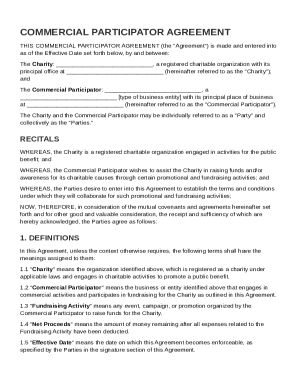
Commercial Participator Agreement Template
The Commercial Participator Agreement outlines the collaboration between a registered charity and a commercial entity to ...
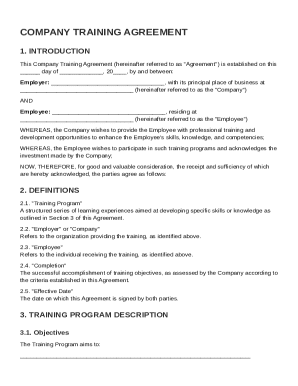
Company Training Agreement Template
The Company Training Agreement outlines the terms and conditions under which an employer provides professional training ...
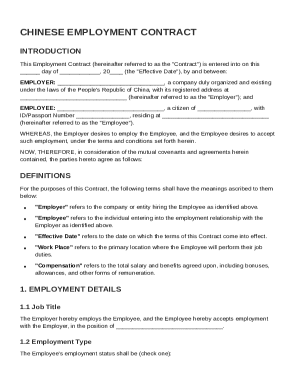
Chinese Employment Contract Template
The document is a Chinese Employment Contract outlining the terms of employment between an Employer and an Employee. It ...