Rule 4 summons mississippiJackson County, ms Court Docket searchMississippi rule 81 summons formMS Rules of Civil ProcedureMs Supreme Court DocketMS case SearchJefferson County MS Court DocketSimpson county ms court docket
Security and compliance
At DocHub, your data security is our priority. We follow HIPAA, SOC2, GDPR, and other standards, so you can work on your documents with confidence.
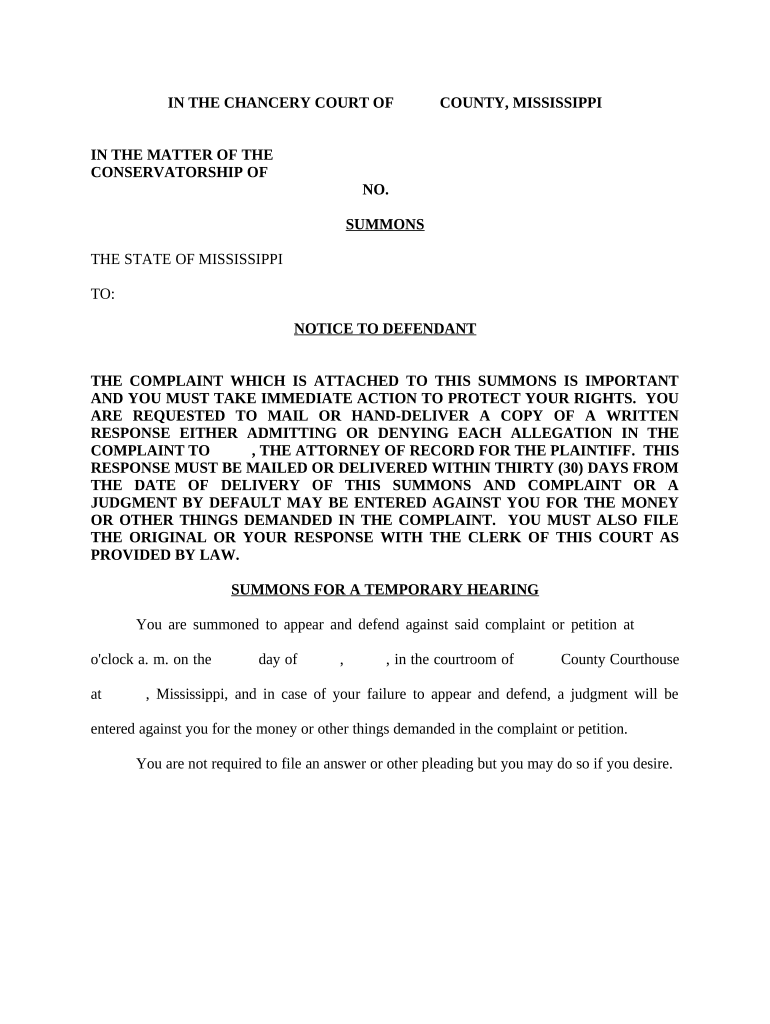
Your response must be mailed or delivered within thirty (30) days from the date of delivery of this Summons and Complaint or a judgment by default will beRead more
Rule 4 - Summons (a) Summons: Issuance. Upon filing of the complaint, the clerk shall forthwith issue a summons. (c) Service: (1) By Process Server. (d)Read more
Cookie consent notice
This site uses cookies to enhance site navigation and personalize your experience.
By using this site you agree to our use of cookies as described in our Privacy Notice.
You can modify your selections by visiting our Cookie and Advertising Notice.