Oklahoma identity 2026

Get Form
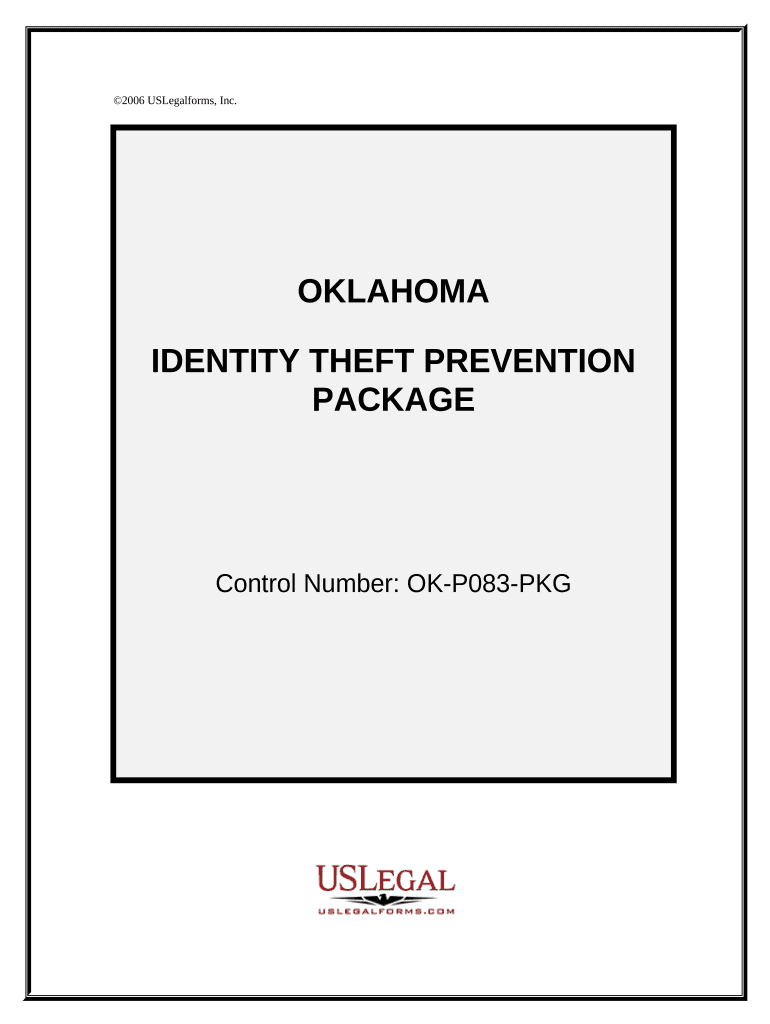
oklahoma non driver identification card Preview on Page 1

Here's how it works

01. Edit your oklahoma non driver identification card online
Type text, add images, blackout confidential details, add comments, highlights and more.
02. Sign it in a few clicks
Draw your signature, type it, upload its image, or use your mobile device as a signature pad.
03. Share your form with others
Send it via email, link, or fax. You can also download it, export it or print it out.

How to use or fill out Oklahoma Identity with our platform

Form edit decoration
9.5
Ease of Setup
DocHub User Ratings on G2
9.0
Ease of Use
DocHub User Ratings on G2
  1. Click ‘Get Form’ to open the Oklahoma Identity Theft Prevention Package in the editor.
  2. Begin with the 'Identity Theft Protection Guide.' Review its contents carefully, as it provides essential information on protecting your credit and financial assets.
  3. Next, locate the 'Letter to Credit Card Issuer Regarding Replacement Card.' Fill in your personal details and specify any issues regarding your replacement card.
  4. Proceed to the 'Letter to Creditor or Service Provider Regarding Receipt of Bills.' Clearly state which bill you have not received and provide your updated contact information if necessary.
  5. Complete the 'Letter to Remove Name from Mail Marketing Lists' by entering your name and address. This will help reduce unsolicited mail that could lead to identity theft.
  6. Finally, fill out the 'Letter to Credit Reporting Bureaus or Agencies.' Request a credit report and specify any precautions you want them to take regarding your identity.

Start using our platform today for free and take control of your identity protection!

be ready to get more

Complete this form in 5 minutes or less

Get form

Got questions?

We have answers to the most popular questions from our customers. If you can't find an answer to your question, please contact us.
Contact us

Yes, you can utilize DocHub for signing any business and private documentation, including your oklahoma identity. All electronic signatures you create with our service are legally binding and court-admissible, as DocHub complies with standards required by ESIGN and UETA. Save your completed document with a detailed Audit Trail if necessary.

Having a swift editing platform like DocHub, you do not need anything but a browser and connection to the internet to edit your oklahoma identity on the internet swiftly. Upload your file or get the appropriate form in DocHub’s catalog, open our editor with a single click, and finish it electronically. To edit your forms at any time, register a free profile with DocHub.

A black star signifies a Real ID-compliant license, while a gold star indicates enhanced security features.
Oklahoma does not have mandatory identification laws. And there arent any cases addressing this issue. But we know what it means to identify yourself. Cops may only take your photo so long as your identity is related to the investigation of the suspicion that justified the stop.
Yes, Police Officers in the USA have the capacity of asking for an Identification. And, according to United States Supreme Court Justice Sandra Day OConnor, you have the right to refuse to give it to them unless they can show ``reasonable Probable Cause to ask you for it.

Security and compliance

At DocHub, your data security is our priority. We follow HIPAA, SOC2, GDPR, and other standards, so you can work on your documents with confidence.

Learn more
ccpa2
pci-dss
gdpr-compliance
hipaa
soc-compliance