Type text, add images, blackout confidential details, add comments, highlights and more.

02. Sign it in a few clicks
Draw your signature, type it, upload its image, or use your mobile device as a signature pad.

03. Share your form with others
Send it via email, link, or fax. You can also download it, export it or print it out.

How to use or fill out Ohio Property Management Package - Ohio with our platform
Ease of Setup
DocHub User Ratings on G2
Ease of Use
DocHub User Ratings on G2
Click ‘Get Form’ to open the Ohio Property Management Package in the editor.
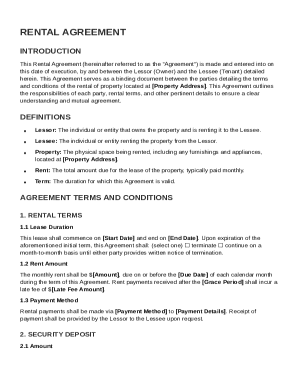
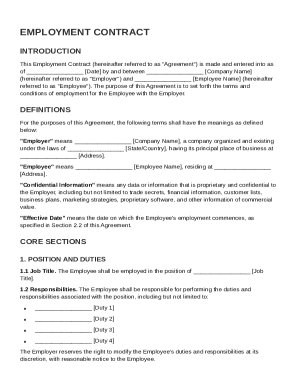
Begin with the Lease or Rental Agreement. Fill in tenant and landlord details, including names and contact information. Specify lease terms such as duration and rental amount.
Next, complete the Security Deposit Agreement by entering the deposit amount and conditions for its return. Ensure clarity on deductions if applicable.
For the Inventory and Condition of Leased Premises form, document all items included in the rental property. Note their condition pre-lease and post-lease.
Review all completed forms for accuracy. Utilize our platform’s features to save your progress and make edits as needed before finalizing.
Start using our platform today to streamline your property management tasks for free!
Fill out Ohio Property Management Package - Ohio online It's free
Engage. Learn. Thrive. Phone: 614-292-0100 | Email Off-Campus and Commuter Student Engagement. If you have a disability and experience difficultyRead more
Cookie consent notice
This site uses cookies to enhance site navigation and personalize your experience.
By using this site you agree to our use of cookies as described in our Privacy Notice.
You can modify your selections by visiting our Cookie and Advertising Notice.