New york small 2026

Get Form
new york small Preview on Page 1

Here's how it works

01. Edit your form online
Type text, add images, blackout confidential details, add comments, highlights and more.
02. Sign it in a few clicks
Draw your signature, type it, upload its image, or use your mobile device as a signature pad.
03. Share your form with others
Send it via email, link, or fax. You can also download it, export it or print it out.

How to use or fill out New York Small with our platform

Form edit decoration
9.5
Ease of Setup
DocHub User Ratings on G2
9.0
Ease of Use
DocHub User Ratings on G2
  1. Click ‘Get Form’ to open the New York Small form in the editor.
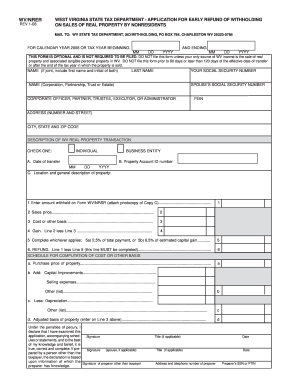
  2. Begin by filling out the Profit and Loss Statement section. Enter your total revenues and expenses to calculate your net profit or loss.
  3. Next, navigate to the Aging Accounts Payable form. Input the details of your outstanding invoices, including due dates and amounts, to track what you owe.
  4. Proceed to the Balance Sheet Deposit section. Here, compare your deposit entries across different periods by entering monthly totals.
  5. Complete the Cash Disbursements and Receipts form by recording all cash transactions made during the period.
  6. Finally, review all sections for accuracy before saving or exporting your completed forms directly from our platform.

Start using our platform today for free to streamline your document editing and form completion!

be ready to get more

Complete this form in 5 minutes or less

Get form

Got questions?

We have answers to the most popular questions from our customers. If you can't find an answer to your question, please contact us.
Contact us
City of Welch, WV - CoalTown, USAs post.
Since the first U.S. census was held in 1790, New York has been the largest city in the United States.
Over 20.1 million people live in New York Citys metropolitan statistical area and 23.5 million in its combined statistical area as of 2020, both the largest in the U.S. New York City is one of the worlds most populous megacities.

Security and compliance

At DocHub, your data security is our priority. We follow HIPAA, SOC2, GDPR, and other standards, so you can work on your documents with confidence.

Learn more
ccpa2
pci-dss
gdpr-compliance
hipaa
soc-compliance