




01. Edit your form online
Type text, add images, blackout confidential details, add comments, highlights and more.

Type text, add images, blackout confidential details, add comments, highlights and more.

Draw your signature, type it, upload its image, or use your mobile device as a signature pad.

Send it via email, link, or fax. You can also download it, export it or print it out.

Start using our platform today to easily fill out your CST-286 form for free!
At DocHub, your data security is our priority. We follow HIPAA, SOC2, GDPR, and other standards, so you can work on your documents with confidence.
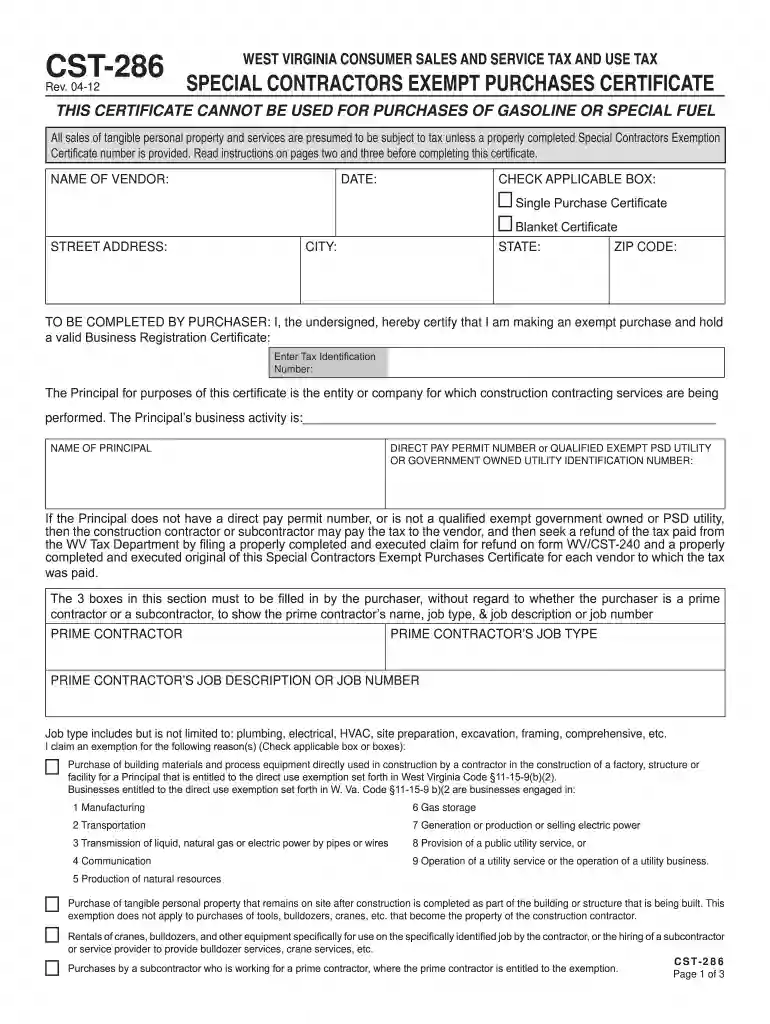
The contractor or subcontractor may use Form WV CST-286, Special Contractors Exempt Purchases Certificate using the public utilitys tax identification numberRead more
For construction related purchases for these utilities, the Taxpayer identification number should be used on this form instead of the direct pay permit number.Read more
TI warrants performance of its semiconductor products and related software to the specifications applicable at the time of sale in accordance with TIsRead more


