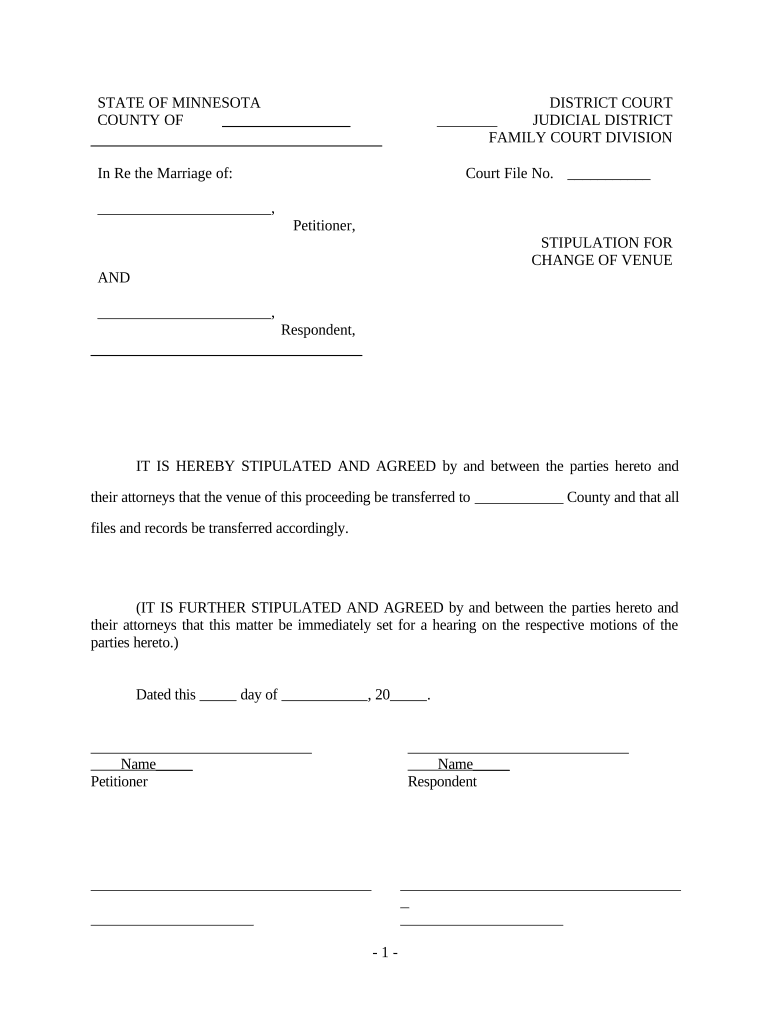
Start using our platform today to easily fill out your change venue application for free!
Most eSignature services require users to have a paid subscription. With DocHub, there are two ways for you to create an electronic signature to your motion for change of venue california form free of charge:
The second option, though, has limitations on the number of signatures, sign requests, emails, and forms for adjusting available per month. You can check for full details here.
You need only an internet connection and a web browser to fill out your motion to change venue form by using an iOS phone. Open the DocHub website and authenticate. Then, add your file or choose it from the list in your dashboard. Then use our editing instruments to fill out your form and save all your changes. You can also send it to a dedicated recipient right away.
At DocHub, your data security is our priority. We follow HIPAA, SOC2, GDPR, and other standards, so you can work on your documents with confidence.
Learn more