Type text, add images, blackout confidential details, add comments, highlights and more.
02. Sign it in a few clicks
Draw your signature, type it, upload its image, or use your mobile device as a signature pad.
03. Share your form with others
Send it via email, link, or fax. You can also download it, export it or print it out.
How to use or fill out Oregon Minor with our platform
Ease of Setup
DocHub User Ratings on G2
Ease of Use
DocHub User Ratings on G2
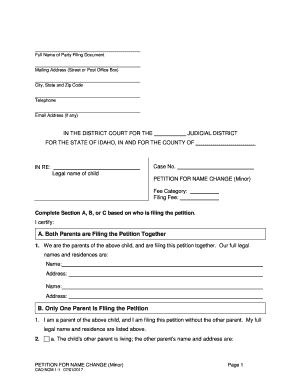
Click ‘Get Form’ to open the Oregon Minor Affidavit in the editor.
Begin by filling in your name in the designated field under Section I, indicating whether you are the petitioner or respondent.
In Section II, list the names of the minor child/ren involved in this proceeding. Ensure accuracy as this information is crucial for custody considerations.
Provide the current address of the minor child/ren in Section III. This helps establish residency and jurisdiction.
Section IV requires you to detail where the minor child/ren have lived over the past five years. Fill out each row with dates, county/state, and with whom they resided.
If applicable, indicate any previous litigation concerning custody or visitation in Section VI. This transparency is vital for legal proceedings.
Complete all remaining sections as required, ensuring that all information is accurate and complete before finalizing your affidavit.
Start using our platform today to easily fill out your Oregon Minor Affidavit for free!
Oregon minor label LoginOregon minor employment certificateAnnual employment certificateState of Oregon electrical licenseOregon Department of Consumer and Business ServicesOregon accelaElectrical license lookup OregonSalem, Oregon building Codes
Security and compliance
At DocHub, your data security is our priority. We follow HIPAA, SOC2, GDPR, and other standards, so you can work on your documents with confidence.
Majors and Minors - UO Admissions - University of Oregon
Find Majors and Minors Accounting Advertising African studies Anthropology Arabic studies Architecture Art Art and technology. College of Design.Read more
Cookie consent notice
This site uses cookies to enhance site navigation and personalize your experience.
By using this site you agree to our use of cookies as described in our Privacy Notice.
You can modify your selections by visiting our Cookie and Advertising Notice.