Type text, add images, blackout confidential details, add comments, highlights and more.
02. Sign it in a few clicks
Draw your signature, type it, upload its image, or use your mobile device as a signature pad.
03. Share your form with others
Send it via email, link, or fax. You can also download it, export it or print it out.
How to use or fill out disclaimer currentness with our platform
Ease of Setup
DocHub User Ratings on G2
Ease of Use
DocHub User Ratings on G2
Click ‘Get Form’ to open the disclaimer currentness document in the editor.
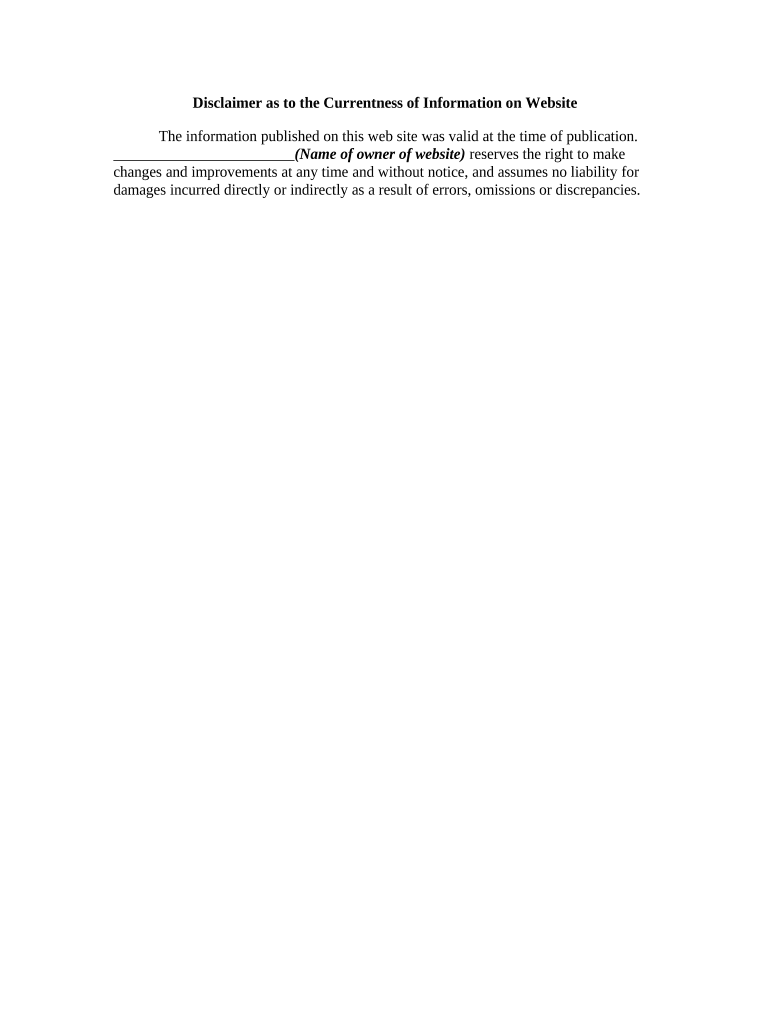
Begin by entering the name of the website owner in the designated field. This is crucial as it identifies who is responsible for the information provided.
Review the statement regarding the validity of information at the time of publication. Ensure that it accurately reflects your website's policy on updates and changes.
Incorporate any additional notes or disclaimers relevant to your specific context, if necessary, in a separate text box provided within the editor.
Once all fields are completed, utilize our platform’s features to save, sign, or share your updated disclaimer as needed.
Start using our platform today to effortlessly manage your documents for free!
Disclaimer of Warranty. Unless required by applicable law or agreed to in writing, Licensor provides the Work (and each Contributor provides itsRead more
The Town of Poughkeepsie, NY , does not make any warranties or representations with respect to the content, quality, accuracy, currentness, or completeness
Cookie consent notice
This site uses cookies to enhance site navigation and personalize your experience.
By using this site you agree to our use of cookies as described in our Privacy Notice.
You can modify your selections by visiting our Cookie and Advertising Notice.