Type text, add images, blackout confidential details, add comments, highlights and more.
02. Sign it in a few clicks
Draw your signature, type it, upload its image, or use your mobile device as a signature pad.
03. Share your form with others
Send it via email, link, or fax. You can also download it, export it or print it out.
How to Use or Fill Out Personnel Handbook with Our Platform
Ease of Setup
DocHub User Ratings on G2
Ease of Use
DocHub User Ratings on G2
Click ‘Get Form’ to open the personnel handbook in the editor.
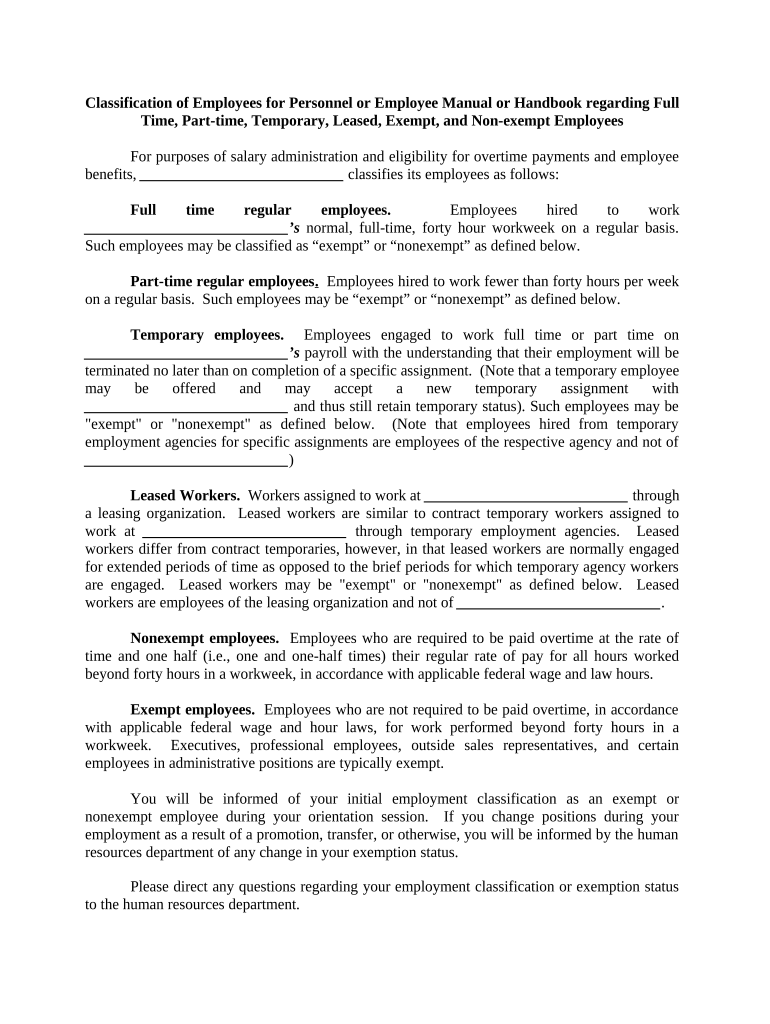
Begin by reviewing the classification of employees section. This outlines different employment types such as full-time, part-time, temporary, and leased workers. Familiarize yourself with these definitions to understand your status.
Locate the fields where you need to input your personal information. Fill in your name and position as required. Ensure accuracy for proper classification.
Check the exemption status section. If applicable, indicate whether you are classified as exempt or nonexempt based on your role. Refer to the definitions provided for clarity.
If you have any questions regarding your classification, use the comment feature in our platform to note them down for discussion with HR during orientation.
Start using our platform today for free to streamline your personnel handbook experience!
Cookie consent notice
This site uses cookies to enhance site navigation and personalize your experience.
By using this site you agree to our use of cookies as described in our Privacy Notice.
You can modify your selections by visiting our Cookie and Advertising Notice.