




Here's how it works

01. Edit your appraisal letter online
Type text, add images, blackout confidential details, add comments, highlights and more.

02. Sign it in a few clicks
Draw your signature, type it, upload its image, or use your mobile device as a signature pad.

03. Share your form with others
Send it via email, link, or fax. You can also download it, export it or print it out.
How to use or fill out letter appraisal with our platform

- Click ‘Get Form’ to open the letter appraisal in the editor.
- Begin by entering the date at the top of the document. This sets the context for your appraisal letter.
- Fill in the recipient's name and address details, ensuring accuracy for effective communication.
- In the 'Re:' section, specify the property location clearly, including city and state to avoid any confusion.
- Compose a personalized greeting using the recipient's name, followed by a colon.
- Detail your request for an appraisal, mentioning specific information about the property such as parcel number and land usage.
- Conclude with a polite closing statement expressing gratitude and inviting further questions.
- Sign off with your name and title, then attach any necessary documents using our platform’s file upload feature.
Start editing your letter appraisal today for free and streamline your document process!
Fill out letter appraisal online
It's free
It's free
Security and compliance
At DocHub, your data security is our priority. We follow HIPAA, SOC2, GDPR, and other standards, so you can work on your documents with confidence.
Learn more


Related forms
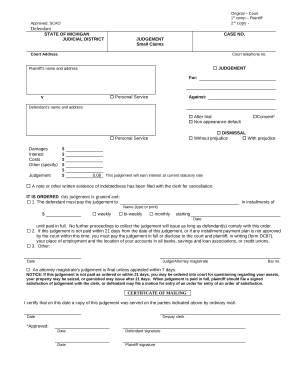
Small claims
The document is a Small Claims Court judgment form from the State of Michigan, detailing the court's decision regarding ...
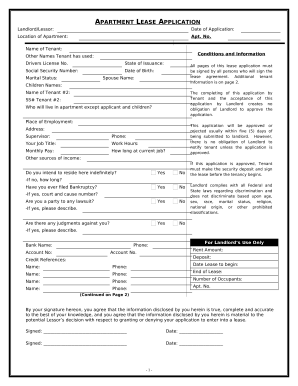
Rental application vermont
The document is an Apartment Lease Application that collects personal and financial information from potential tenants, ...


