




Here's how it works

01. Edit your statement of credit denial termination or change online
Type text, add images, blackout confidential details, add comments, highlights and more.

02. Sign it in a few clicks
Draw your signature, type it, upload its image, or use your mobile device as a signature pad.

03. Share your form with others
Send statement of credit denial form via email, link, or fax. You can also download it, export it or print it out.
How to use or fill out denial credit form statement with our platform

- Click ‘Get Form’ to open the denial credit form statement in the editor.
- Begin by entering the name of the applicant in the designated field at the top of the form. Ensure that you spell the name correctly for accurate processing.
- Next, fill in the address of the applicant in the provided space. This information is crucial for communication regarding their application status.
- Review the body of the form, which explains that their application has been declined based on information from a source other than a consumer reporting agency. Make sure this section is clear and concise.
- Instruct applicants about their rights under federal law regarding disclosure requests. Ensure they understand they must submit such requests in writing within 60 days.
- Finally, sign and date the form at the bottom where indicated, ensuring that all necessary details are completed before submission.
Start using our platform today to easily fill out your denial credit form statement for free!
Fill out denial credit form statement online
It's free
It's free
Security and compliance
At DocHub, your data security is our priority. We follow HIPAA, SOC2, GDPR, and other standards, so you can work on your documents with confidence.
Learn more


Related forms
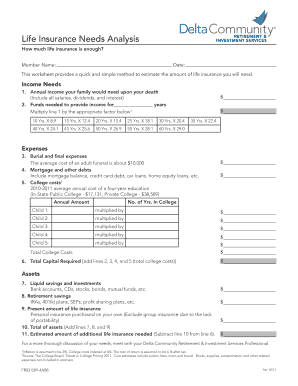
Insurance needs analysis form
The document is a Life Insurance Needs Analysis worksheet designed to help individuals estimate the amount of life insur ...
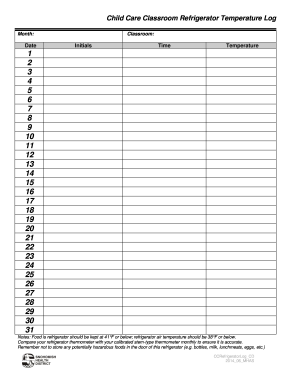
Temperature log for refrigerators fahrenheit
The document is a Child Care Classroom Refrigerator Temperature Log that outlines the procedure for monitoring and recor ...

Uk first time buyer
The document is a First Time Buyer Declaration form that requires the buyer to provide personal details and confirm thei ...
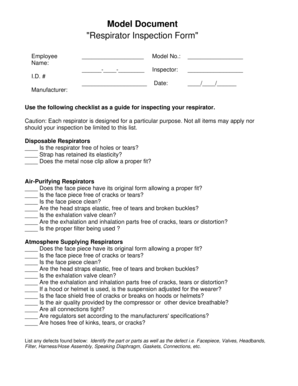
Monthly respirator inspection form
The document is a 'Respirator Inspection Form' designed for employees to guide them in inspecting various types of respi ...
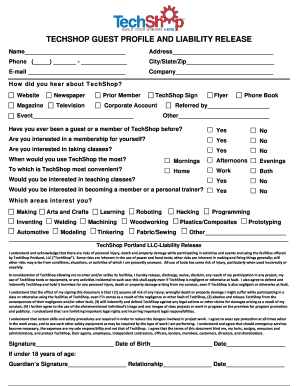
TechShop Guest Profile and Liability Release-Portland - ortop
The document is a guest profile and liability release form for TechShop, requiring personal information from participant ...
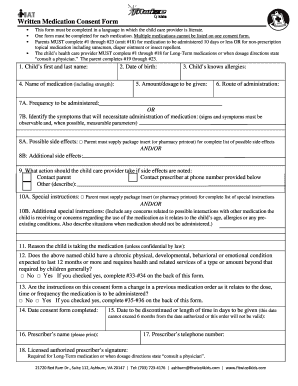
Written Medication Consent Form This form must be completed in a language in which the child care provider is literate
Written Medication Consent Form This form must be completed in a language in which the child care provider is literate
The document is a Written Medication Consent Form for child care providers, requiring parents to provide detailed inform ...
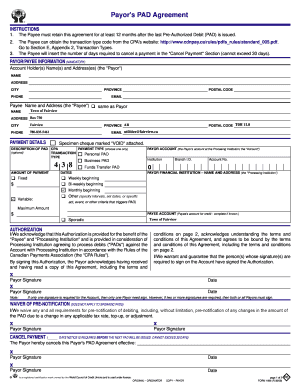
Payors pad
The document outlines the Payor's Pre-Authorized Debit (PAD) Agreement, detailing the responsibilities of the Payee and ...