Motion bar 2025

Get Form
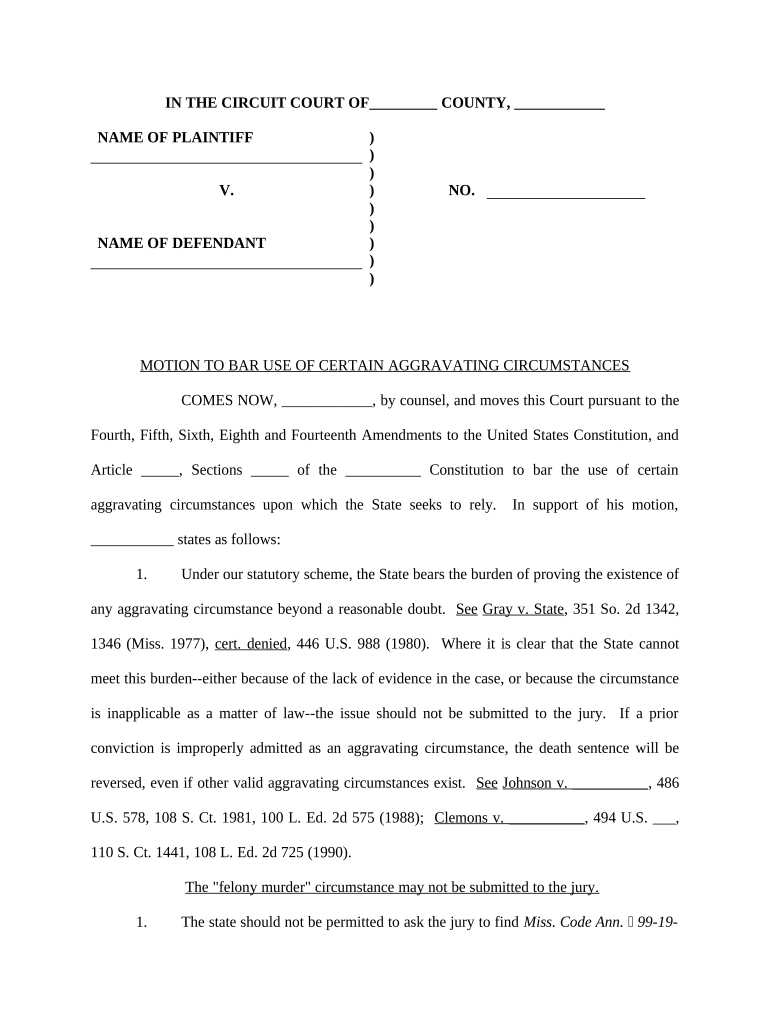
motion bar Preview on Page 1

Here's how it works

01. Edit your form online
Type text, add images, blackout confidential details, add comments, highlights and more.
02. Sign it in a few clicks
Draw your signature, type it, upload its image, or use your mobile device as a signature pad.
03. Share your form with others
Send it via email, link, or fax. You can also download it, export it or print it out.

How to use or fill out motion bar with our platform

Form edit decoration
9.5
Ease of Setup
DocHub User Ratings on G2
9.0
Ease of Use
DocHub User Ratings on G2
  1. Click 'Get Form' to open the motion bar in the editor.
  2. Begin by entering the names of the plaintiff and defendant in the designated fields at the top of the form. Ensure accuracy as these names are crucial for legal identification.
  3. In the section labeled 'COMES NOW,' input your name and that of your counsel. This identifies who is making the motion.
  4. Fill in the case number in the 'NO.' field, which is essential for tracking your motion within court records.
  5. Proceed to articulate your arguments clearly in support of your motion. Use bullet points or numbered lists for clarity, especially when referencing legal precedents.
  6. Complete any additional sections as required, ensuring all necessary information is provided to support your claims effectively.
  7. Finally, sign and date the document electronically using our platform's signature feature before submitting it to ensure compliance with legal standards.

Start editing your motion bar today for free and streamline your document processes!

be ready to get more

Complete this form in 5 minutes or less

Get form

Got questions?

We have answers to the most popular questions from our customers. If you can't find an answer to your question, please contact us.
Contact us

Sure, you’ll find numerous apps for this on the web. Nonetheless, if you need to eSign your motion bar without installing additional software, DocHub is the optimum choice you can make. This powerful editor works on mobile devices just as on desktops. Open our editor in your preferred internet browser, register or sign in to your account, and start processing your documents.

As a comprehensive document editing platform, DocHub is accessible on mobile phones. Open DocHub in your choice of mobile internet browser and employ our intelligent mobile-friendly toolset to fill out your motion bar.

The Wii remotes accelerometer-based motion control works with or without the sensor bar. You can play games like Tony Hawks Downhill Jam and you wont need a sensor bar to do it. But for titles like Red Steel or for procedures like aiming the bow in Zelda, well, thats sensor bar territory.
The Wii sensor bar is quite simply a bank of powered up LED lights, it transmits no data to either the console or the Wii controllers. The LED lights are used as a reference point for your Wii remote, the Wii remote picks up the light emitted from the sensor bar and uses it to work out the movement of your controller.
The Sensor Bar is required when the Wii Remote is controlling up-down, left-right motion of a cursor or reticle on the TV screen to point to menu options or objects such as enemies in first-person shooters.
be ready to get more

Complete this form in 5 minutes or less

Get form

People also ask

The Wii remotes accelerometer-based motion control works with or without the sensor bar. You can play games like Tony Hawks Downhill Jam and you wont need a sensor bar to do it. But for titles like Red Steel or for procedures like aiming the bow in Zelda, well, thats sensor bar territory.
0:00 1:46 You Dont Need The Wii Sensor Bar??? - YouTube YouTube Start of suggested clip End of suggested clip So essentially all the wii remote. Really needs is infrared light in order to be picked up. AndMoreSo essentially all the wii remote. Really needs is infrared light in order to be picked up. And shown off on the screen. And something that gives off infrared.
Ultimately, no. You need the Wiimote to control the channel menu. Sure you can play Gamecube games with an original white Wii and use the Gamecube controller to play that, along with many Wii games that can also use the Gamecube controller. But you still need the Wiimote to get you there.
The Wii sensor bar is quite simply a bank of powered up LED lights, it transmits no data to either the console or the Wii controllers. The LED lights are used as a reference point for your Wii remote, the Wii remote picks up the light emitted from the sensor bar and uses it to work out the movement of your controller.
This guide gives you a list of recommended devices that might be needed while using Dolphin - either as a requirement (sensor bar, bluetooth dongle are required to connect Wii Remotes) or simply for more faithful emulation (GameCube controller, etc.).

Related links