Rules for room 2026

Get Form
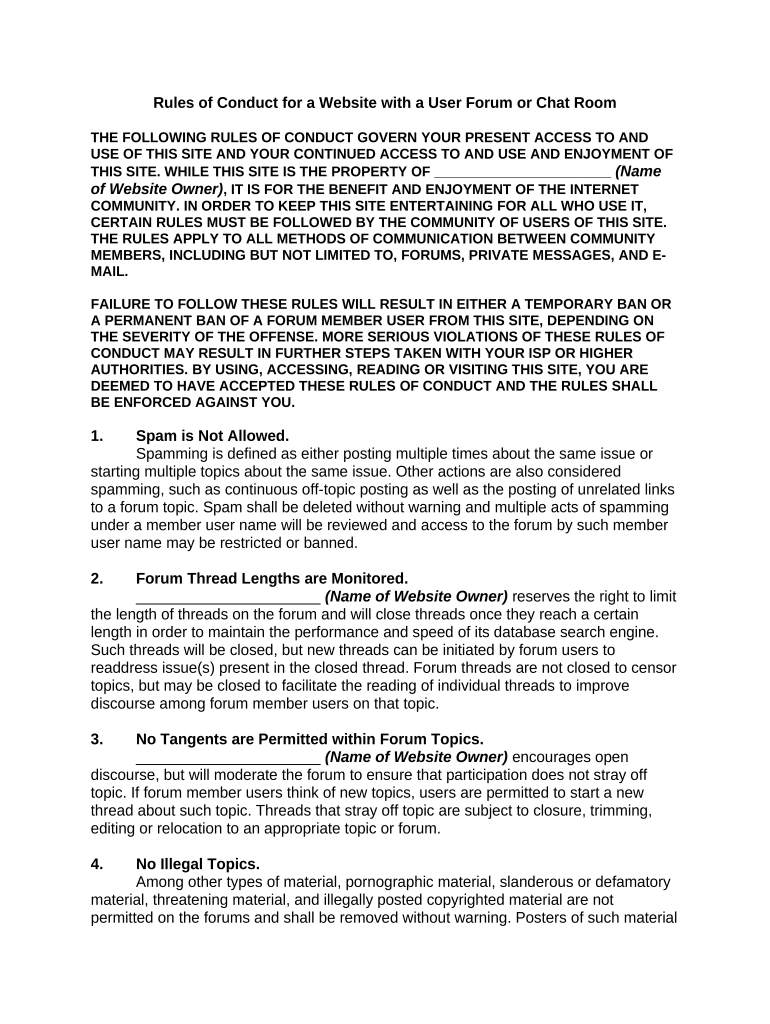
rules for room Preview on Page 1

Here's how it works

01. Edit your form online
Type text, add images, blackout confidential details, add comments, highlights and more.
02. Sign it in a few clicks
Draw your signature, type it, upload its image, or use your mobile device as a signature pad.
03. Share your form with others
Send it via email, link, or fax. You can also download it, export it or print it out.

How to use or fill out rules for room with our platform

Form edit decoration
9.5
Ease of Setup
DocHub User Ratings on G2
9.0
Ease of Use
DocHub User Ratings on G2
  1. Click ‘Get Form’ to open the Rules of Conduct document in the editor.
  2. Review the introduction section, which outlines the purpose of the rules and their importance for maintaining a respectful community. Ensure you understand that by using this site, you agree to these rules.
  3. Proceed to each rule listed. For example, familiarize yourself with Rule 1 regarding spam. Make sure to note what constitutes spamming and the consequences of such actions.
  4. Continue through the rules, paying attention to specifics like forum thread lengths and illegal topics. Each rule is designed to enhance user experience and maintain order.
  5. If you have questions or need clarification on any rule, locate the contact information provided at the end of the document and reach out directly.

Start using our platform today to easily manage your documents and ensure compliance with community standards!

be ready to get more

Complete this form in 5 minutes or less

Get form

Security and compliance

At DocHub, your data security is our priority. We follow HIPAA, SOC2, GDPR, and other standards, so you can work on your documents with confidence.

Learn more
ccpa2
pci-dss
gdpr-compliance
hipaa
soc-compliance