




Here's how it works

01. Edit your dochub com fillable form online
Type text, add images, blackout confidential details, add comments, highlights and more.

02. Sign it in a few clicks
Draw your signature, type it, upload its image, or use your mobile device as a signature pad.

03. Share your form with others
Send sample report on employee performance via email, link, or fax. You can also download it, export it or print it out.
How to use or fill out employee performance evaluation with our platform

- Click ‘Get Form’ to open the employee performance evaluation in the editor.
- Begin by entering the 'Name of Employee' and 'Evaluation Date' at the top of the form. This sets the context for the evaluation.
- Proceed to section A, 'Cooperation'. Rate each item from 1 to 5 based on the employee's performance, and provide comments to elaborate on your ratings.
- Continue through sections B to K, filling out each category such as 'Attendance and Punctuality', 'Initiative', and 'Dependability'. Use the provided scale for ratings and add comments where necessary.
- In the final section, answer open-ended questions regarding creative contributions, new skills learned, strengths, areas for improvement, desired changes in operations, and personal goals.
- Once completed, ensure all fields are filled accurately. You can save or share the document directly from our platform for further review or signatures.
Start using our platform today to streamline your employee performance evaluations effortlessly!
Fill out employee performance evaluation online
It's free
It's free
Security and compliance
At DocHub, your data security is our priority. We follow HIPAA, SOC2, GDPR, and other standards, so you can work on your documents with confidence.
Learn more


Related forms

Form rpd 41285 2010
The document RPD-41285 is an Annual Statement of Withholding of Oil and Gas Proceeds issued by the New Mexico Taxation a ...

Mv2300 form
The document is a form for the transfer of vehicle titles to a surviving spouse, domestic partner, or heir in Wisconsin. ...

Hawaii state tax form 2013
The document is the State of Hawaii's Corporation Income Tax Return Form N-30 for the year 2013. It includes sections fo ...
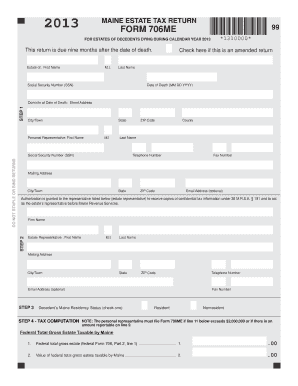
2013 706me form
The document is the Maine Estate Tax Return Form 706ME for estates of decedents who died in 2013. It outlines the requir ...
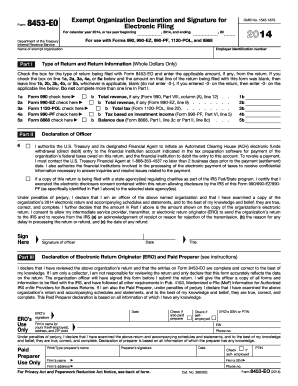
2014 irs form 8453
Form 8453-EO is a declaration and signature form for exempt organizations to authenticate their electronic tax returns, ...

IA 706 Iowa Inheritance/Estate Tax Return
The document is the IA 706 Iowa Inheritance/Estate Tax Return form, which is used to report and calculate inheritance an ...
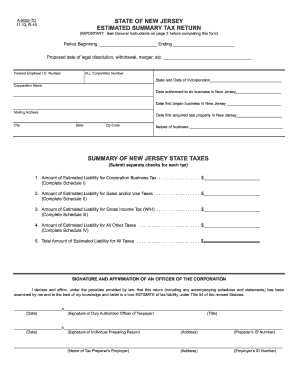
New jersey estimated
The document A-5052-TC is an Estimated Summary Tax Return form for corporations in New Jersey, required for filing befor ...
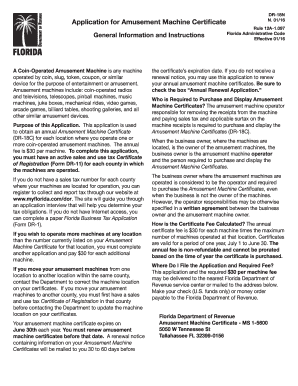
Amusement machine certificate florida
The document outlines the application process for obtaining an Amusement Machine Certificate in Florida, which is requir ...